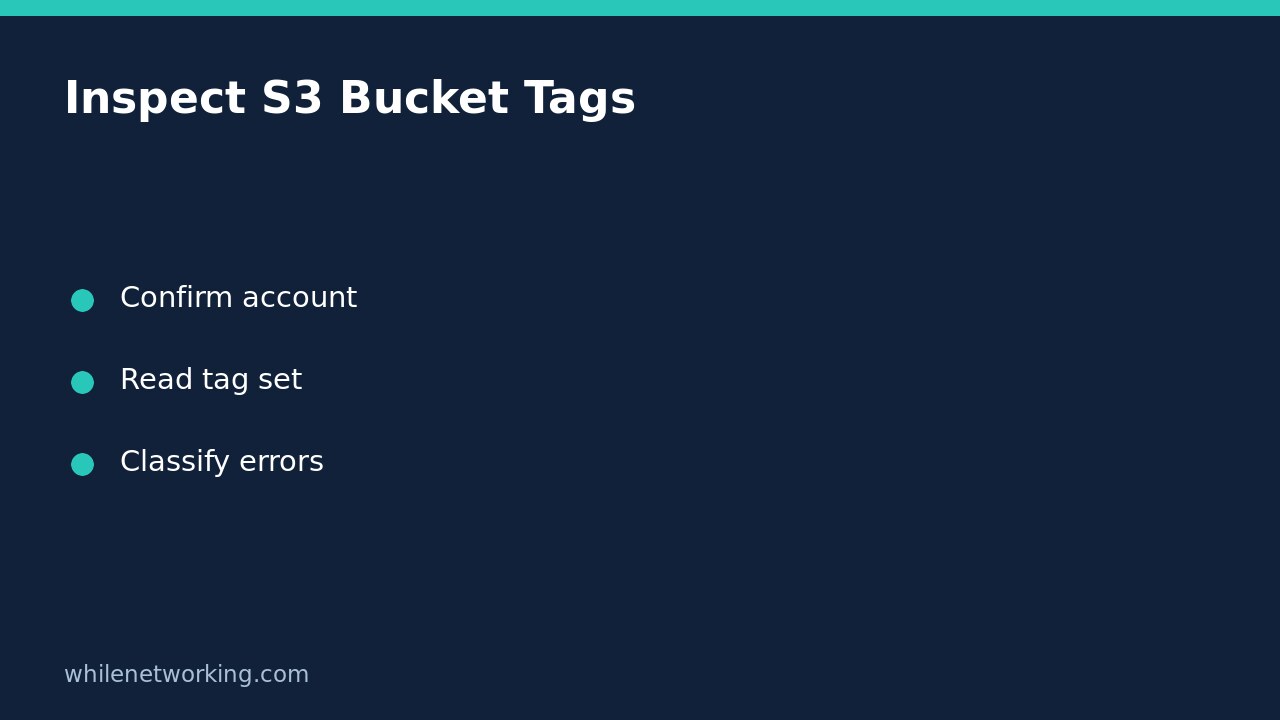

To inspect the tags attached to an Amazon S3 general purpose bucket without changing them, use aws s3api get-bucket-tagging. This reads the bucket’s tag set; it does not add, remove, or replace tags. Keep this inspection separate from any later remediation, and distinguish an absent tag set from a request that lacked permission to read it.
Confirm the scope before collecting evidence
This walkthrough covers general purpose buckets and AWS CLI v2. The official AWS command reference explicitly says this operation is not supported for directory buckets. It requires permission for s3:GetBucketTagging. A read-only review should request the relevant read permission rather than broad tagging or administrative write access.
Record the bucket name, intended owner account, region, and configured CLI profile from your approved inventory. Do not infer ownership from a familiar-looking bucket name. If you are unsure which identity a profile uses, first follow checking the AWS CLI account and role. An identity check and a bucket-owner check answer different questions: your caller’s account is not necessarily the account that owns a cross-account bucket.
Retrieve the complete tag set first
The following is a single-line command for a shell where the AWS CLI is installed and configured. Replace every example value before running it. The account number is an illustrative placeholder, not an instruction to trust that owner. Use the bucket owner’s confirmed account ID, which may differ from your caller’s account.
aws s3api get-bucket-tagging --bucket example-audit-bucket --expected-bucket-owner 111122223333 --profile audit-readonly --region ap-southeast-2 --output json --no-cli-pagerThe --expected-bucket-owner option makes the request fail with HTTP 403 if the supplied account does not match the actual owner. It is a useful guard, but a 403 alone does not prove an owner mismatch: insufficient permission can also deny access. Investigate the approved inventory and authorization before drawing a conclusion.
On success, inspect the returned TagSet list. Each entry has a Key and Value. Read the full result before narrowing the display. For an ownership handover, for example, you might compare a team label and an application label with the service inventory. Those labels describe recorded metadata; they do not establish that the named team has accepted operational responsibility.
Filter for one key without confusing absence with failure
After a successful full read, you can ask the CLI to display entries for a particular key. This example looks for a key spelled exactly CostCentre; adapt it to your organization’s actual naming convention.
aws s3api get-bucket-tagging --bucket example-audit-bucket --expected-bucket-owner 111122223333 --profile audit-readonly --region ap-southeast-2 --query 'TagSet[?Key==`CostCentre`]' --output json --no-cli-pagerThe filter changes the displayed response, not the stored bucket tags. An empty list after a successful request means that this expression matched no entries. It does not tell you whether the organization uses a different key spelling or a different accounting system. Compare the original full result and the agreed inventory schema before marking the bucket noncompliant.
Classify missing-tag and permission errors separately
- NoSuchTagSet: AWS documents this as no tag set associated with the bucket. Record that observation without inventing replacement tags.
- Access denied: You have not established what tags exist. Verify the caller, expected owner, and permission with an authorized administrator.
- Unknown profile or expired credentials: Repair the approved local authentication path, then repeat the read. Do not paste secret keys into a ticket or tutorial.
- Connection failure: Preserve the error and treat the inspection as incomplete. A failed request is not evidence that the bucket lacks tags.
Do not make a shell wrapper convert every failed command into an empty tag list. That erases the difference between an authorized observation and unavailable evidence. Record the command’s outcome alongside any displayed result, with the observation time and relevant inventory reference.
Close the review without silently changing metadata
Bucket-level inspection is not an object-tag inventory. This command’s scope is the tag set on the bucket, so avoid reporting that every stored object has been checked. Likewise, a successful read does not demonstrate that internal cost reporting or governance processes consumed the metadata correctly.
For a discrepancy, prepare a proposed change separately: current key/value entries, the intended final entries, the responsible owner, and the approval reference. This tutorial intentionally provides no write command. Keeping inspection separate makes it easier to review the entire existing set before any later change and avoids turning a diagnostic task into an unauthorized configuration update.
FAQ: Do I need rollback for this inspection? The commands above do not modify bucket configuration, so they do not require a configuration rollback. Locally saved results may still contain internal identifiers; store or dispose of them under your organization’s information-handling rules.
Safety: This tutorial is for educational purposes. Test carefully before using steps in production. The site owner is not responsible for misuse, damage, data loss, or production issues. The examples have not been run against your AWS account and do not establish its actual configuration.