
In an era where digital infrastructure is the backbone of modern commerce, the traditional concept of disaster recovery (DR) has shifted from a niche IT concern to a critical business survival strategy. For years, organizations maintained expensive on-premise data centers with mirrored servers in secondary locations. Today, Cloud Disaster Recovery offers a scalable, cost-effective alternative that allows businesses to recover from catastrophic events—whether they are ransomware attacks, regional outages, or natural disasters—with minimal downtime. However, simply migrating data to the cloud does not constitute a DR plan. Without a deliberate strategy, organizations risk losing years of work in minutes. This guide outlines the essential components of building a robust cloud-based recovery framework, ensuring your business can continue operating when it matters most.
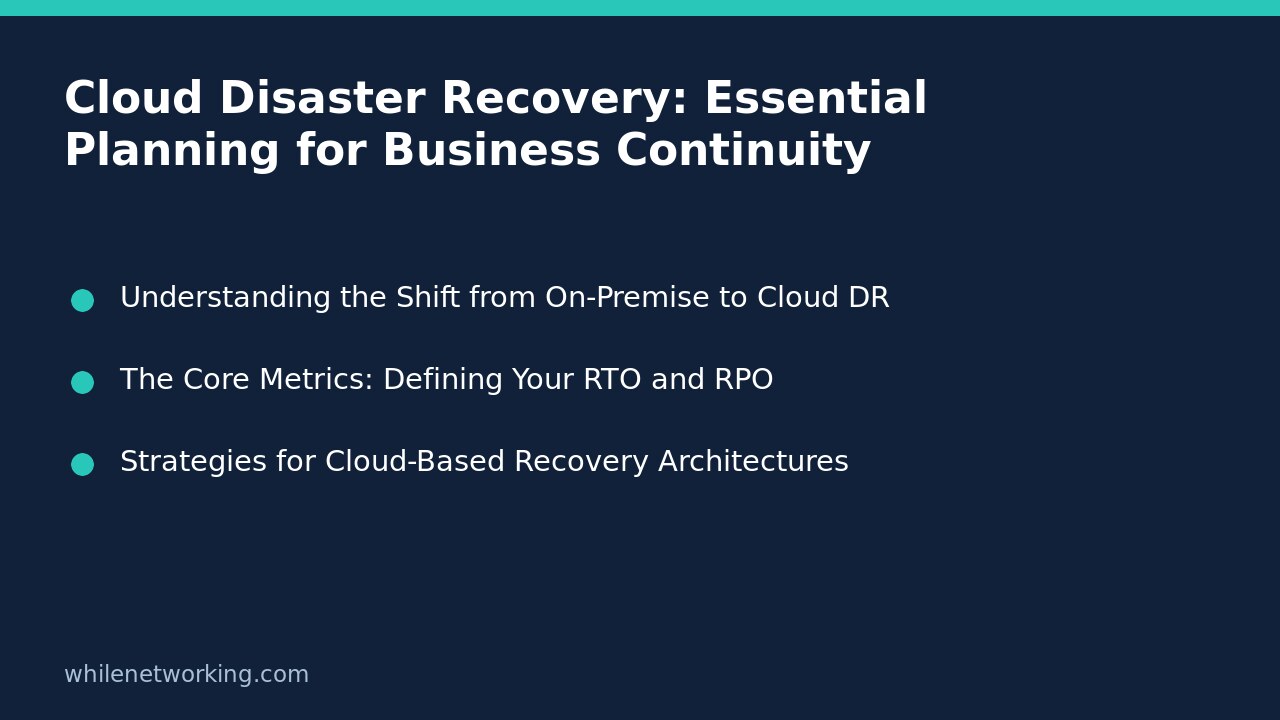
Understanding the Shift from On-Premise to Cloud DR
The primary advantage of cloud disaster recovery is elasticity. In a traditional on-premise model, you must purchase and maintain duplicate hardware regardless of how often you might need it. This leads to high capital expenditure (CapEx) that sits idle most of the time. Cloud DR transforms this into an operational expense (OpEx) model. You pay only for the resources you consume during testing or actual recovery events.
Furthermore, cloud providers offer geographically distributed data centers. If a physical disaster strikes your primary location, your backup infrastructure in a different region is likely unaffected. This geographic separation is crucial for meeting Recovery Point Objective (RPO) and Recovery Time Objective (RTO) requirements set by regulators and customers. For instance, if your headquarters in Chicago suffers a flood, your cloud-based replicas stored in a data center in Ohio or London can instantly take over operations without any loss of data integrity.
The Core Metrics: Defining Your RTO and RPO
Before selecting a cloud provider or configuring backup policies, you must define two critical metrics that dictate the architecture of your recovery plan.
Recovery Time Objective (RTO) is the maximum acceptable length of time that your IT systems can be offline before causing unacceptable consequences to the business. If your RTO is four hours, your DR system must be capable of bringing services back online within that window.
Recovery Point Objective (RPO) defines the maximum amount of data an organization can tolerate losing from a disaster before resuming normal operations. An RPO of one hour means you can lose up to an hour of data; any longer, and the business impact becomes too severe.
To achieve these metrics in the cloud, you often look at replication intervals. Many cloud solutions allow for continuous data protection (CDP), effectively making your RPO near zero. However, this comes with a higher cost. You must balance these objectives against your budget to find the “sweet spot” that satisfies business needs without overspending.
Strategies for Cloud-Based Recovery Architectures
There are three primary strategies for implementing cloud disaster recovery, each with distinct trade-offs between cost and complexity.
1. Pilot Light
In this approach, a minimal version of your infrastructure is kept running in the cloud. Only essential data stores and network configurations are replicated. When a disaster strikes, you scale up these resources to match production levels. This is the most cost-effective method but requires time to spin up full applications, potentially affecting your RTO.
2. Warm Standby
Here, a scaled-down version of your production environment runs continuously in the cloud. It might handle 10% to 50% of your normal traffic. During a failover, you scale this environment back up to full capacity. This strikes a balance between cost and speed, offering a faster recovery than Pilot Light but higher ongoing costs than that method.
3. Hot Site
This is the most expensive and complex option, involving a near-identical replica of your production environment running in real-time in the cloud. Failover is almost instantaneous with minimal data loss. While ideal for industries where downtime is fatal (e.g., healthcare or financial trading), it requires significant ongoing investment.
Leveraging Native Cloud Services vs. Third-Party Solutions
Most major cloud providers, such as AWS, Microsoft Azure, and Google Cloud, offer native disaster recovery services like AWS Backup, Azure Site Recovery, or Google Cloud DR. These tools are deeply integrated with the provider’s ecosystem, offering seamless integration with your existing infrastructure. They often include features like one-click failover and automated reporting.
However, some organizations prefer third-party Disaster Recovery as a Service (DRaaS) providers. These vendors manage the entire recovery process for you, including testing and monitoring, which can reduce the administrative burden on your internal IT team. When choosing between native and third-party solutions, consider your team’s expertise. If your staff is deeply familiar with AWS, their native tools may offer better support and customization. Conversely, if your team lacks cloud experience, a managed third-party solution might provide greater peace of mind.
Common Pitfalls in Cloud Disaster Recovery Planning
Even with the best technology, human error and poor planning can render a DR plan useless. One common mistake is assuming that “the cloud” solves everything without defining specific failover procedures. You must document exactly how to switch over DNS records, update IP addresses, and reconfigure load balancers during an emergency.
Another frequent error is neglecting regular testing. A DR plan is only as good as its last test. Many organizations build a perfect backup strategy but never actually attempt to restore data or fail over to the cloud environment. Without rigorous quarterly drills, your team may not realize that certain applications are incompatible with the recovery environment or that critical dependencies were missed. Additionally, failing to account for legal and compliance requirements can lead to severe penalties. Ensure your DR plan adheres to industry standards like HIPAA, GDPR, or PCI-DSS, which often dictate how long data must be retained and where it can be stored.
A Real-World Example: The Retail Chain Failover
Consider a mid-sized retail chain with physical stores and an e-commerce platform. Their primary servers are hosted in a single AWS region. Their DR plan utilizes the “Pilot Light” strategy for cost efficiency.
* Scenario: A massive cyberattack encrypts their primary database, rendering it inaccessible.
* Execution: The incident response team triggers the automated backup policy. Because they use continuous replication, data loss is less than five minutes (RPO < 5 mins).
* Recovery: They spin up a new Virtual Private Cloud (VPC) in a different AWS region. Using pre-configured scripts, they restore the database from the immutable backup snapshots. The e-commerce site goes back online within two hours (RTO = 2 hrs), allowing customers to continue purchasing while the IT team investigates and cleans the primary environment.
* Outcome: By avoiding a custom “Hot Site” build, they saved significant capital, yet maintained business continuity that prevented revenue loss during the outage.
Building Your Cloud DR Checklist
To get started with your own planning, consider this concise checklist:
1. Inventory Assets: List all critical applications, databases, and hardware dependencies.
2. Define Metrics: Establish clear RTO and RPO targets for each application tier.
3. Select Architecture: Choose between Pilot Light, Warm Standby, or Hot Site based on budget and risk tolerance.
4. Configure Backups: Set up automated snapshots in a different geographic region with immutability enabled to prevent ransomware deletion.
5. Document Procedures: Create step-by-step runbooks for manual intervention during automated failures.
6. Schedule Tests: Plan quarterly failover tests that simulate real-world disasters.
7. Review Compliance: Ensure your plan meets all relevant legal and industry regulatory requirements.
Conclusion
Cloud disaster recovery is no longer a luxury; it is a necessity for any business relying on digital operations. By leveraging the scalability of cloud infrastructure, organizations can build resilient systems that protect against both technical failures and malicious attacks. However, technology alone is not enough. Successful implementation requires clear definitions of recovery metrics, a well-thought-out architectural strategy, and most importantly, regular testing and documentation. As threats evolve and business environments become more complex, investing in a robust cloud DR plan ensures that your organization can weather any storm and emerge stronger. Remember that terms, availability, eligibility, laws, and prices depend on the specific insurer, policy, jurisdiction, and cloud provider chosen; always verify current rules before committing to a strategy.