
A maintenance instruction that says power off the server can hide an important cloud distinction. An operating-system shutdown inside an EC2 guest is not the same operation as choosing Stop in the EC2 console. Before approving a guest power-off, inspect the instance’s configured response without actually shutting it down.
The scope here is an authorised read-only review using AWS CLI v2. The command pattern is documentation-based, not a report of a test against a live AWS account. No guest command, stop operation or configuration modification is required.
Clarify the maintenance instruction first
Ask the maintainer what action the runbook actually performs: an operating-system shutdown inside the guest, an EC2 API stop call or an instance termination. Do not treat these descriptions as synonyms. Get the exact action from the owner rather than executing the runbook to discover what it does.
Identify the account, Region and instance ID. Use our AWS identity and role check to confirm the inspection context. The Name tag or a hostname from an old ticket is not enough to establish that you are reviewing the intended resource.
Use a role permitted to describe the instance attribute. If that permission is missing, record the blocker and request approved read access. A maintenance deadline does not make a broader administrator session necessary or appropriate for this observation.
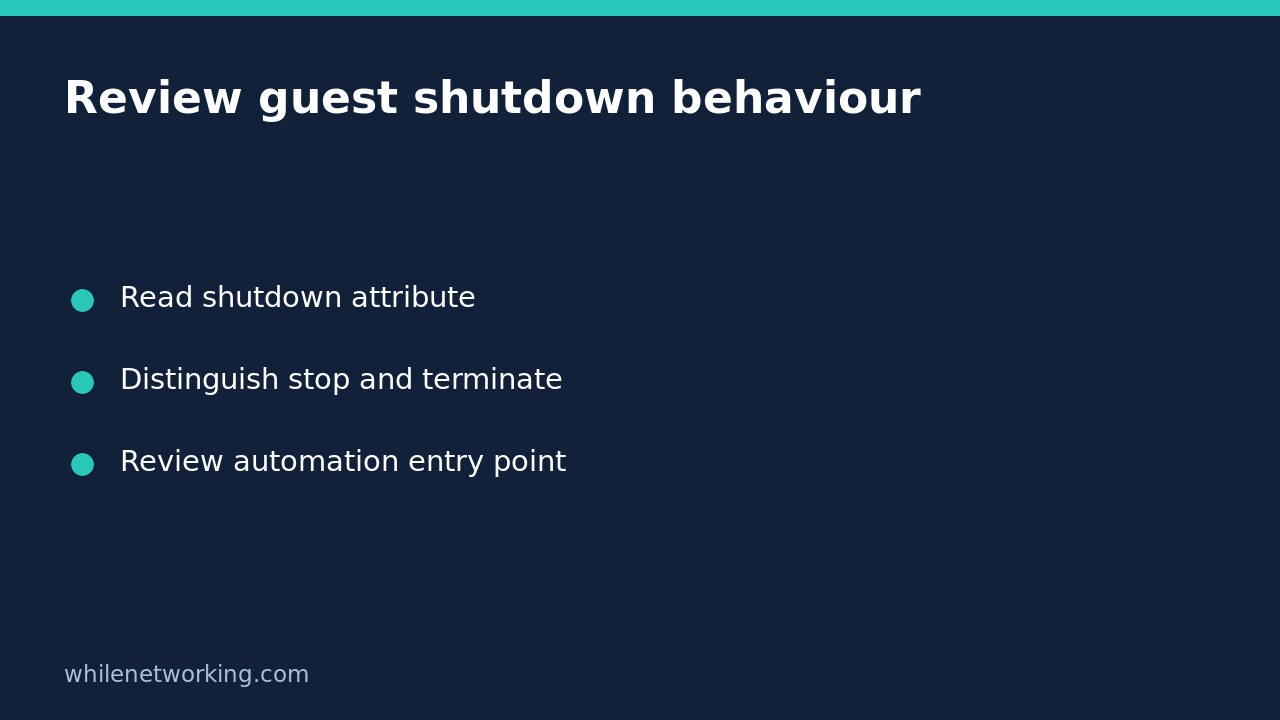
Read the instance-initiated shutdown attribute
aws ec2 describe-instance-attribute --profile audit-readonly --region ap-southeast-2 --instance-id i-0123456789abcdef0 --attribute instanceInitiatedShutdownBehavior --output json --no-cli-pagerReplace all example values with your authorised target. The CLI reference documents this attribute and returns it under InstanceInitiatedShutdownBehavior with a Value. Keep the instance identifier in the recorded response rather than copying only the final word.
A successful observation should be saved with the time, account and Region. An access-denied or instance-not-found error is not a safe default value. Resolve the context or permission issue before anyone uses the result to approve maintenance.
Understand what stop and terminate mean here
The EC2 shutdown-behaviour guide says an Amazon EBS-backed instance stops by default when shutdown is initiated from the instance, but the attribute can be changed so the instance terminates instead. Inspect the actual value rather than relying on that default.
If the observed Value is stop, record that guest shutdown is configured to stop this instance. If it is terminate, record that guest shutdown is configured to terminate it. Do not test the latter by issuing a shutdown. AWS warns that termination is permanent and can also permanently remove attached EBS volumes configured for deletion, while instance-store data is lost.
These observations still do not establish that stopping is operationally harmless. An application can be interrupted even when the instance itself remains available for a later start. The service owner must assess dependencies and the maintenance plan separately.
Keep console stop outside this attribute’s scope
AWS explicitly says the attribute applies to a shutdown from the instance’s own operating system. It does not apply when stopping the instance through StopInstances or the EC2 console. That is why identifying the runbook’s entry point matters.
The same guide distinguishes halt from shutdown and notes that halt does not initiate the shutdown behaviour described here. Do not substitute one guest command for another based on a vague expectation that both will power off the resource. This article intentionally supplies no guest power command.
Write the review in operation-specific language. ‘Guest shutdown behaviour observed as stop’ is useful. ‘All shutdown methods are safe’ is unsupported. The latter combines lifecycle behaviour, application availability and recovery into a conclusion this one field cannot justify.
Do not rely on API termination protection as a substitute
The termination-protection documentation states that DisableApiTermination does not prevent guest-initiated shutdown from terminating an instance when the shutdown-behaviour attribute is terminate. Review the actual guest-shutdown field even if another dashboard shows termination protection enabled.
Consider a hypothetical runbook that uses an operating-system power-off for a machine marked API-protected. If the shutdown behaviour is terminate, the protection label does not settle the risk. The reviewer should flag the mismatch and ask the owner to revise or explicitly approve the design before maintenance.
Do not silently change the attribute to make the runbook appear safe. An automation may intentionally depend on instance termination. Any change needs the workload owner’s decision, original value, verification plan and documented reversal procedure.
Hand over a bounded decision
Include the exact target, successful read evidence, observed behaviour, maintenance entry point and remaining owner questions in the ticket. Ask who will confirm application readiness, recovery evidence and the permitted maintenance window. Mark missing answers as unresolved rather than assuming the Boolean or string covers them.
This inspection changes no resource state, so there is no infrastructure rollback to perform. Keep the evidence current enough for the actual maintenance event; a later authorised configuration change can make an old observation obsolete.
Educational use only. Test carefully outside production before applying any change. You are responsible for permissions and recovery planning; the publisher accepts no responsibility for misuse, damage, data loss or production issues.