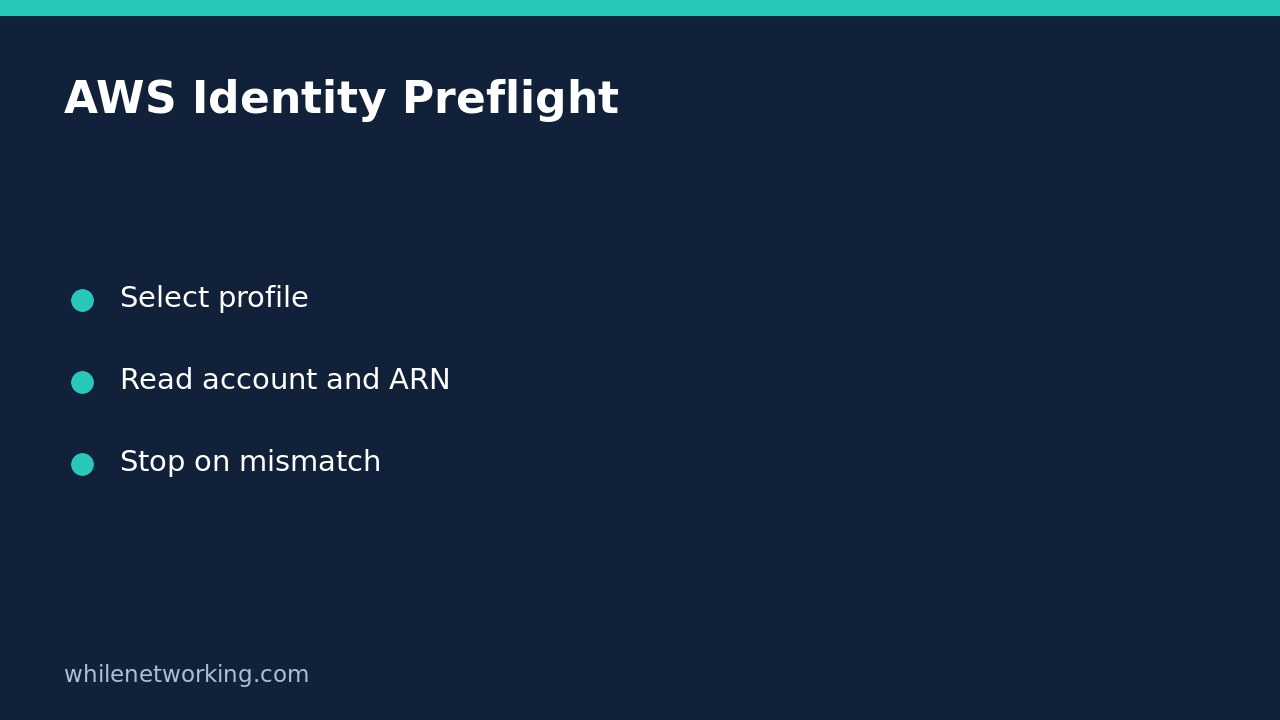

Before using the AWS CLI for maintenance, run aws sts get-caller-identity with the same profile you intend to use for the task. Check both the returned account ID and ARN. A terminal tab named sandbox, a familiar profile name or a successful login does not prove that the next command targets the intended AWS identity.
This preflight is a read-only identity check. It does not create cloud resources, change IAM policies or establish that your identity has permission for the planned operation. You need AWS CLI version 2 installed and an authorized authentication method already configured.
Identify the expected account before checking the actual one
Obtain the expected account ID and role name from your approved runbook or administrator. Do not infer them from whichever credentials happen to be active. For a team using separate development and production accounts, write down which environment the maintenance ticket authorizes.
AWS CLI profiles group settings and credential configuration. Their names are local labels: a profile called lab-readonly is not proof that its role is read-only or that it points to a laboratory account. AWS documents separate config and credentials files, plus authentication methods such as IAM Identity Center and role assumption. Prefer your organization’s approved short-term or federated access method rather than creating new long-lived access keys for this exercise.
Run an explicit profile check
aws sts get-caller-identity \
  --profile lab-readonly \
  --region ap-southeast-2 \
  --output json \
  --no-cli-pager
Replace lab-readonly with your existing authorized profile. This multiline form uses a Unix-style shell; in PowerShell or Command Prompt, place the whole command on one line. The Region selects the request’s regional configuration here; it does not prove that a later workload command will inspect the intended Region unless that command also selects it.
Read the real response in your terminal. Account identifies the AWS account that owns or contains the calling entity. Arn identifies the caller, which might be an IAM user or an assumed-role session. UserId is another identity identifier whose form depends on the caller type. For an assumed role, the ARN includes a session name; that session name can vary between logins.
Do not paste full output into a public ticket or forum unnecessarily. Account IDs and role names are not passwords, but they can reveal internal structure. Never include access keys, session tokens or exported credential files in troubleshooting screenshots.
Add a fail-closed account gate to a shell runbook
The following Bash example deliberately contains a placeholder rather than a real account number. It will stop until you substitute the approved account ID. It performs no maintenance operation.
#!/usr/bin/env bash
set -euo pipefail

profile='lab-readonly'
expected_account='REPLACE_WITH_APPROVED_ACCOUNT_ID'

actual_account=$(aws sts get-caller-identity \
  --profile "$profile" \
  --region ap-southeast-2 \
  --query Account \
  --output text \
  --no-cli-pager)

if [[ "$actual_account" != "$expected_account" ]]; then
  printf '%s\n' 'STOP: unexpected AWS account' >&2
  exit 1
fi

printf '%s\n' 'Account matched; review the role ARN before proceeding.'
Checking only the account is not sufficient when multiple roles exist in the same account. Inspect the ARN from the earlier JSON response against the approved role. If you automate this comparison, account for assumed-role session names deliberately; do not accept any identity merely because its name contains a familiar word. Keep the same explicit profile and Region on subsequent commands.
Troubleshoot a mismatch without changing access controls
If the account is unexpected, stop before running maintenance. Check the profile spelling, how it is configured and whether it assumes another role. AWS documents that role profiles can use credentials from a source profile while operating with the assumed role’s identity. Reading the source profile name alone therefore does not establish the final caller.
If authentication has expired, refresh it using your organization’s approved login procedure and repeat the identity check. Do not edit IAM policies or attach administrator permissions to make this diagnostic work. AWS states that get-caller-identity requires no permissions, but it still needs usable credentials and a successful service request. Network, certificate and credential failures can prevent a result.
If the CLI cannot locate the named profile, verify the configuration file location and execution user. Scheduled jobs and interactive terminals may have different home directories or file-location environment variables. Avoid printing entire credential files while investigating. The safe rollback for this preflight is to stop the runbook and restore its previous reviewed version; the identity request itself changes no resources.
Pre-maintenance checklist and FAQ
- Expected account obtained independently from the active credentials.
- Actual account and caller ARN reviewed together.
- Same explicit profile and intended Region retained for the task.
- No write action attempted after an authentication or identity mismatch.
Does a successful check mean deployment is authorized? No. It identifies the caller, not the full permissions, resource scope or approval status of the proposed change.
Can a profile name be trusted as an environment boundary? No. Treat it as a selector and verify its resolved identity. For further planning, see our cloud maintenance and rollback overview.
Official references and safety
Read the AWS documentation for get-caller-identity and its response fields and configuration files and named profiles.
This tutorial is for educational purposes. Test carefully before production use. The site owner is not responsible for misuse, damage, data loss or production issues.