
Many organizations face a paradox in the modern digital landscape: they need to scale their infrastructure rapidly to meet demand, yet cloud bills are often unpredictable and difficult to control. The fear is that cutting costs will inevitably lead to slower application speeds, higher latency, or downtime. However, effective cost optimization is not about reducing resources arbitrarily; it is about aligning spending with actual usage patterns and architectural efficiency. By implementing specific strategies, businesses can significantly reduce their cloud expenditure while maintaining, or even improving, performance metrics.
The core principle of cloud economics is that you pay for what you use. If an application sits idle during off-peak hours, keeping high-performance resources active during those times is a waste of money. Conversely, if an application experiences traffic spikes, over-provisioning resources to handle the maximum theoretical load 24/7 is equally inefficient. The solution lies in dynamic resource management and architectural choices that decouple cost from peak demand.
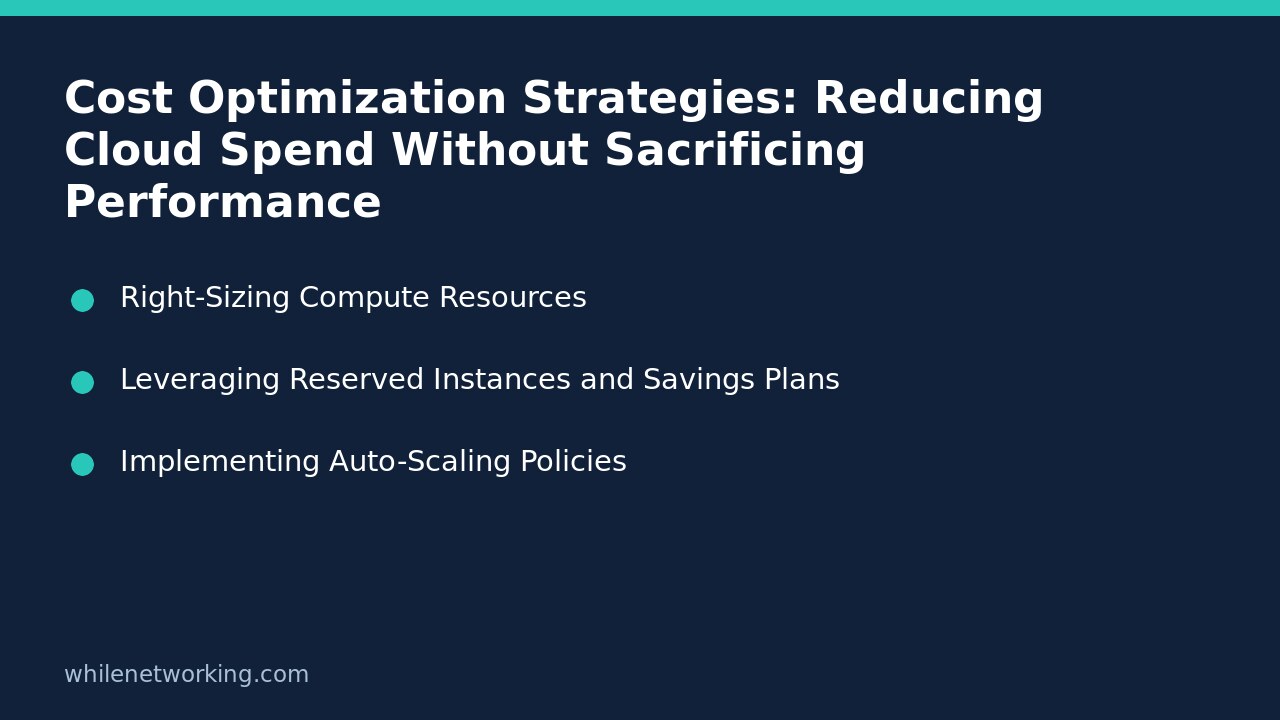
Right-Sizing Compute Resources
One of the most immediate ways to reduce costs is right-sizing your virtual machines (VMs). Many organizations launch instances with excessive CPU, memory, or storage configurations based on initial estimates rather than actual telemetry data. Over time, these oversized instances become financial drains.
To address this, administrators should utilize cloud provider tools that analyze historical usage data over a 30-day period. If a VM consistently utilizes less than 20% of its allocated CPU and memory, it is likely over-provisioned. Downgrading to a smaller instance type can yield immediate savings without impacting user experience, provided the application architecture supports the change.
Practical Step: Before making changes, ensure that the application does not rely on reserved memory for caching or buffering. If the app handles short-lived tasks well within the lower limits of a smaller instance, a migration is safe. Always test these changes in a staging environment first to verify performance stability before applying them to production workloads.
Leveraging Reserved Instances and Savings Plans
Cloud providers offer various pricing models designed to reward long-term commitment. The most common are Reserved Instances (RIs) and Savings Plans. These options can reduce costs by up to 72% compared to on-demand pricing, but they require a strategic approach.
Reserved Instances are best suited for steady-state workloads—applications that run continuously with predictable resource needs. By committing to a one or three-year term, you lock in a lower hourly rate. However, this commitment must be calculated carefully; if an application’s demand fluctuates wildly, a reserved instance might lead to wasted capacity during low-usage periods.
Savings Plans offer more flexibility than traditional RIs while providing similar discounts. They allow you to commit to a specific dollar amount per hour regardless of the instance family or region. This makes them ideal for organizations with variable workloads that still want to benefit from volume discounts.
Important Consideration: These pricing models are generally not applicable to spot instances or serverless functions, which have their own cost structures. Always verify the terms and availability specific to your chosen cloud provider and jurisdiction, as policies can vary significantly.
Implementing Auto-Scaling Policies
Static infrastructure cannot adapt to the ebb and flow of modern web traffic. Auto-scaling groups solve this by automatically adding or removing compute resources based on defined metrics. When traffic increases, the system spins up new instances to handle the load; when traffic drops, excess instances are terminated.
This strategy ensures that you only pay for the resources you actively need at any given moment. For example, an e-commerce site might see a massive spike in traffic during a holiday sale. With auto-scaling configured correctly, the infrastructure expands to meet this demand and then contracts immediately after the event, preventing the organization from paying premium rates for idle high-performance servers for weeks afterward.
Security Note: When configuring auto-scaling, ensure that security groups and network policies are applied dynamically to new instances. Failure to do so can result in newly launched instances being accessible to the public internet without proper authentication, creating a significant security vulnerability.
Utilizing Spot Instances for Fault-Tolerant Workloads
Spot Instances allow users to take advantage of unused spare cloud capacity at steep discounts, often up to 90% off on-demand prices. These instances can be reclaimed by the provider with a two-minute notice if the provider needs the capacity back. While this introduces a degree of volatility, it is perfect for fault-tolerant or stateless workloads such as batch processing, data analysis, CI/CD pipelines, and rendering tasks.
If your application architecture is designed to handle interruptions—such as using container orchestration systems like Kubernetes that can reschedule tasks when a node is lost—spot instances become an incredibly cost-effective option. You can run these workloads on spot instances while keeping critical stateful services (like databases) on stable, on-demand or reserved instances.
Risk Management: The primary risk of spot instances is interruption. If your application requires continuous uptime without interruption, spot instances are not appropriate. Always design your architecture to be resilient against instance loss before deploying spot capacity.
Data Transfer and Storage Optimization
Cloud bills often contain hidden costs related to data egress (leaving the cloud) and storage inefficiencies. Transferring large amounts of data out of a cloud region incurs fees that can add up quickly. Strategies to mitigate this include caching static content like images and CSS files using a Content Delivery Network (CDN). A CDN stores copies of your content in edge locations closer to the end-user, reducing latency and eliminating egress fees for those assets.
Storage costs also benefit from tiering. Cloud providers offer different storage classes based on access frequency. Hot storage is fast but expensive, while cold or archive storage is slower but significantly cheaper. By analyzing access patterns, you can move infrequently accessed data (such as compliance logs or archived backups) to colder storage tiers. Automated lifecycle policies can handle this migration, ensuring data moves to the appropriate tier without manual intervention.
Common Mistakes to Avoid
Even with a solid strategy, organizations often fall into traps that negate their optimization efforts. A common mistake is “set and forget” architecture. Once a cloud environment is built, teams often stop monitoring it, allowing costs to creep up unnoticed. Regular reviews of the billing dashboard are essential.
Another frequent error is ignoring reserved capacity for variable workloads. Organizations sometimes reserve capacity for peak loads that never materialize, locking them into high costs without utilizing the full commitment. Conversely, they may fail to use spot instances for non-critical tasks, missing out on massive discounts. Finally, failing to clean up unused resources—such as orphaned volumes, unattached disks, or stopped VMs left running—is a leading cause of waste.
Conclusion
Reducing cloud spend without sacrificing performance requires a proactive, data-driven approach rather than reactive cuts. By right-sizing instances, leveraging reserved pricing models, implementing auto-scaling, utilizing spot instances for fault-tolerant tasks, and optimizing storage and data transfer, organizations can achieve substantial financial efficiency. These strategies not only lower the bottom line but often improve system responsiveness by ensuring resources are allocated dynamically to where they are needed most. Remember that terms, availability, eligibility, laws, and prices depend on the specific insurer of cloud services, policy details, and local jurisdiction, so always verify current rules before committing to long-term contracts.