
In an era where data breaches are reported daily and cybercriminals employ increasingly sophisticated techniques, relying solely on a password is no longer sufficient for securing your digital life. Passwords can be guessed, stolen via phishing attacks, or cracked through brute-force methods using automated software. This is where Two-Factor Authentication (2FA), also known as Multi-Factor Authentication (MFA), becomes an essential cybersecurity layer. By requiring two distinct forms of verification before granting access to an account, 2FA significantly raises the barrier for attackers. Even if a malicious actor obtains your password, they cannot access your account without the second factor, which is typically something you have (like a smartphone) or something you are (like a biometric trait). Implementing 2FA is one of the most effective steps an individual or organization can take to protect sensitive information, financial assets, and personal identity.
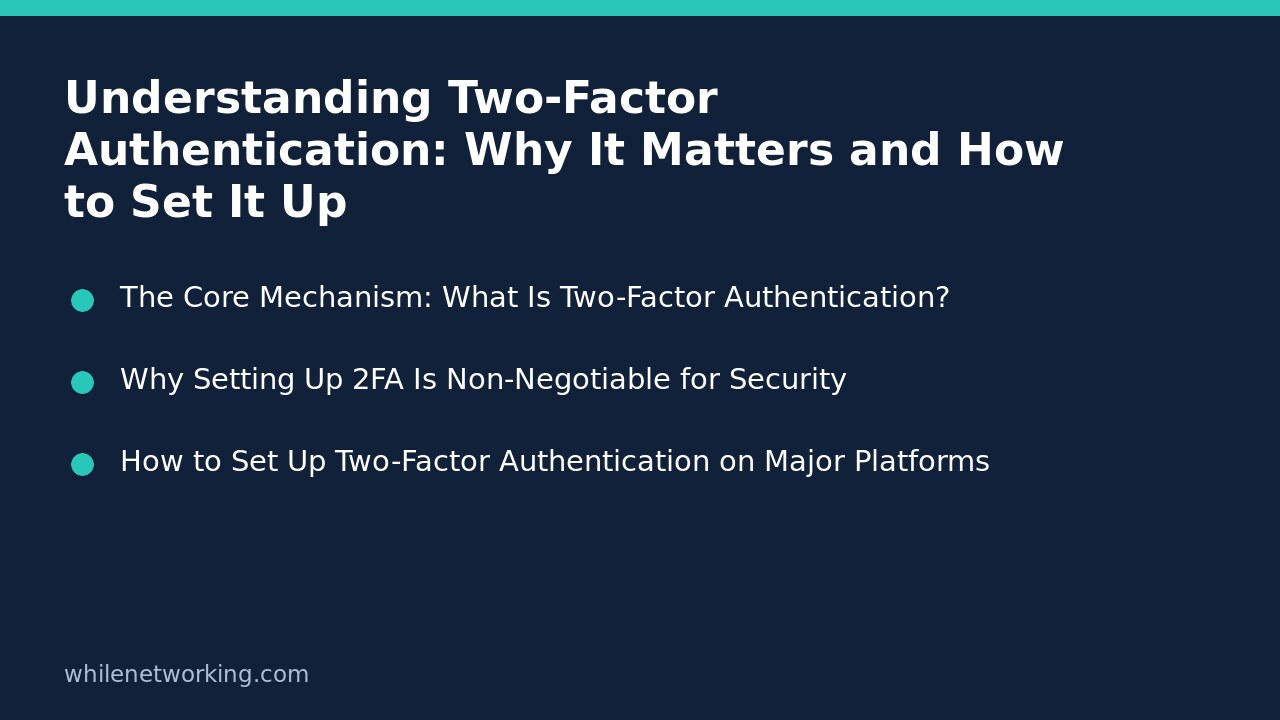
The Core Mechanism: What Is Two-Factor Authentication?
To understand why 2FA matters, it is necessary to grasp how it functions technically and logically. Traditional authentication relies on a single factor: knowledge. This means proving you know your password. In contrast, 2FA requires two different categories of proof:
1. Something you know: Your password or PIN.
2. Something you have: A physical device like a smartphone, hardware token, or security key.
3. Something you are: Biometric data such as a fingerprint or facial recognition.
When you log in with 2FA enabled, the system first checks your password. If that is correct, it triggers a prompt for the second factor. For example, after entering your password on a banking app, you might receive a push notification on your phone asking you to approve the login. Alternatively, you might enter a one-time code generated by an authenticator app like Google Authenticator or Authy. This second step ensures that even if your password is compromised, the attacker lacks the physical device required to complete the authentication process.
Why Setting Up 2FA Is Non-Negotiable for Security
The primary reason 2FA matters is that it mitigates the risk of credential stuffing and phishing. Cybercriminals often purchase billions of leaked usernames and passwords from the dark web. They then use automated bots to attempt logging into popular services like email providers, social media platforms, and cloud storage with these stolen credentials. Without 2FA, a stolen password grants immediate access to the victim’s account. With 2FA enabled, the attack fails because the criminal does not possess the victim’s phone or biometric data.
Furthermore, 2FA protects against “shoulder surfing” and keyloggers. While a malicious actor might watch you type your password or install software to record your keystrokes, they cannot replicate the dynamic codes generated by your specific device in real-time. Studies have shown that enabling 2FA can reduce successful account takeover incidents by over 99%. This makes it a critical component of any robust security posture, whether for personal use or enterprise environments.
How to Set Up Two-Factor Authentication on Major Platforms
Setting up 2FA is generally straightforward across most digital services, though the specific interface may vary slightly. The following steps outline the universal process used by major platforms like Google, Microsoft, Apple, and banking institutions:
- Navigate to Account Settings: Log in to your account and locate the security or privacy section within your settings menu.
- Locate the MFA/2FA Option: Look for labels such as “Two-Step Verification,” “Multi-Factor Authentication,” or “Security Key.”
- Choose Your Method: Most services offer several options:
- Authenticator Apps (Recommended): Apps like Google Authenticator, Microsoft Authenticator, Authy, or Duo Mobile are superior to SMS because they are not vulnerable to SIM-swapping attacks and do not rely on carrier networks that can be intercepted.
- SMS/Text Messages: While convenient, this method is less secure as phone numbers can be ported or hacked via social engineering. Use this only if app-based options are unavailable.
- Hardware Keys: Devices like YubiKey offer the highest level of security and are ideal for high-value accounts.
- Verify Your Primary Device: The system will send a code to your current device or email address to verify your identity before allowing you to register a new method.
- Scan QR Codes: If using an authenticator app, scan the QR code displayed on the screen with your app’s camera feature. This instantly configures the account without manual code entry.
- Save Backup Codes: Most services will provide a list of single-use backup codes. Download these or print them immediately and store them in a secure physical location. These are your lifeline if you lose access to your primary device.
Common Mistakes to Avoid During Setup
Even with good intentions, users often make errors during the 2FA setup process that can undermine security. One frequent mistake is disabling 2FA after setting it up because of “inconvenience.” While frictionless login experiences are desirable, convenience should never come at the cost of security. If you must disable 2FA due to usability issues, investigate alternative solutions like biometric login (Face ID or Touch ID) rather than reverting to password-only authentication.
Another critical error is storing backup codes in an unsecured location. Saving a list of backup codes in a plain text file on your desktop or sending them via email leaves them vulnerable to theft. Always store these codes in an encrypted password manager or write them down and keep the paper copy in a fireproof safe. Additionally, avoid using SMS-based 2FA as your primary method if possible, as it exposes you to SIM-swapping attacks where hackers trick your mobile carrier into transferring your number to a new SIM card they control.
A Real-World Scenario: The Phishing Attempt
Consider the scenario of Sarah, a freelance graphic designer who manages her finances and client communications via email. One day, she receives an urgent email from what appears to be her bank, claiming her account is locked and asking her to click a link to verify her identity. Unaware that this is a phishing attempt, Sarah enters her password on the fake website. Under normal circumstances, the attackers would now have full access to her finances. However, because Sarah had enabled 2FA using an authenticator app, the login attempt fails. The bank’s system prompts for a time-based code generated by her phone. Since the attacker does not have Sarah’s smartphone, they cannot generate the correct code, and the account remains secure. This simple step saved her from potential financial ruin and identity theft.
Conclusion: Making 2FA a Standard Practice
Understanding Two-Factor Authentication reveals that it is not merely an optional feature but a fundamental necessity in modern cybersecurity. By adding a second layer of verification, you create a robust defense against the most common vectors of account compromise. The process of setting it up is quick and intuitive on most platforms, and the benefits far outweigh the minor inconvenience of entering an additional code occasionally. To maintain your digital safety, prioritize enabling 2FA on all critical accounts, including email, banking, social media, and cloud storage. Remember to utilize authenticator apps over SMS, save your backup codes securely, and never share your verification codes with anyone, even if they claim to be from customer support. In the landscape of evolving cyber threats, 2FA remains one of the most reliable and accessible tools available to protect yourself and your data.
Note: Terms, availability, eligibility, laws, and prices related to specific security products or insurance policies depend on the insurer, policy details, and jurisdiction. This article is for informational purposes only and does not constitute individualized financial or legal advice.