
In the modern digital landscape, your password is often the only barrier standing between your sensitive data and cybercriminals. However, relying on a simple string of characters like “Password123!” is no longer sufficient against sophisticated automated attacks. An unbreakable password strategy goes beyond just choosing difficult words; it involves understanding entropy, utilizing hardware tokens, and adopting a holistic approach to identity protection. This guide provides the practical steps needed to secure your smartphone, laptop, tablet, and home network against brute-force attempts and phishing campaigns.
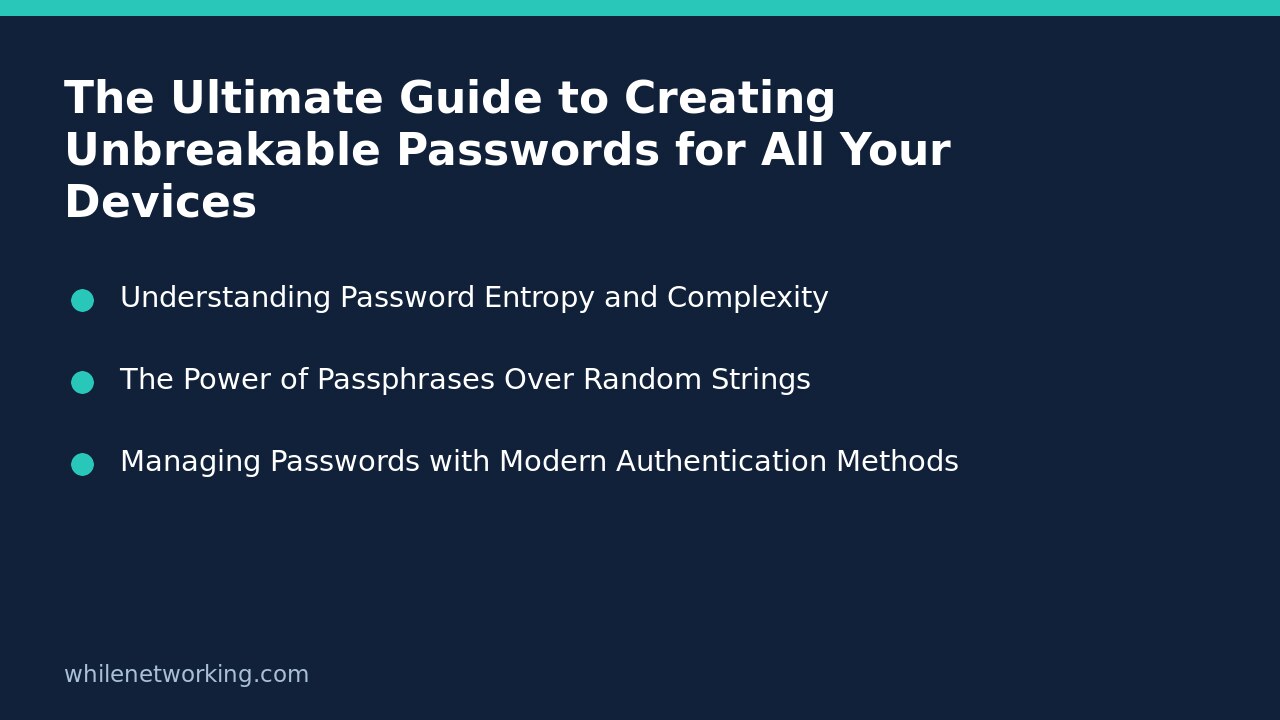
Understanding Password Entropy and Complexity
To create a password that is truly resistant to cracking, you must understand the concept of entropy. Entropy measures the unpredictability of a password. High entropy means there are more possible combinations for an attacker to guess, exponentially increasing the time required to crack the code.
A common mistake users make is relying solely on length or adding numbers and symbols to predictable words. For example, “Summer2024!” has low entropy because it follows a pattern based on the current year. Attackers use massive dictionaries of common phrases, pet names, and keyboard patterns (like “qwerty”) to guess these quickly.
An unbreakable password should ideally be:
* Long: At least 15 characters is the new standard for security.
* Random: It should not contain personal information, birthdays, or sequential numbers.
* Complex: A mix of uppercase letters, lowercase letters, numbers, and special symbols helps, but length is more critical than complexity rules if the password is random enough.
The Power of Passphrases Over Random Strings
While computer-generated random strings like “x9#mL2$pQ@nZ” are technically secure, they are difficult for humans to remember. This leads users to write them down or reuse them across devices, which defeats the purpose. A superior alternative is a “passphrase.”
A passphrase consists of four or five unrelated words strung together with punctuation and numbers. This method creates a long, memorable sentence that has high entropy because the combination of specific words is statistically rare.
Real-World Example:
Instead of choosing Tr0ub4dor&3, consider this passphrases: Correct-Horse-Battery-Staple-7.
* Length: 29 characters (including hyphens).
* Memorability: You can visualize a silly image involving a horse, a battery, and a staple to remember it.
* Security: The probability of someone guessing this specific sequence from a dictionary is infinitesimally small.
To further secure your passphrase, avoid common words found in dictionaries or lists of popular passwords. Use a tool like xkcd’s password generator logic (four random words) and add a unique number or symbol at the end to prevent dictionary attacks.
Managing Passwords with Modern Authentication Methods
Even the best password is vulnerable if you have to type it into every single website, as this increases the risk of phishing. The industry standard for moving toward “unbreakable” security is using a reputable password manager. These tools generate and store unique, complex passwords for every account, so you only need to remember one master password.
When selecting a password manager, look for:
1. Zero-Knowledge Architecture: The provider cannot see your data. Encryption happens on your device before it hits the cloud.
2. Cross-Platform Sync: Seamless integration with iOS, Android, Windows, macOS, and Linux.
3. Emergency Access: Features that allow a trusted contact to access your vault in case of death or incapacity.
For high-security scenarios, consider hardware security keys (like YubiKey) or authentication apps (like Microsoft Authenticator or Google Authenticator). These generate time-based one-time passwords (TOTP) that change every 30 seconds. Even if a hacker steals your password and intercepts your login request, the code expires before they can use it. This is essential for banking, email, and cloud storage accounts.
Securing Your Home Network and IoT Devices
Your personal devices are not the only targets; your home network acts as a gateway. Many users suffer from “password fatigue” regarding their Wi-Fi router and smart home devices (IoT). These devices often ship with default credentials like “admin/admin,” which hackers scan for globally.
To harden your network:
* Change Default Credentials: Immediately replace the router admin username and password.
* Update Firmware: Manufacturers release updates to patch security vulnerabilities. Enable automatic updates if available, or check the manufacturer’s website monthly.
* Segment Your Network: If your router supports it, create a separate network (SSID) specifically for IoT devices like smart bulbs, cameras, and thermostats. Keep these off your main network where you store computers and phones containing sensitive financial data. This prevents a compromised toaster from accessing your computer’s files.
* Disable WPS: Wi-Fi Protected Setup (WPS) is often vulnerable to brute-force attacks. Disable it in your router settings.
Common Mistakes That Undermine Security
Despite having strong passwords, users frequently engage in behaviors that render them useless. Avoid these critical pitfalls:
- Password Reuse: Never use the same password for multiple accounts. If one site is breached, hackers will try that username/password combination on every other major platform (email, banking, social media).
- Phishing Susceptibility: Entering a password into a pop-up window or an unexpected email link is risky. Always verify the URL before logging in. An unbreakable password cannot protect you if you willingly give it away to a scammer.
- Using Personal Info: Do not use your dog’s name, your child’s birthday, or your street address. These are easily found on social media profiles and used by automated bots to guess passwords instantly.
- Ignoring Two-Factor Authentication (2FA): Passwords alone are rarely enough. Always enable 2FA using an app or hardware key rather than SMS text messages, which can be intercepted via SIM swapping attacks.
Conclusion: A Layered Defense Strategy
Creating unbreakable passwords is not a one-time task but a continuous process of adaptation and vigilance. By combining long, random passphrases with a robust password manager and hardware-based authentication, you create a defense that is incredibly difficult to breach. Furthermore, securing your home network and avoiding common behavioral mistakes ensures that your strong credentials remain effective against both technical attacks and social engineering.
Remember that cybersecurity terms, availability, eligibility, laws, and prices depend on the specific insurer, policy, and jurisdiction if you are discussing cyber insurance coverage for these measures. Always verify current security protocols with your device manufacturers and IT professionals, as software versions and threat landscapes evolve rapidly. By adopting these practices today, you significantly reduce your digital footprint’s vulnerability to the ever-growing threats of the modern internet.