
Before adding a supplied SSH public key to a server account, calculate its fingerprint and compare it with the intended owner’s fingerprint through a separately trusted channel. A matching filename or email comment is not enough. This read-only check helps identify the key you received; it does not establish that the owner should receive access, that the private key is secure, or that a login will succeed.
Know which key you are checking
This workflow concerns a user’s authentication public key, usually a text file ending in .pub. It is not the server host key displayed when a client first connects. User keys help authenticate people or automation to a server; host keys help clients identify the server. Comparing one type with the other will not validate either identity.
Ask the requester for their public key using your approved transfer process. Never ask for the private key or its passphrase. A filename ending in .pub is only a convention, not a guarantee about its contents. If someone accidentally sends a private key, do not paste it into tickets, public tools or this command workflow. Follow your organisation’s secret-exposure procedure and arrange an approved replacement.
Calculate a fingerprint without installing the key
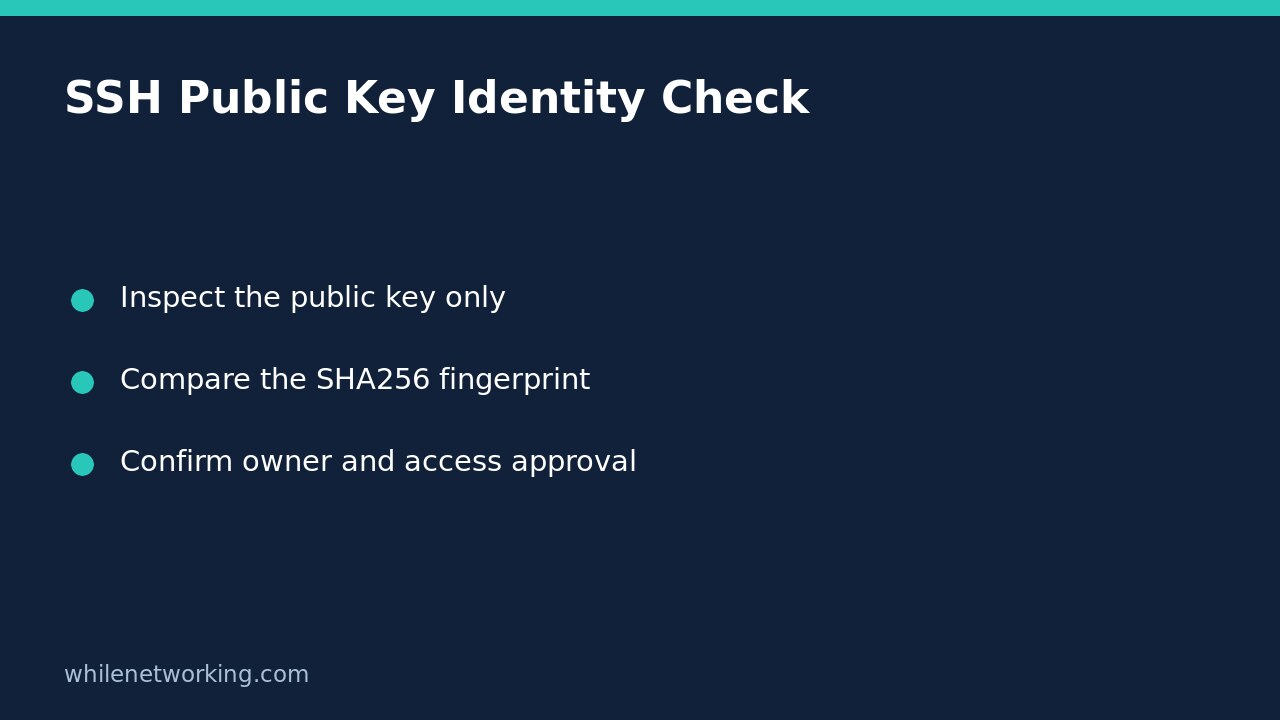
On a system with OpenSSH tools available, save the supplied public key as candidate.pub in a working directory. Open a terminal in that directory and run:
ssh-keygen -l -E sha256 -f ./candidate.pubThe lowercase -l requests a fingerprint, -E sha256 selects the fingerprint hash, and -f names the input file. These options inspect the key rather than generate one. Do not omit the inspection options and run an unfamiliar key-generation command against an existing identity file.
The output identifies the key size, a fingerprint beginning with SHA256:, its comment when present, and the key type. Compare the complete fingerprint, not just its opening characters. The comment is a human-readable label, not authenticated proof that an email address or person owns the key. Do not confuse this fingerprint with a generic file checksum: hashing the entire text file includes formatting and comments and is a different operation.
Compare through a separately trusted channel
Ask the intended owner to calculate the fingerprint of their own matching public-key file with the same command. Have them provide that fingerprint through an established channel whose identity you can verify, such as an authenticated internal account or a call using an already verified contact route. Receiving the key and its claimed fingerprint together in the same untrusted message does not independently validate the sender.
For example, an access request might name a production maintenance account and attach a key labelled with a contractor’s email. Your task is to confirm the full fingerprint with that contractor through the approved contact process, then check the access approval for that account. Even when the fingerprints match, a request approved only for a test server is not permission to install it on production.
Handle mismatches and invalid files safely
- Fingerprints differ: stop the access change. Confirm the intended key and whether a rotation occurred; do not choose whichever file arrived most recently.
- The file is rejected: request the original OpenSSH public-key file through an approved channel. Rich-text wrapping, truncated content or another key format may require correction. Do not guess missing characters.
- The comment differs but the fingerprint matches: confirm the ownership record. A changed label does not necessarily mean changed key material, but it still deserves accurate documentation.
- Several keys are supplied: identify exactly which key is requested and document each approved fingerprint. Do not grant access to an entire bundle by default.
This inspection does not edit authorized_keys, change SSH daemon settings or test a remote login. No access rollback is needed for the inspection itself. Any subsequent installation needs its own approved change and removal plan.
Record the decision and remaining checks
Record the full fingerprint, key type, verified owner, target account, approval reference and any intended expiry or review date in the access record. Treat fingerprints as identifiers rather than passwords, while keeping personal comments and infrastructure details out of public logs. Check your organisation’s accepted key types and access policy separately; successful parsing is not a policy-compliance verdict.
FAQ: Does a matching fingerprint prove a successful login? No. Server permissions, account restrictions, key installation and the client’s use of the corresponding private key remain separate checks. Likewise, an approved key does not prove the endpoint holding its private half is uncompromised.
For a related file-verification task, see checking downloaded files with SHA256, while remembering that file hashes and SSH key fingerprints serve different comparisons.
Source and safe-use note
The official OpenSSH ssh-keygen manual documents fingerprint display and hash selection. This tutorial is for educational purposes. Test procedures carefully before production use. The site owner is not responsible for misuse, damage, data loss or production issues.