
In the rapidly evolving landscape of digital threats, maintaining a secure computing environment is not optional; it is a fundamental necessity for individuals and organizations alike. Many users delay software updates, viewing them as unnecessary interruptions to their workflow or fearing that they might break existing functionality. However, this hesitation often leaves systems vulnerable to exploits that attackers actively hunt for. Regularly updating your operating system (OS) and software applications is the single most effective step you can take to protect your data, privacy, and device integrity. This article explores the critical reasons behind these updates, explains how vulnerabilities are exploited, and provides a practical guide to maintaining a secure digital footprint without compromising productivity.
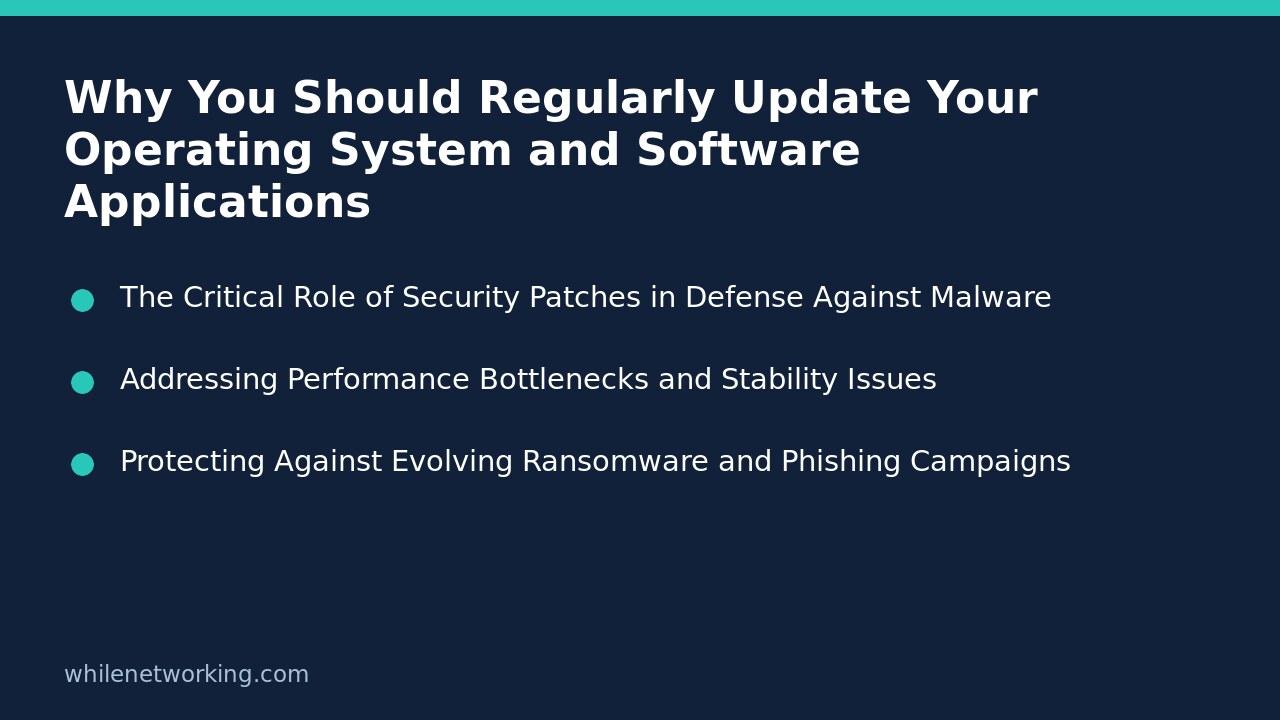
The Critical Role of Security Patches in Defense Against Malware
At the heart of every software update lies a security patch. Developers constantly discover flaws in their code—gaps that malicious actors can exploit to gain unauthorized access, steal data, or install ransomware. These vulnerabilities are often publicized and weaponized within days or even hours of discovery. If your operating system or applications remain on their original release version, you are essentially leaving an unlocked door wide open for cybercriminals.
For example, a widely known vulnerability in a popular web browser once allowed attackers to execute code simply by visiting a compromised website. Users who had not updated their browser were immediately at risk of having their browsing sessions hijacked or their personal files encrypted by ransomware. Conversely, users who had applied the latest security patch remained safe because the specific flaw was patched. By installing updates, you are effectively plugging these holes before they can be exploited. This proactive defense is far superior to relying on antivirus software alone, which often reacts to threats after they have already entered the system.
Addressing Performance Bottlenecks and Stability Issues
While security is the primary driver for updates, stability and performance improvements are equally important components of a healthy computing environment. Software developers frequently release updates that optimize code efficiency, reduce memory usage, and fix bugs that cause random crashes or slow loading times. An outdated operating system might run slower over time as new features are developed that the old version cannot handle efficiently.
Consider the experience of running an older version of a mobile operating system on a modern smartphone with high-resolution screens. Without updates to support these new display technologies, the device may drain its battery faster and struggle with resource-intensive apps like navigation or video editing tools. Updates ensure compatibility with newer hardware and peripherals, preventing issues where your printer stops working after a firmware change in your router or where a new external drive is not recognized by your computer. Ignoring these updates can lead to a frustrating user experience that impacts both productivity and device longevity.
Protecting Against Evolving Ransomware and Phishing Campaigns
Cyber threats are not static; they evolve rapidly as attackers analyze successful campaigns and develop more sophisticated methods of delivery. Ransomware groups, for instance, frequently target specific software versions known to be unpatched. They scan the internet for devices running outdated software to automate their attacks. Similarly, phishing emails often contain links that attempt to exploit known vulnerabilities in web browsers or PDF readers.
A real-world scenario illustrates this danger: a small business received an email that appeared to come from a trusted vendor. The email contained an attachment with a malicious macro. Because the employees’ office computers were running outdated versions of productivity software, the macro successfully executed code that locked all files on the network. Had the software been updated to the latest version containing a patch for that specific macro vulnerability, the attack would have failed immediately. Regular updates ensure that your defenses move in tandem with the shifting tactics of threat actors.
How to Establish a Reliable Update Routine Without Disruption
Establishing a consistent update routine is essential, but it does not need to be time-consuming or disruptive to your daily work. Most modern operating systems and applications offer “silent” or “background” updates that install in the background while you are using the device, requiring only a brief restart once completed. You can configure these settings to ensure you never miss a critical patch.
On Windows, you can enable “Windows Update for Business” to automatically download and install quality updates during off-hours. On macOS, System Settings allows you to configure automatic installation of security updates. Mobile devices like iOS and Android have robust update mechanisms that often prompt users only when the device is charging and connected to Wi-Fi. For third-party applications, enabling auto-updates in your app store settings ensures that you receive the latest features and security fixes without manually checking every single program. The key is to configure these preferences once and trust the system to handle the maintenance, freeing you to focus on your primary tasks.
Common Mistakes That Compromise Your Security Posture
Despite the availability of easy update mechanisms, several common mistakes prevent users from maintaining a secure environment. One frequent error is disabling automatic updates due to a fear that an update might break specific software. While this concern existed in the early days of computing, modern systems are designed with rollback capabilities and rigorous testing to minimize disruption. Disabling updates guarantees that you will eventually fall behind on security fixes.
Another mistake is ignoring browser-specific updates or neglecting to update less critical applications like media players or PDF readers. Attackers often target these “edge” applications because users assume they are low-risk, yet they frequently contain severe vulnerabilities. Additionally, some users download software from unofficial sources to avoid official app stores, unknowingly installing versions that lack proper update channels. Always verify that you are downloading updates directly from the official vendor or a trusted repository to ensure the integrity of the patch.
Best Practices for Managing Updates in Professional Environments
For businesses and organizations, managing updates requires a slightly different approach to balance security with operational continuity. While automatic updates are ideal for individual users, enterprise environments often require testing patches in a sandbox environment before deploying them to all machines to prevent widespread outages. However, the principle remains the same: delays should be minimized. A strategy of “update as soon as safe” is best. This means applying critical security patches within 48 to 72 hours of release, while scheduling non-critical feature updates during planned maintenance windows.
Organizations should also maintain an inventory of their software assets to know exactly what needs updating. Cloud-based management tools can streamline this process, pushing updates to endpoints automatically. Furthermore, training employees on the importance of not ignoring update prompts is crucial. In many cases, a user’s hesitation to restart their computer for an update is the only thing standing between a successful breach and a clean system. Cultivating a culture where updating is viewed as a routine hygiene task rather than an inconvenience significantly strengthens the organization’s overall security posture.
Conclusion: Updating Is a Non-Negotiable Security Habit
In summary, regularly updating your operating system and software applications is a critical defense mechanism against an ever-changing array of cyber threats. These updates provide essential security patches that close vulnerabilities before attackers can exploit them, improve system stability, and ensure compatibility with modern hardware. By configuring automatic updates, avoiding common pitfalls like disabling updates or ignoring third-party apps, and adopting a disciplined approach to patch management, you can significantly reduce your risk profile.
The cost of an update is negligible compared to the potential damage of a data breach, ransomware infection, or identity theft. Treat software maintenance as a non-negotiable habit, just like locking your physical door at night. In the digital world, staying current with updates is the most effective way to safeguard your personal and professional information against malicious actors who are constantly looking for easy targets.