
Phishing attacks remain one of the most pervasive and dangerous threats in the digital landscape. These deceptive tactics rely on social engineering rather than complex code, tricking users into revealing sensitive information like passwords, credit card numbers, or downloading malicious attachments. Unlike advanced malware that requires zero-day exploits, phishing preys on human error, making it a target for every organization and individual online. The most effective defense is not just technical software but consistent behavioral habits. By integrating specific routines into your daily digital life, you can significantly reduce your risk of falling victim to a scam. This guide outlines five essential cybersecurity habits that serve as your first line of defense against phishing scams.
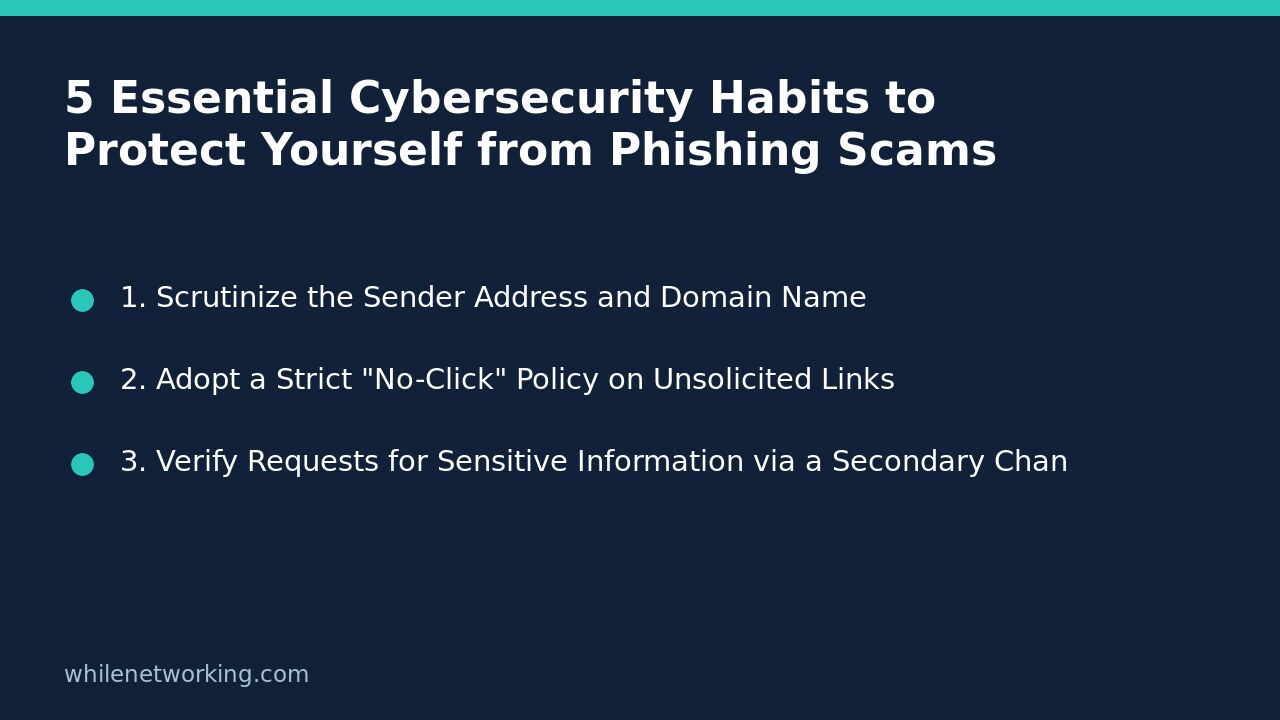
1. Scrutinize the Sender Address and Domain Name
The most immediate indicator of a phishing attempt is often found in the email header, specifically the sender’s address. Scammers frequently use addresses that look legitimate at a glance but contain subtle misspellings or incorrect domain extensions. For example, an email claiming to be from “support@amaz0n.com” or “billing@microsoft-support.net” is almost certainly malicious.
To cultivate this habit, make it a rule to hover your mouse cursor over the sender’s name (without clicking) to reveal the actual email address. Check for:
* Typos: Look for numbers substituted for letters (e.g., ‘l’ vs ‘1’, ‘o’ vs ‘0’).
* Domain Mismatch: Ensure the domain matches the official website of the organization. If you expect an email from @paypal.com, receiving one from @secure-paypal-login.net is a red flag.
* Generic Greetings: Legitimate organizations usually address you by name. Phishing emails often use generic salutations like “Dear Customer” or “Valued Member.”
Real-World Example:
Imagine you receive an email titled “Your Account Will Be Suspended.” The sender appears to be help@netflix.com. You hover over the name and see the address is actually help@netfl1x-security.com. The extra ‘1’ changes the domain entirely. Recognizing this discrepancy allows you to delete the message immediately without interacting with any links.
2. Adopt a Strict “No-Click” Policy on Unsolicited Links
One of the most dangerous habits to break is clicking on links in unexpected emails. Even if an email looks perfectly legitimate, the link itself may be compromised. Attackers use URL shorteners or dynamic redirect services to mask the true destination of a phishing link. When you click such a link, your browser may take you to a fake login page designed to steal your credentials, even if the address bar shows a shortened URL like bit.ly/3x9z.
Practical Steps to Implement:
* Never Click Directly: Instead of clicking the link in the email, manually type the official website’s web address into your browser or copy and paste it. This forces your browser to go directly to the legitimate site rather than following a potentially malicious redirect.
* Use Link Scanning Tools: Most modern security suites and browsers offer “hover preview” features that show you where a link will actually take you before you click. Utilize these tools to verify the URL matches the claim in the email.
* Verify Through Official Channels: If an email claims there is an urgent issue with your account, do not respond within the email thread. Log in to the service provider’s website independently and check for notifications or support articles.
3. Verify Requests for Sensitive Information via a Secondary Channel
Phishing scams often create a sense of urgency to bypass your rational thinking. Messages may claim that your password has been compromised, a package is stuck in customs, or a friend needs money immediately. The goal is to make you act before you can verify the claim. A crucial habit is to never provide sensitive information—such as passwords, Social Security numbers, or bank details—in response to an unsolicited request.
The Secondary Channel Rule:
If you receive a communication claiming to be from your bank, employer, or a government agency asking for verification data:
1. Stop and Pause: Take deep breaths and ignore the urgency cues in the message.
2. Contact Officially: Use a phone number listed on the back of your card, your official pay stub, or the website you bookmarked previously. Do not use contact information provided in the suspicious email or text message.
3. Cross-Reference: If possible, check the sender’s digital signature or look for known security headers, though these are not foolproof. The safest route is always independent verification.
4. Enable Multi-Factor Authentication (MFA) Everywhere
Even if you successfully fall for a phishing scam and enter your credentials into a fake login page, enabling Multi-Factor Authentication (MFA) can stop the attacker in their tracks. MFA requires a second form of verification beyond just a password, such as a code from an authenticator app or a push notification to a mobile device.
Why This Habit Matters:
If you are tricked into giving away your username and password, the attacker still needs that second factor to access your account. Without MFA, stolen credentials grant immediate access. With MFA, the attacker cannot log in unless they also possess your physical phone or hardware key.
Implementation Strategy:
* Prioritize App-Based MFA: Use authenticator apps (like Google Authenticator, Microsoft Authenticator, or Authy) rather than SMS-based codes when possible. SMS messages can be intercepted via SIM swapping attacks.
* Security Keys are Best: For high-value accounts (email, banking), hardware security keys (YubiKey) offer the highest level of protection against phishing because they cryptographically verify your identity without sending data to a server that could be spoofed.
* Review Settings Regularly: Periodically check your account recovery options and ensure MFA is active on all critical platforms.
5. Keep Software and Operating Systems Updated
While this seems more like a technical maintenance task than a “habit,” it is deeply intertwined with phishing defense. Phishing attacks often rely on exploiting known vulnerabilities in outdated software to deliver malware once you have clicked a link or opened an attachment. If your operating system, web browser, or email client is not up to date, you are leaving the door open for attackers to bypass your defenses.
Security Considerations by Platform:
* Windows/macOS: Enable automatic updates whenever possible. These patches often include fixes for vulnerabilities that phishing kits specifically target.
* Mobile Devices: Ensure iOS and Android are running the latest stable versions, as older versions lack security features required to block certain types of malicious links or apps.
* Browser Extensions: Review installed extensions regularly. Some ad-blockers or privacy tools can detect and block known phishing domains automatically.
Common Mistakes to Avoid
To reinforce these habits, it is important to acknowledge common pitfalls that undermine your defense:
* Ignoring “Too Good to Be True” Offers: Phishing emails often promise free gifts, lottery wins, or massive discounts. These are classic bait-and-switch tactics.
* Replying to Scammers: Never reply to a phishing email asking for more information or claiming the email is a mistake. This confirms your address is active and may lead to further targeted attacks.
* Disabling Security Software: Some users disable pop-up blockers or antivirus software to fix “false positive” errors. Doing so leaves you vulnerable to drive-by downloads and phishing kits that exploit browser vulnerabilities.
Conclusion
Protecting yourself from phishing scams is not about being perfect; it is about building a robust habit loop of skepticism and verification. By scrutinizing sender addresses, refusing to click unsolicited links, verifying requests through secondary channels, enabling multi-factor authentication, and keeping your software updated, you create a layered defense that is difficult for attackers to penetrate. Remember that terms, availability, and specific security features may vary by device, operating system version, and jurisdiction. Always prioritize independent verification over trust in unsolicited communications. By adopting these five essential habits today, you significantly reduce the likelihood of becoming a victim of digital deception.