
To check whether an Amazon S3 bucket has versioning enabled, use aws s3api get-bucket-versioning. It reads the bucket configuration without enabling, suspending or deleting anything. This is a useful first step when someone asks whether an overwritten file might be recoverable, but the result alone does not prove that a particular earlier object version exists.
This walkthrough applies to general purpose S3 buckets. AWS states that this operation is not supported for directory buckets. You need an installed, configured AWS CLI and an authorised identity with the relevant access. Do not request broad administrator rights just to perform a configuration inspection.
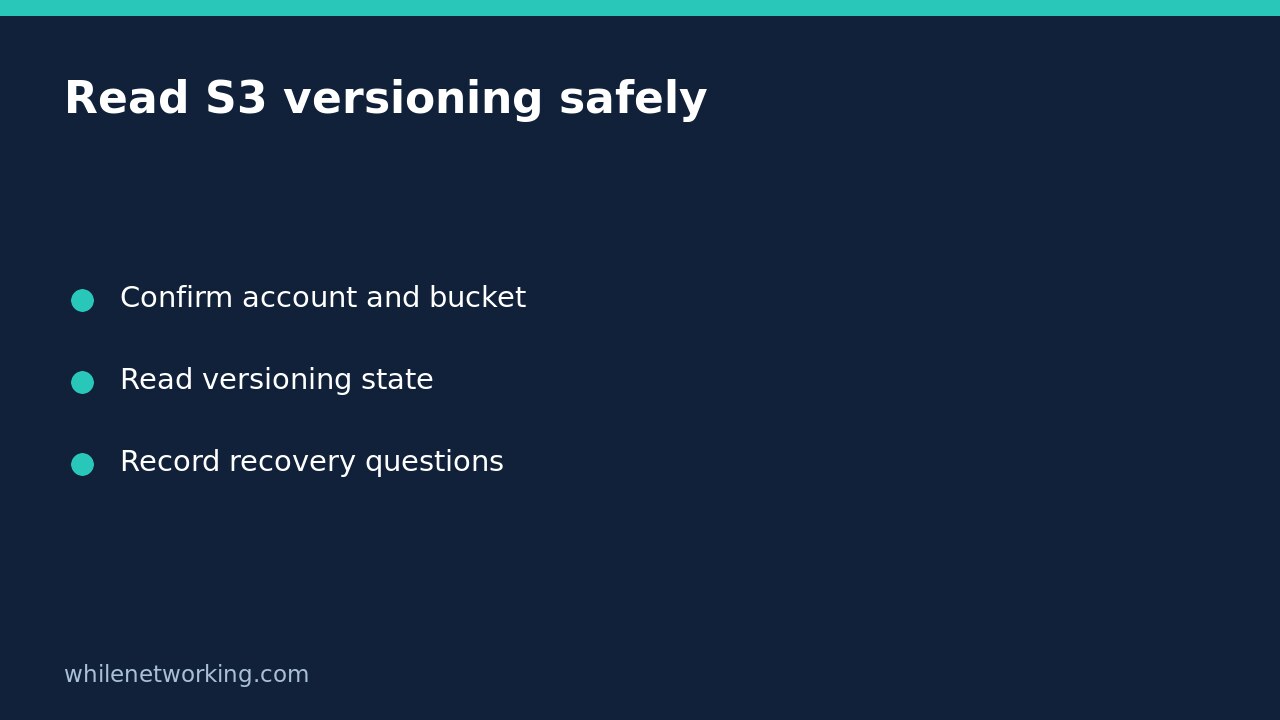
Confirm the account, profile and bucket owner
Start with the account and role you intend to use. If you maintain separate development and production profiles, specify the profile explicitly in each command rather than relying on whichever credentials your terminal last used. Follow the AWS CLI account and role check before continuing.
Obtain the bucket name, its owning AWS account ID and the appropriate region from your inventory or administrator. The expected owner is the bucket’s owner, which may differ from your caller’s account in an approved cross-account workflow. Do not guess it from a project name.
Run the read-only versioning request
The following is a single-line shell example. Replace every example value with the approved values for your environment. The sample account number is a placeholder, not a verified owner.
aws s3api get-bucket-versioning --bucket example-audit-bucket --expected-bucket-owner 123456789012 --profile audit-readonly --region ap-southeast-2 --output json --no-cli-pagerThe expected-owner option provides an additional mismatch check. AWS documents that a different actual owner causes a 403 response. However, a 403 is not unique proof of an owner mismatch: insufficient permissions or other access controls can also block a request. Keep the full error code and message for investigation, without publishing credentials or sensitive infrastructure details.
Use the complete JSON response initially. Filtering immediately to a single field can hide the distinction between an omitted field, a separate MFA setting and a command failure. A failed command with no useful JSON must not be recorded as versioning being disabled.
Interpret Enabled, Suspended and missing fields
If the response contains "Status": "Enabled", the bucket is currently versioning-enabled. AWS explains that new writes receive version IDs and overwriting an object creates another version. Objects that existed before versioning was enabled are not retroactively turned into a history of every earlier change.
If the status is Suspended, do not treat it as equivalent to a never-versioned bucket. AWS distinguishes unversioned, enabled and suspended states, and says an enabled bucket cannot return to the unversioned state. Existing versions do not disappear simply because versioning is suspended; the handling of subsequent writes changes.
If a successful, unfiltered response has no Status field, record that observation rather than inventing a literal Disabled status. The CLI reference lists Enabled and Suspended as status values. Cross-check the bucket identity and the documented unversioned default before drawing conclusions, particularly if another tool reports a conflicting state.
MFADelete is a separate field. AWS says it is returned only when the bucket has been configured with MFA delete. Its absence is not evidence of a general CLI malfunction, and it should not be confused with the versioning status.
Record evidence without promising recoverability
For an operational ticket, capture the inspection time in UTC, bucket name, region, approved caller identity, expected owner and complete response. Keep any request error next to the observation rather than turning an access failure into a clean compliance result.
Then separate three questions: Is versioning enabled now? Did the required version exist when the incident occurred? Has that version remained available under the actual retention and lifecycle rules? This command answers only the first configuration question. A separately authorised object-version inventory and controlled recovery exercise are needed for stronger recovery evidence.
Versioning is also not a free, unlimited backup guarantee. AWS notes that each stored version is a complete object, with normal storage and transfer charges, and that lifecycle rules can manage noncurrent versions. Review cost and retention implications before proposing any configuration change. Do not enable versioning, change lifecycle policies or restore data as an unapproved extension of this read-only check.
Quick troubleshooting and handoff checklist
- Access denied: confirm identity, owner and approved permissions with the administrator. Do not disable security controls.
- Unexpected status: compare the exact bucket and profile with the original request, then ask whether an authorised configuration change occurred.
- Unsupported bucket: confirm the bucket type and use the appropriate service documentation rather than forcing this operation.
- Recovery needed: hand over the affected object key and incident timeframe through a secure channel for a scoped investigation.
Is rollback required? The command changes no S3 configuration, so there is no configuration rollback. Retain or securely remove your local evidence according to your organisation’s handling rules.
Sources: AWS CLI get-bucket-versioning reference and Amazon S3 versioning overview.
Safety: This tutorial is for educational purposes. Test carefully before production use. The site owner is not responsible for misuse, damage, data loss, or production issues.