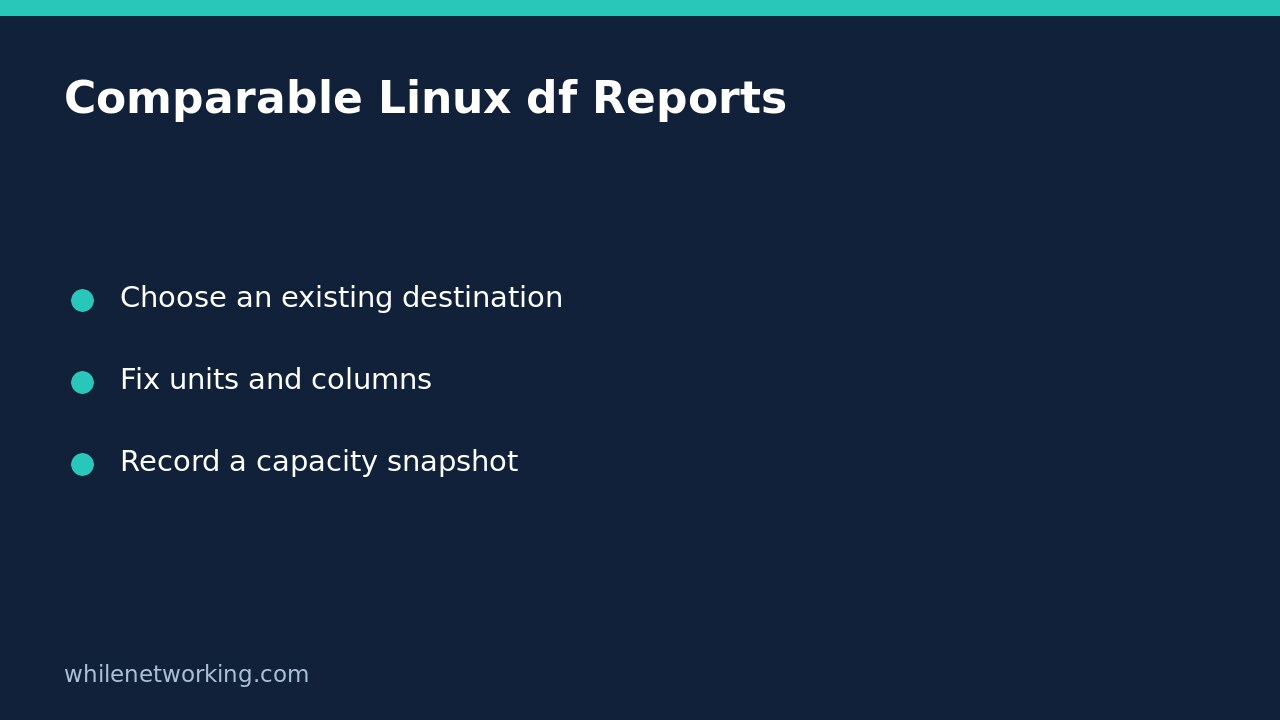

Two Linux disk reports can look inconsistent simply because they use different units, columns or target paths. For a repeatable capacity check, give GNU df an existing path, set the block size explicitly and select the fields you need. This produces a clearer snapshot; it does not reserve capacity for a deployment or prove that an application can write successfully.
Start with the destination, not a remembered device name
Suppose an application will write beneath the current directory. Start with . as the path argument. On your server, substitute an existing destination directory only after confirming it is the actual application location. A report for your home directory is not useful if exports go to a separate mounted volume.
GNU df reports the filesystem containing a supplied ordinary file or directory. It does not calculate that directory’s own size. If the destination has not been created, inspect its existing parent and establish whether a separate filesystem will later be mounted there. For mount identity troubleshooting, see find which mounted filesystem contains a Linux path.
Choose explicit units and output columns
Run this read-only example in Bash on a system with GNU Coreutils:
LC_ALL=C df --block-size=1 --output=source,fstype,size,used,avail,pcent,target -- .--block-size=1 requests byte-sized reporting units rather than depending on the shell’s block-size environment variables. LC_ALL=C gives this command a consistent locale without changing your login configuration. The final dot is the existing path being examined, and -- ends option processing.
The selected columns identify the source, filesystem type, total size, used space, available space, percentage and mount point. Read the column headers rather than assuming a familiar default order. Do not expect numbers here to match a disk manufacturer’s advertised capacity: this is a filesystem report, not a hardware inventory.
For a quicker human-readable inspection, use the same fields with a different scale:
LC_ALL=C df -h --output=source,fstype,size,used,avail,pcent,target -- .Keep the byte report for comparisons and the rounded human-readable report for discussion. Rounded values can conceal a small change, so do not infer that nothing changed merely because both screenshots show the same rounded number.
Avoid incompatible formatting switches
GNU df does not allow --output together with -P, -T or -i. You already requested the type through fstype, so adding -T is unnecessary. Likewise, adding -P does not make this custom report more portable; it creates an incompatible option combination.
If you need a simpler report on systems with a compatible POSIX-style df interface, use a separate command:
LC_ALL=C df -Pk -- .Here -P chooses the POSIX output layout and -k explicitly chooses 1024-byte units. This is a different format from the byte report above. Label stored reports accordingly rather than comparing their raw numbers as if the units were identical. BusyBox and non-GNU systems may not support GNU’s selected-column interface.
Record evidence without promising write success
For a support ticket, record the command, destination path, time of observation and complete output. Compare the filesystem source and mount point before comparing available space. Different containers or mount namespaces can present different filesystems even when the textual path is identical.
A capacity snapshot can become stale immediately as other processes write. It does not account for every application-specific restriction, such as permissions, quotas or a read-only view. It is not an allocation guarantee and should not be used to approve an export solely because the reported available number exceeds the estimated file size.
Also avoid parsing this display by splitting every line on whitespace: filesystem sources and mount paths can contain spaces. Selected columns improve an operator’s report, but they do not turn df into a general filename-safe serialization format.
Quick questions before using the result
- Is this directory usage? No. The report describes the containing filesystem.
- Must I run sudo? These inspection commands ordinarily do not need elevation; report access errors rather than automatically changing privileges.
- Can I add all formatting flags? No. Keep custom output separate from the incompatible switches listed above.
- Can I delete files based on this alone? No. Identify ownership, retention requirements and the actual cause before considering cleanup.
Source and safety note
The GNU Coreutils manual source, df invocation section documents path selection, block scaling, output fields and incompatible options. These examples are educational and read-only. Test procedures before production use. The site owner is not responsible for misuse, damage, data loss or production issues.