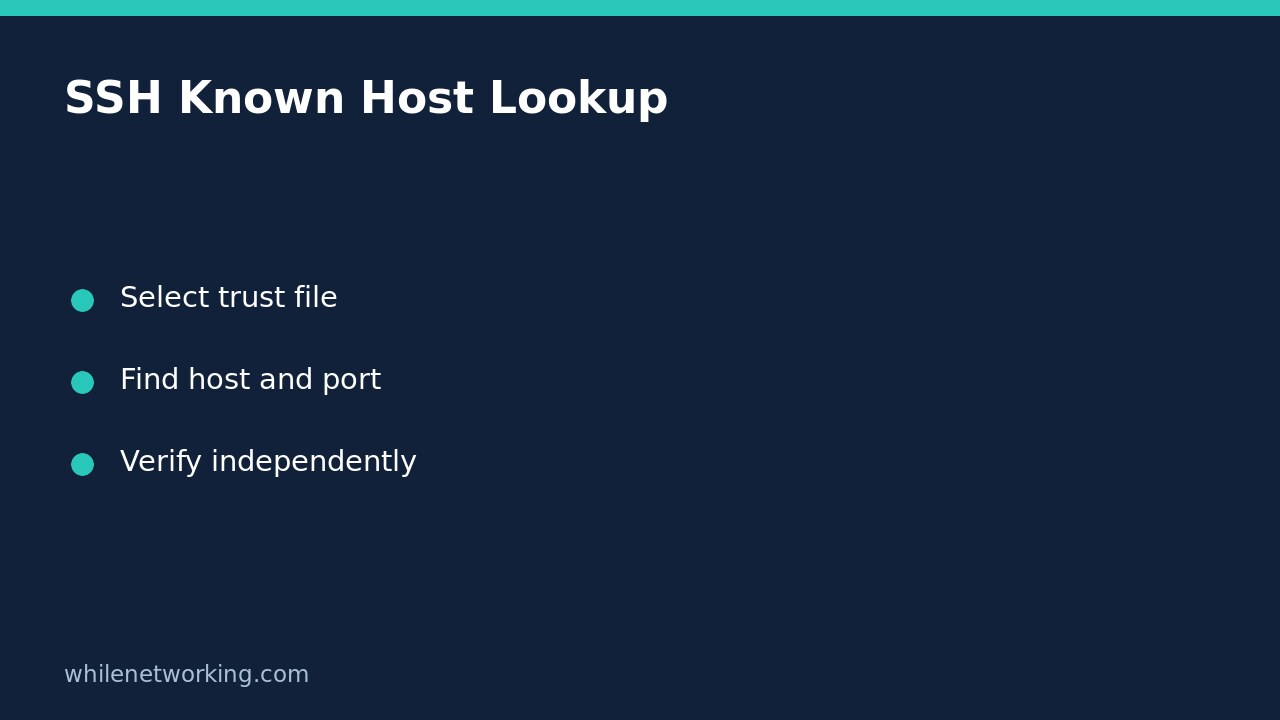

Use ssh-keygen -F to search a known_hosts file when a normal text search cannot find a server. OpenSSH documents that this lookup also finds hashed hostnames and addresses. It reads matching stored records; it does not contact the server or establish that its current key is trustworthy. Keep that distinction clear when investigating a changed-host-key warning.
Identify the host spelling, port and trust file
A known_hosts entry records a server identity previously accepted by a client or managed through your organisation’s trust process. This is different from a user’s public key used to log in. The related tutorial on checking an SSH public key fingerprint before granting access concerns user-access decisions; here the reader task is locating an existing server trust record.
Start with the warning or connection details. Record the hostname used, any IP address mentioned, the connection port and the file path reported. An alias, hostname and IP address are not interchangeable lookup strings. A search for one spelling may not find records stored under another. If a managed SSH setup uses a different trust file, ask its administrator which file applies rather than assuming the default is the only source.
The following commands are Bash examples. Substitute your real server name and inspect only files you are authorised to read. They do not open an SSH connection or edit the trust file.
Search normal and hashed entries with the same tool
ssh-keygen -F 'server.example.com' -f "$HOME/.ssh/known_hosts"The -F option searches for the specified hostname, and -f selects the file explicitly. Quoting the file path preserves spaces in the home-directory path. If a matching record exists, examine the returned record and any line information. More than one matching key can be legitimate, for example when a server has multiple host-key algorithms. Do not discard additional matches simply because you expected one line.
Hashed hostnames are deliberately not shown as their original names in the file. Searching the file for the readable hostname with a basic text search can therefore miss an existing entry. OpenSSH’s lookup knows how to test a candidate hostname against the hashed representation. It does not reverse every stored hash or reveal unrelated hostnames.
If no match appears, confirm the file exists, read any diagnostic message and check the exact identity spelling before concluding that trust data is absent. A missing or unreadable file is not the same result as a successful lookup with no matching record.
Include a non-default port in the lookup identity
ssh-keygen -F '[server.example.com]:2222' -f "$HOME/.ssh/known_hosts"The documented alternate lookup form is [hostname]:port. The single quotes keep the shell from treating brackets as filename-pattern syntax. Port 2222 is illustrative, not a recommendation to move SSH. Use the port from the actual connection you are investigating.
As a worked diagnostic example, suppose a warning concerns an authorised service at server.example.com on port 2222. Searching only server.example.com and getting no output does not settle the question. Search the bracketed hostname-and-port form in the reported file. If the warning separately identifies an IP-based record, inspect that exact recorded identity too. Preserve the results privately; trust inventories can disclose infrastructure details.
Do not erase a warning before checking its cause
A lookup reveals previously recorded key material, not the reason for a difference. A planned server rebuild, an incorrect destination and a hostile interception are different explanations requiring evidence. Obtain the expected current host-key fingerprint through an independently trusted channel, such as your approved infrastructure inventory or an authorised administrator’s verified management path.
Compare the actual host, port, key algorithm and fingerprint with that evidence. A fingerprint obtained solely from the same unverified network connection does not independently establish the server’s identity. Until the discrepancy is explained, stop the affected connection rather than disabling host-key checking.
The manual documents -R as a removal operation and -H as an operation that hashes a file and moves its original contents to an .old file. Neither is needed for a read-only search. Do not use either as a harmless lookup substitute. If a later approved repair requires updating a record, preserve the original evidence and follow your organisation’s controlled trust-update process.
Quick answers and review checklist
Does a match prove the server is safe? No. It proves that the selected file contains a record matching the supplied identity. Does no match prove SSH has never been used? No. Other names, ports, users or managed files may hold records, and records can have been removed. This is a scoped file inspection, not a complete activity history.
- Use the hostname and port relevant to the connection.
- Select the intended known_hosts file explicitly.
- Use -F for hashed entries instead of relying on readable text.
- Keep errors distinct from a no-match result.
- Verify changed keys independently before any trust update.
Source: OpenBSD ssh-keygen manual, particularly the -F, -f, -H and -R options. Educational use only: test carefully before production. The site owner is not responsible for misuse, damage, data loss or production issues.