
When a browser upload fails but another client works, inspect the S3 bucket’s CORS configuration before replacing it. CORS controls browser cross-origin access; it does not grant an application permission to upload an object. A useful diagnosis compares the actual browser request with the configured origin, method and headers, while investigating authorisation separately.
Capture the failing request before changing anything
Open your browser’s developer tools and reproduce the failure using a harmless test file in an authorised test environment. Record the page origin, requested S3 endpoint, HTTP method and any preflight response. Do not share cookies, authorisation headers, signed URLs or customer file contents in a public ticket.
An origin includes the scheme, hostname and port where applicable. A page loaded from HTTPS is not the same origin as an otherwise identical HTTP page. Also check whether the failing request actually reaches S3 or a proxy/CDN in front of it: a bucket configuration cannot explain every response generated elsewhere.
Read the current bucket CORS configuration
Use an approved AWS CLI profile with s3:GetBucketCORS permission. Confirm the account and role first with the related tutorial on checking your AWS CLI account and role. Replace the illustrative bucket, owner account, profile and Region below with verified values. This example is for Bash and a general purpose bucket, not a directory bucket.
aws s3api get-bucket-cors --bucket example-application-assets --expected-bucket-owner 123456789012 --profile audit --region ap-southeast-2 --output json --no-cli-pagerThis is a configuration read, not an upload or policy change. The expected-owner parameter adds a useful targeting check: AWS documents an HTTP 403 failure if the account supplied does not match the bucket owner. A permission failure therefore needs investigation; it does not prove that no CORS rules exist.
Keep the full successful JSON response for your private incident record, together with the bucket and observation time. If the request fails, preserve the error and exit status rather than converting it into an empty rules list. Resolve the specific target or permission problem through your normal access process.
Compare origin, method and headers as one request
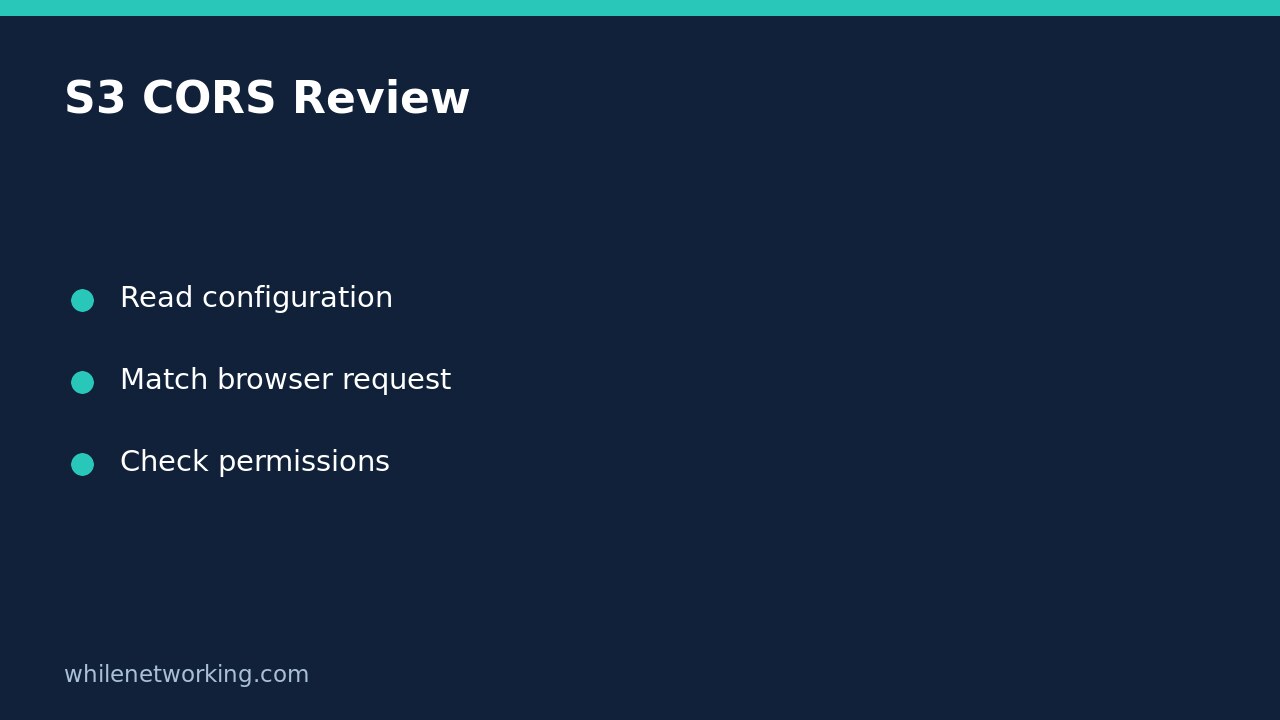
AWS explains that S3 uses the first CORS rule matching the incoming browser preflight request. The origin must match AllowedOrigins, the requested method must match AllowedMethods, and requested headers must match AllowedHeaders. Read the rules in their returned order rather than combining parts of unrelated rules into an imaginary permission.
For a hypothetical upload from https://portal.example.com, write a small comparison checklist: origin is HTTPS portal, method is PUT, and requested headers are those actually shown in developer tools. A rule allowing GET from that origin does not establish that PUT is allowed. Similarly, a matching origin and method are insufficient when required request headers do not match the rule.
ExposeHeaders has a different job: it identifies response headers the browser application can access. Do not add a response header there expecting it to authorise a request header. MaxAgeSeconds describes browser preflight caching, not object retention, session lifetime or permission duration. Cached preflight results can also complicate comparison after an approved change.
Keep CORS and upload authorisation separate
AWS explicitly states that ACLs and policies continue to apply when CORS is enabled. A matching CORS rule does not make a private object public, validate a signed request or grant a role upload access. Conversely, an authorised command-line operation does not prove a browser request meets CORS requirements.
For example, if an approved non-browser test succeeds while the browser fails, compare their target, credentials and request details before attributing the difference to CORS. Do not make the bucket public, disable security controls or replace all rules with wildcards as a troubleshooting shortcut. Any later modification needs a separate reviewed change plan covering other applications using the bucket.
Review checklist and common questions
- Did the read complete successfully against the intended bucket and owner?
- Does one applicable rule match the actual origin, method and requested headers?
- Are you confusing response-header visibility with request permission?
- Have you separated browser enforcement from S3 policies and credentials?
- Have you preserved evidence before requesting any configuration change?
Does reading CORS prove uploads work? No. It establishes the returned configuration at observation time, not successful end-to-end application behaviour. Should you immediately add OPTIONS to allowed methods? Do not guess: the documented allowed methods are GET, PUT, HEAD, POST and DELETE; the browser’s preflight uses OPTIONS to ask about the intended request.
Sources: AWS CLI get-bucket-cors reference and AWS explanation of CORS rule matching. The command is an inspection example, not a claim of execution against your AWS account.
Educational use only. Test carefully before production. The site owner is not responsible for misuse, damage, data loss or production issues.