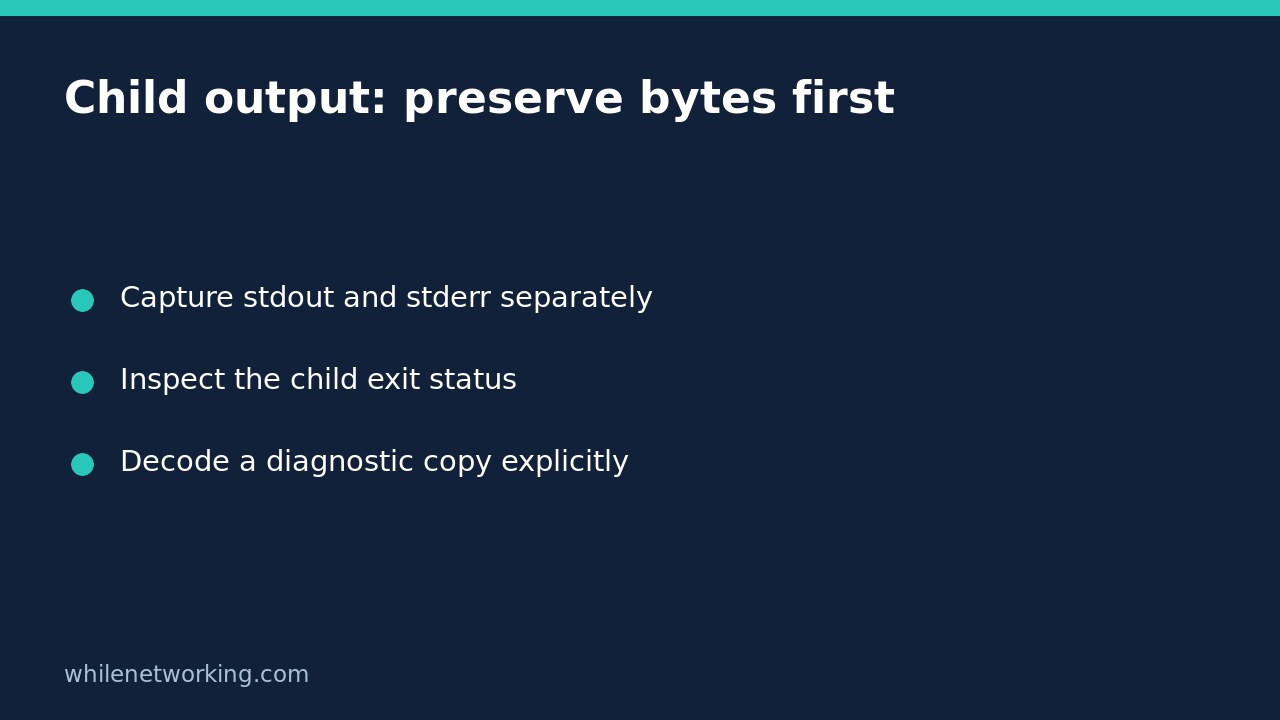

If a Python automation job runs a tool whose output encoding is uncertain, capture bytes first and decode a separate preview afterward. This keeps a decoding failure from becoming your only visible diagnostic. The child’s exit status and the interpretation of its output are separate facts: readable text does not prove success, and undecodable text does not by itself prove that the child failed.
Why text mode can obscure the first investigation
subprocess.run captures binary streams by default. Supplying text=True, encoding or errors selects text mode. Text mode is convenient when the tool’s encoding contract is known. It is less helpful when a legacy utility emits bytes that are invalid under the chosen decoder: your wrapper can raise a decoding exception instead of returning a normal completed-process object to inspect.
Do not guess that every command uses UTF-8 or that every Windows tool uses the same code page. Check the specific utility’s documentation and configuration. For an initial controlled investigation, leave text mode off, capture stdout and stderr independently, and inspect the return code before deciding how the bytes should be interpreted.
Run a harmless child that emits an invalid UTF-8 byte
This standard-library example creates no output files and runs the same Python interpreter as the wrapper. Its child deliberately writes one byte that cannot stand alone in UTF-8, adds a diagnostic on stderr and exits with status seven. The command is a teaching fixture, not a real failing system utility.
import subprocess
import sys

child = (
    "import sys; "
    "sys.stdout.buffer.write(bytes([111, 107, 255, 10])); "
    "sys.stderr.buffer.write(b'diagnostic' + bytes([10])); "
    "sys.exit(7)"
)
result = subprocess.run(
    [sys.executable, "-c", child],
    stdin=subprocess.DEVNULL,
    capture_output=True,
    timeout=5,
    check=False,
)

assert result.returncode == 7
assert result.stdout == bytes([111, 107, 255, 10])
assert result.stderr == b"diagnostic\n"

try:
    result.stdout.decode("utf-8", errors="strict")
except UnicodeDecodeError:
    print("Strict UTF-8 decoding failed; raw bytes remain available")
else:
    raise AssertionError("The fixture should not decode as UTF-8")

preview = result.stdout.decode("utf-8", errors="backslashreplace")
print("child status:", result.returncode)
print("stdout bytes:", repr(result.stdout))
print("stdout preview:", repr(preview))
print("stderr bytes:", repr(result.stderr))
raise SystemExit(result.returncode)
Run this as a saved Python script if you want to inspect its process status from your shell. A status of seven is the expected fixture outcome, not a successful wrapper run. The strict decoding attempt fails, but the original bytes and the child status remain available. The backslash-escaped preview exposes the problematic byte for diagnosis without silently dropping it.
Choose decoding policy for the actual reader
When a tool guarantees a particular encoding, use that encoding explicitly. For machine-readable output, strict decoding is normally preferable to replacement: a substituted character can alter a path, identifier or structured field. If strict decoding fails, preserve the evidence and fail that parsing step rather than feeding a lossy preview into downstream automation.
For a human diagnostic preview, backslashreplace can make undecodable bytes visible. That preview is not a clean or uniquely reversible representation of the original stream. Keep the bytes separately if later analysis matters. Avoid errors='ignore' as an unexplained repair: it discards information and can make distinct outputs appear identical.
Capturing both streams does not establish their exact interleaved order. If chronological ordering matters, design the logging contract accordingly. Also redact credentials, personal information and access tokens before sharing captured output; preserving bytes does not make the material safe to publish.
Preserve failure handling and resource boundaries
The example uses check=False to inspect a completed child deliberately, then exits with that child’s status. Do not replace that final decision with an unconditional success. For a broader discussion, read making Python automation fail when a child command fails.
A missing executable or an expired timeout follows an exception path; neither produces the same ordinary result as this completed fixture. Decide how your application records those failures. The five-second limit bounds this small demonstration, not every possible process-creation delay. Captured output also occupies memory, so do not use this pattern unchanged for unbounded logs. Redirect large streams to appropriately protected files or use a designed streaming reader instead.
Final checklist
- Confirm whether the tool promises text, binary data or a structured format.
- Keep exit status, stdout and stderr distinct.
- Decode explicitly once the encoding is known.
- Use diagnostic previews for people, not as silently repaired machine input.
- Test both child failure and success before unattended deployment.
Does capturing bytes fix an encoding problem? No. It preserves evidence while you determine the correct interpretation. You still need a documented decoding and parsing policy.
Source: The official Python subprocess documentation describes binary versus text mode, captured streams, completed-process return codes and timeout behavior.
This tutorial is for educational purposes. Test before production use, using disposable inputs and appropriately protected logs. The site owner is not responsible for misuse, damage, data loss or production issues.