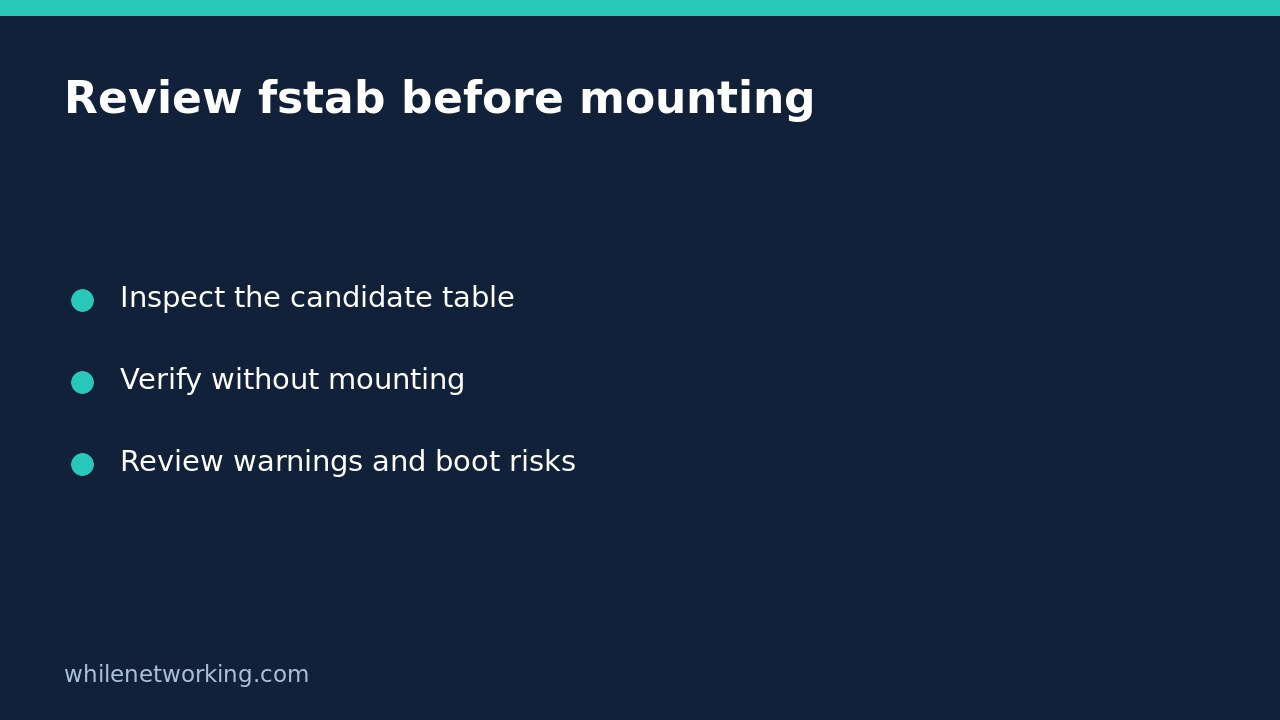

You can check a proposed Linux filesystem table without mounting its entries: use findmnt --verify --tab-file against a separate candidate file. This is useful when reviewing a storage change remotely and you want evidence before replacing /etc/fstab. It is not equivalent to running mount -a, and a clean verification does not guarantee that the next boot will succeed.
Separate the candidate table from the running system
The util-linux findmnt manual describes --verify as checking table parsability and usability. By default it checks /etc/fstab; --tab-file selects another file. Neither instruction asks findmnt to mount a filesystem.
Begin with a candidate prepared through your normal configuration-review process. Keep the active table unchanged during this review. Record the hostname, candidate location, intended storage source and intended mountpoint so an output window cannot be mistaken for evidence from another server. Check that the file really is your candidate rather than a stale copy.
findmnt --fstab --tab-file ./fstab.candidate --output SOURCE,TARGET,FSTYPE,OPTIONSThis lists the proposed entries, not proof that those entries are currently mounted. Review the target paths, filesystem types and options as a human before interpreting automated diagnostics. A syntactically plausible row can still describe the wrong volume.
Capture verification results immediately
Run the following in Bash from the directory containing your candidate. The status assignment belongs directly after findmnt: running another command first can replace the exit status you meant to preserve.
findmnt --verify --verbose --tab-file ./fstab.candidate
check_status=$?
printf 'findmnt exit status: %s\n' "$check_status"
Read the diagnostics as well as the number. Warnings deserve investigation even when the checker has not rejected the table outright. A missing target, unresolved source or unexpected filesystem detail should lead to an explanation, not an automatic installation. If permission limits prevent a useful check, request an authorised review rather than assuming an unprivileged result is complete.
The final printf normally succeeds; therefore a shell harness reporting success for this entire block does not establish that findmnt succeeded. The printed captured status and preceding messages are the evidence. An automation wrapper should explicitly act on that captured value instead of accepting the last command’s result.
Try the selection mechanism in a disposable directory
This Bash exercise creates only a temporary table and a temporary target directory. Its tmpfs entry is a demonstration, not a recommended production configuration. It never installs the table or mounts tmpfs. Run the whole block together so cleanup refers to the same temporary path.
work=$(mktemp -d) || exit 1
mkdir "$work/target" || exit 1
printf 'tmpfs %s tmpfs defaults 0 0\n' "$work/target" > "$work/fstab.candidate"
findmnt --verify --verbose --tab-file "$work/fstab.candidate"
check_status=$?
printf 'candidate verification status: %s\n' "$check_status"
rm -- "$work/fstab.candidate"
rmdir -- "$work/target" "$work"
The temporary parent comes from mktemp, keeping this particular demonstration away from space-containing pathnames. Do not generalise the simple printf row into a safe serializer for arbitrary paths: real fstab fields have their own escaping requirements. Keep the fixture separate from your real candidate.
Decide what the check cannot establish
A check in the running environment does not prove that a network share will be reachable during boot, a storage device will appear in time, or an encrypted device will be unlocked. It does not exercise an application’s write permissions or demonstrate successful data recovery. Those require separate, appropriately authorised tests.
Before installation, confirm the intended source identity, mountpoint purpose, dependency timing and recovery access. Preserve the original table and an approved rollback procedure. Arrange a maintenance window for actual mounting or reboot testing; do not add a mount command simply to make this read-only review feel more conclusive.
To inspect the filesystem currently containing an application path, use the separate mounted-filesystem path lookup tutorial. That answers a running-state question, whereas this review concerns a proposed configuration.
Quick review checklist
- Did the command select the intended candidate file?
- Were both diagnostics and the immediate exit status retained?
- Can every warning be explained without guessing?
- Are boot dependencies and recovery access reviewed separately?
- Has someone explicitly authorised installation and subsequent operational tests?
Safety: This tutorial is for educational purposes. Test carefully before production use. WhileNetworking is not responsible for misuse, damage, data loss or production issues.