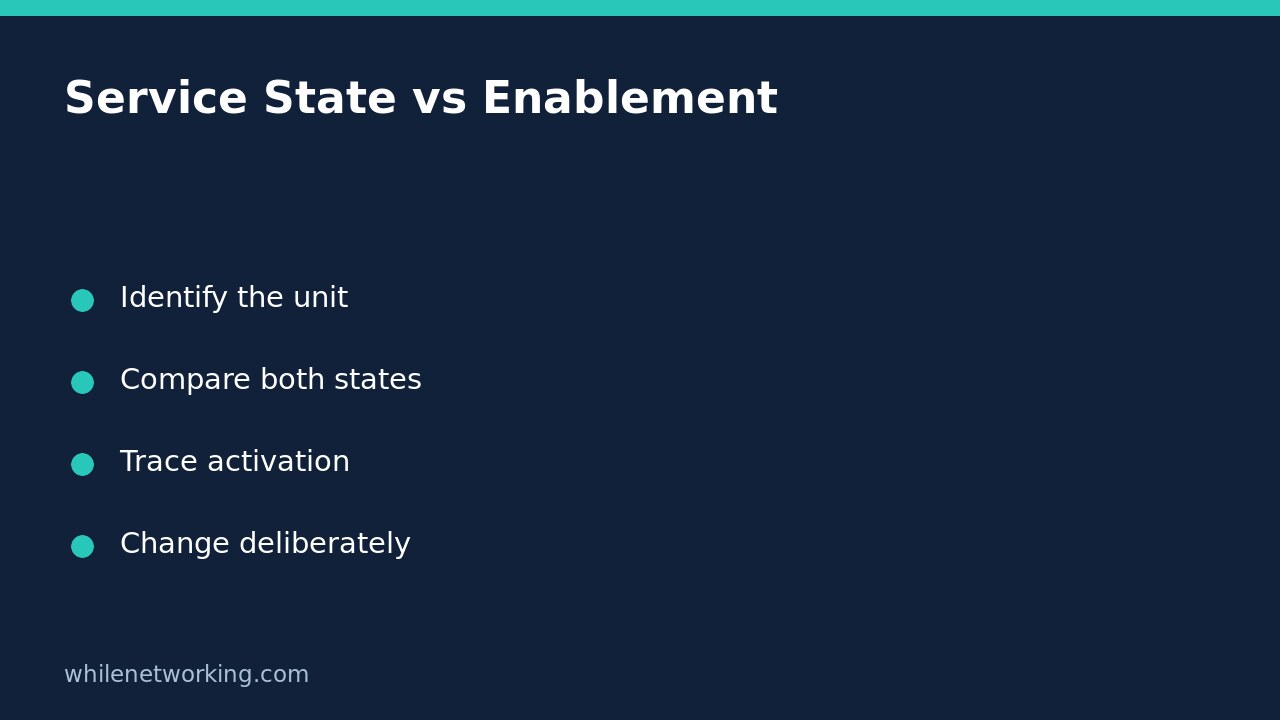

A systemd service can be disabled and still be running. Disabled describes its unit-file enablement, not a command to stop the current service. Conversely, an enabled service may be inactive or failed. Before changing anything, collect both pieces of evidence for the exact service and manager you intended to inspect.
This distinction matters during server handovers: a startup setting is not a live health check, and a running process does not prove it will return after reboot. The following workflow is read-only and avoids restarting a service just to investigate its configuration.
Check one exact unit in the right manager
Replace example.service with the actual unit name, including its suffix. Distribution package names and service names are not always identical. Start with the system manager:
systemctl show example.service --property=Id --property=LoadState --property=ActiveState --property=SubState --property=UnitFileState
systemctl is-enabled example.service
systemctl is-active example.service
systemctl status example.service --no-pager
These are separate observations, not a script that declares success from its final command. Some diagnostic commands deliberately return a nonzero status when a unit is inactive or disabled. Preserve their printed output and any error instead of interpreting every nonzero result as a broken tool.
If the application is managed as a user service, run the corresponding commands with systemctl –user from that user’s session. Do not compare enablement from one manager with activity from another. A missing unit, unavailable user manager or access error is not evidence that the intended service is safely stopped.
Interpret enablement and activity as different axes
- Disabled and active: the unit can have been started manually, pulled in by another unit, or activated by another mechanism. Disabling does not stop an existing activation.
- Enabled and inactive: enablement hooks exist, but the unit is not currently active. It might have been stopped, not reached its activation point, or completed its intended work.
- Enabled and failed: the startup configuration does not establish successful execution. Inspect failure evidence before making changes.
- Static: the unit lacks provisions for direct enablement in its Install section. It can still be used through dependencies or another activation path.
For example, suppose a handover note says the local reporting service is disabled, but ActiveState is active and SubState is running. That is not contradictory. Record that it is running now while its own unit-file state is disabled; investigate its activation path before claiming it will never start automatically.
Do not turn an exit code into a boot guarantee
The upstream systemctl manual lists several enablement states with successful exit codes, including static and generated. Therefore a zero exit code from is-enabled is not a universal assertion that a conventional persistent boot-enablement link exists for this unit.
Read the state string and local manual rather than collapsing every result into a yes/no column. An enabled-runtime state is also different from persistent enablement: its runtime configuration does not survive reboot in the same way. With multiple arguments, the commands can report success based on at least one matching unit; inspect units individually when your checklist requires every service to satisfy a condition.
Investigate what can activate the service
Read the unit definition and its dependency relationships without editing them:
systemctl cat example.service
systemctl list-dependencies --reverse example.service --no-pager
Review associated sockets, timers and dependency declarations where relevant. A reverse-dependency listing helps investigation but is not a complete historical record of who started the service. Correlate logs and operational records before attributing a specific activation. If a timer is involved, use the separate guide to checking whether a systemd timer’s service actually succeeded.
Upstream documentation explicitly separates enable from start and disable from stop. Masking is a stronger restriction that prevents start operations, not simply another spelling of disabled. Do not mask a production dependency as an exploratory step, and do not assume a masked unit’s existing process has automatically vanished.
Handover checklist and short FAQ
Does enabled mean healthy? No. Check current state and an application-specific health signal separately. Even active can describe a successfully completed oneshot unit rather than a continuously running daemon.
Should I enable it to fix an outage? Not without identifying the failure. A startup-policy change alone need not start or repair the application.
Before proposing any change, record the manager scope, exact unit, load state, active/substate pair, enablement text and relevant activation dependencies. Obtain approval for startup-policy or runtime changes and document their separate rollback steps. This evidence-first approach avoids turning a harmless status discrepancy into an unnecessary outage.
Source and operational safety
Source: systemd project’s systemctl manual source, particularly enable, disable and the is-enabled state table. Installed versions may differ; consult the local manual too.
This tutorial is for educational purposes. Test carefully before using any steps in production. The site owner is not responsible for misuse, damage, data loss or production issues.