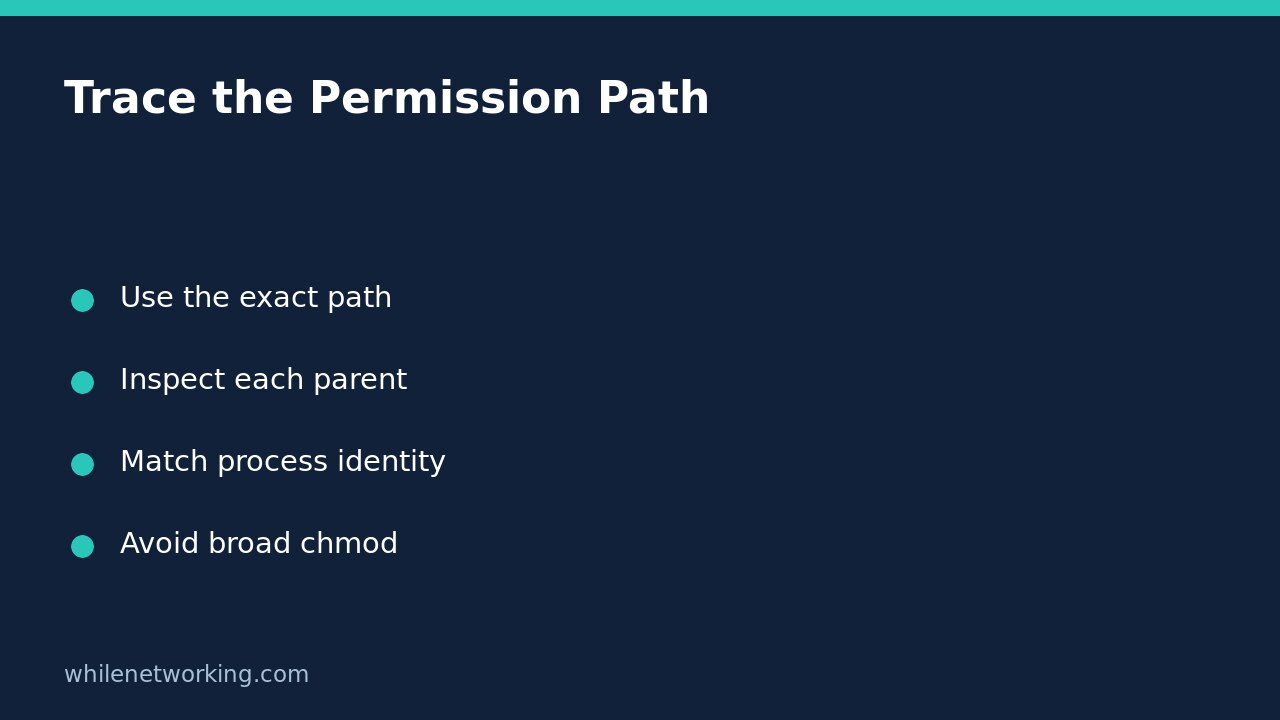

A Linux file can have readable mode bits and still return Permission denied because the process cannot search one of its parent directories. Inspect the entire pathname with namei -l before widening permissions. The final file’s listing is only one part of the access question.
This is a narrow troubleshooting workflow for a known path, not a reason to run recursive chmod. It helps identify a suspicious directory component while keeping the distinction between visible mode bits and the full access decision.
Inspect the exact path without modifying it
On systems providing the util-linux namei command, replace this example with the actual absolute path. Keep quotes around a path that might contain spaces:
namei -l '/srv/reports/monthly.csv'The upstream manual defines -l as the long format showing modes, owners and aligned output. Each directory appears separately. A d identifies a directory, a dash identifies a regular file, and an l identifies a symbolic link. When namei follows a link, it shows the target and indents the resolution context.
Look upward from the final file rather than assuming its read bits settle the issue. If a parent belongs to another account and grants no search access to the affected identity, opening the file through that path can fail even when the file itself is world-readable. If resolution stops early, the remaining components have not been successfully inspected by that invocation.
Directory search is not file read permission
For directories, the execute bit represents search permission: the ability to traverse the directory when resolving a name. Directory read permission concerns listing names; it is not an interchangeable substitute. The Linux pathname-resolution manual describes a search-permission failure on a directory as EACCES.
Imagine /srv/reports is mode 700 and owned by a reporting account, while monthly.csv is mode 644. An unrelated ordinary user may be unable to reach the file through /srv/reports despite the file’s read permission for others. That example concerns traditional permission bits; actual results also depend on identities, ACLs, capabilities and security policy.
Do not fix this by granting everyone write access. Identify the intended reader and the narrow directory or group arrangement required by the application’s access policy first. Any approved correction should have a recorded original state and a targeted rollback.
Try a disposable path-resolution exercise
The following Bash example creates an isolated temporary directory, a file and a symbolic link. It modifies only its own new fixture, not a production path:
work=$(mktemp -d) || exit 1
mkdir -- "$work/private"
printf 'sample report\n' > "$work/private/report.txt"
chmod 700 "$work/private"
chmod 644 "$work/private/report.txt"
ln -s private "$work/shortcut"
namei -l "$work/shortcut/report.txt"
Inspect the private directory’s owner-only permissions and the readable final file. The shortcut should identify a symbolic link leading into private. The account creating the fixture owns the directories, so this exercise is not expected to demonstrate a denied read for that same account. It demonstrates how to expose the components that could deny another identity access.
The temporary parent created by mktemp is itself restrictive, another reason not to mistake this fixture for a multi-user access test. After inspection, remove only the known fixture entries in the same Bash session:
rm -- "$work/shortcut" "$work/private/report.txt"
rmdir -- "$work/private" "$work"
Match the inspection to the failing process
Running namei as root can reveal components that the affected user cannot traverse. That is useful inventory, but successful privileged inspection does not prove access for the application. Establish its effective user, relevant groups and actual path before drawing a conclusion. Avoid sharing sensitive paths or account names in public troubleshooting logs.
If a symbolic link is involved, inspect the target chain as well. A link does not copy its target or grant additional access. The related guide to readlink resolution modes and missing files explains a different trap: printing a path is not proof that the target exists.
If the application sees a different filesystem or root, your interactive shell’s pathname may not describe the same object. Likewise, plausible Unix modes do not rule out access-control lists, SELinux, AppArmor or application-specific restrictions. namei exposes pathname information; it is not a complete authorisation simulator or a race-free guarantee about a later open.
Short diagnostic checklist
- Capture the exact error and absolute path used by the failing process.
- Read each directory component, including symbolic-link targets.
- Compare owner and group information with the affected identity.
- Separate missing components from denied traversal.
- Investigate additional controls before changing an apparently correct mode.
Should I use chmod -R 777? No. It broadens access far beyond the diagnosed component and can expose sensitive data. This read-only investigation does not require that change.
Sources and safety
Sources: the util-linux namei manual and Linux pathname-resolution documentation.
This tutorial is for educational purposes. Test carefully before production use. The site owner is not responsible for misuse, damage, data loss or production issues.