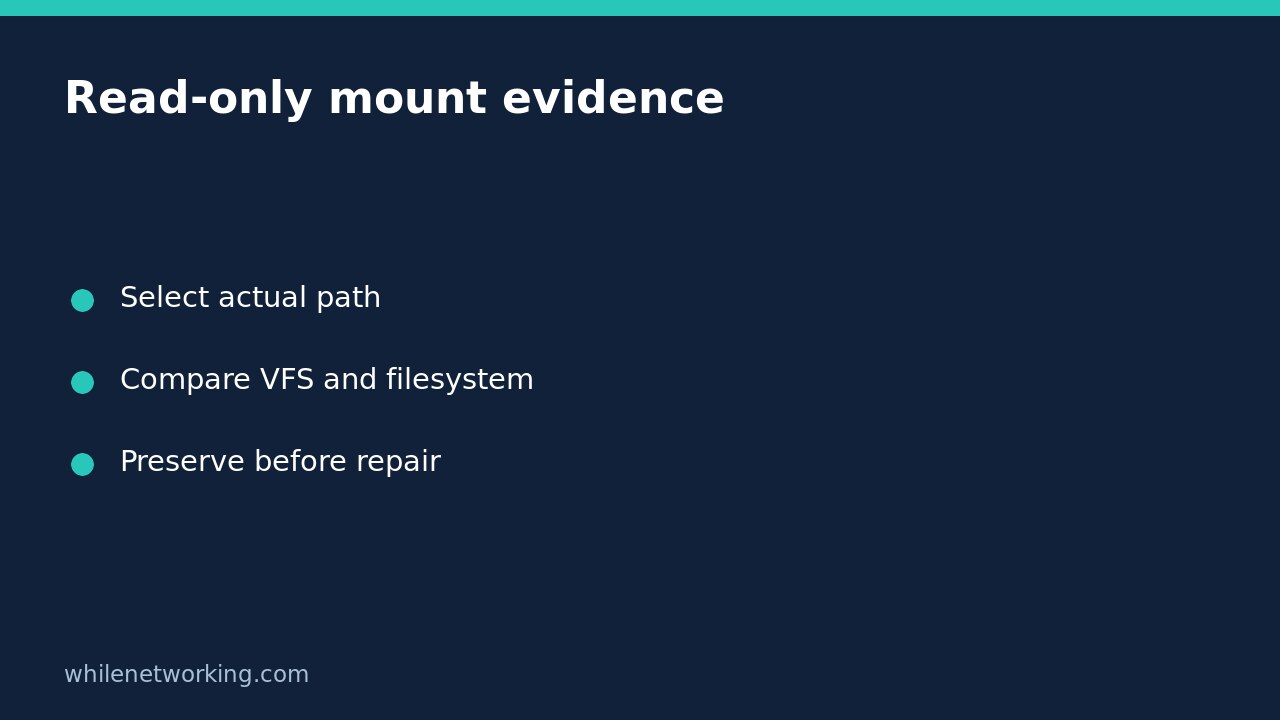

A Linux mount can be read-only at the mountpoint layer while its underlying filesystem remains writable through another mountpoint. If an options listing appears to contain both ro and rw, do not decide that one word cancels the other. Separate the virtual-filesystem mount options from the filesystem options with findmnt before proposing a repair.
Understand the two read-only layers
The util-linux mount manual distinguishes the virtual filesystem, or VFS, from the filesystem itself. A mountpoint has attributes governing access through that mount. The filesystem also has its own read-only state. A read-only bind mount can therefore expose files through a restricted path even while another path to the same filesystem remains writable.
This is not proof of corruption or a contradictory kernel report. It can be an intentional boundary for a service, container or shared directory. Conversely, a writable-looking mountpoint does not override an underlying filesystem that is read-only. Evaluate both layers rather than searching an entire options line for the first occurrence of rw.
Inspect the application’s path without changing it
Start with an existing directory the affected application actually uses. This example inspects /var/log; substitute the relevant existing path on your server:
findmnt --target /var/log --output TARGET,SOURCE,FSTYPE,VFS-OPTIONS,FS-OPTIONSThe command is read-only. TARGET identifies the containing mount, SOURCE identifies its source, and FSTYPE helps establish which storage implementation is involved. VFS-OPTIONS and FS-OPTIONS keep the two groups separate. Explicit column selection also avoids relying on the tool’s changeable default output.
Read ro or rw as comma-separated option tokens within the appropriate column, not as arbitrary letter sequences somewhere in a device name or path. If an older installed findmnt does not recognise a column, consult its local help and manual. An unsupported-column error is not evidence that the storage has failed.
Interpret combinations as evidence, not a repair instruction
Consider a hypothetical bind mount used to expose application reference files. Its VFS-OPTIONS column includes ro while FS-OPTIONS includes rw. That supports the conclusion that access through this mountpoint is read-only even though the underlying filesystem is writable. It does not establish that another specific path is writable by the application’s user.
If both layers show ro, removing a per-mount restriction alone would not establish a writable filesystem. If both show rw, an application can still fail to write because of permissions, access-control policy, quotas, exhausted capacity or another restriction. These are interpretation examples, not captured results from your machine.
The mount manual explains why bind-remount read-only operations can affect only the VFS entry, whereas an ordinary read-only remount can affect both layers. This tutorial deliberately does not provide a remount command: changing the wrong layer can weaken an intentional restriction or disturb a busy filesystem.
Keep the application’s view and the host’s view separate
By default, findmnt reads live mount information for its own process. A host shell and an isolated service may not share the same mount namespace. Record where the inspection ran and ask the responsible administrator to collect the equivalent evidence inside the authorised application environment when necessary.
Also distinguish the live mount table from startup configuration. A line in fstab describes intended configuration; it does not prove which options are active now. The related guide to finding the mounted filesystem containing a path explains path selection and exact-mountpoint checks. Here the next task is interpreting the two option layers after selecting that path.
Build a useful escalation record
- Record the failing application operation and its exact error.
- Record the path, containing mount, source and filesystem type.
- Preserve the separate VFS and filesystem option columns.
- Note the inspection environment and any namespace uncertainty.
- Compare the restriction with the approved service design before requesting a change.
Do not run a filesystem repair on mounted production storage or force a writable remount just to test a theory. If evidence suggests an unexpected transition to read-only operation, preserve relevant system messages and follow the storage owner’s incident procedure. A change needs its own backup, maintenance and rollback plan.
FAQ and checked sources
Does rw prove a test write will succeed? No. It describes a mount or filesystem setting, not all permissions, health conditions or available resources. Does ro prove a disk error caused the restriction? No. A deliberate read-only exposure is one possible explanation; this listing alone does not establish the cause.
Sources: the util-linux mount manual, especially its VFS and read-only notes, and the findmnt manual for columns, target selection and live mount inspection.
This tutorial is for educational purposes. Test carefully before production use. These inspection commands make no mount changes and require no rollback. The site owner is not responsible for misuse, damage, data loss or production issues.