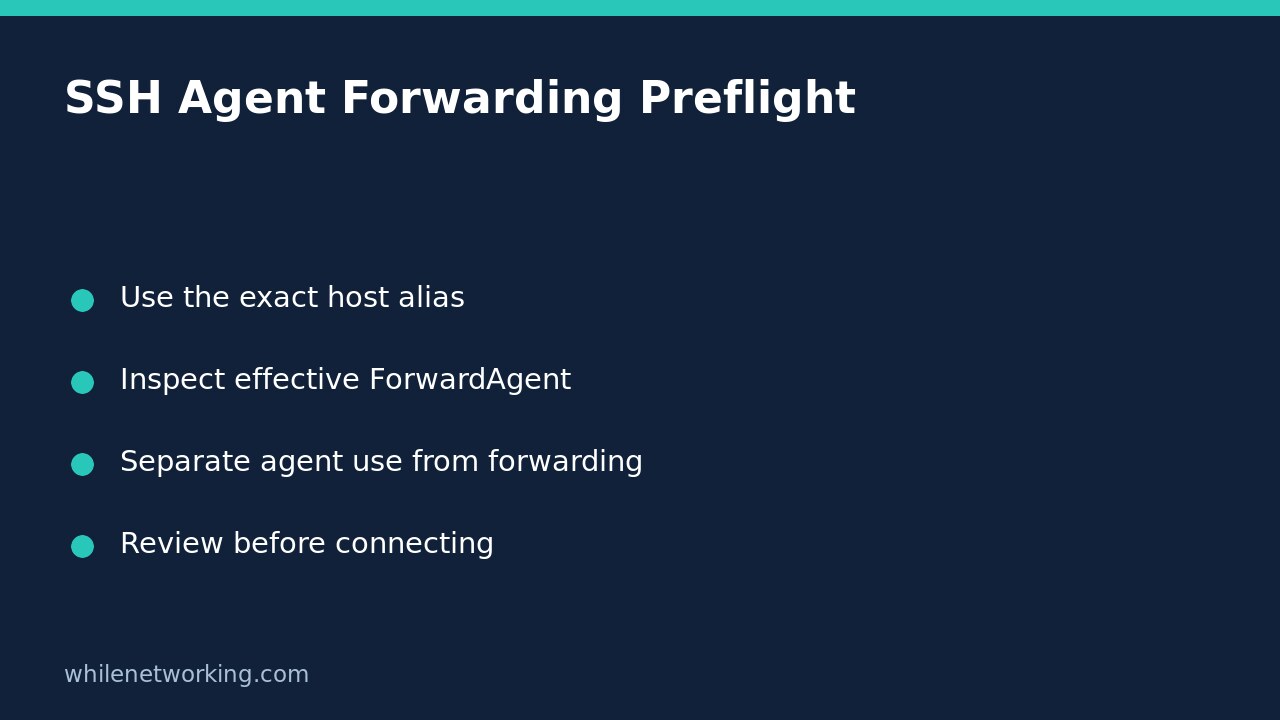

Before connecting to a server, inspect the SSH client’s effective agent-forwarding setting with ssh -G. This prints configuration after evaluating Host and Match blocks and exits rather than opening the normal remote session. It answers a narrow question: what does this client intend to use for this invocation? It does not certify the server as safe or prove that an authentication agent is available.
Understand what agent forwarding exposes
An authentication agent can hold identities used to authenticate from your own machine. Forwarding makes a connection to that agent available on the remote side. The OpenSSH documentation warns that someone able to bypass file permissions for the forwarded socket on the remote machine can use the agent to perform authentication operations with loaded identities. They cannot simply extract private-key material from the agent, but the ability to request signatures is still a serious exposure.
Using a local agent for your initial login is therefore not the same as forwarding it. A server accepting your key does not prove forwarding was disabled, and disabling forwarding does not mean your local agent cannot help authenticate the initial connection.
Inspect the exact alias and options you will use
In a terminal with OpenSSH installed, replace this example alias with your actual configured alias. Use the same username and relevant command-line options as the intended connection. Different aliases can match different configuration blocks even when they ultimately refer to the same server.
ssh -G deploy-reviewFind the forwardagent entry in the printed settings. The default described by OpenSSH is no, but an explicit configuration can change that. The setting can also name an agent socket or an environment variable, so do not assume that every non-default result is literally the word yes.
Review hostname, user and port at the same time to catch an unexpected target. Treat this output as potentially sensitive configuration: it can include usernames, internal hosts and local paths. Share only the relevant fields through approved channels.
Do not confuse a print operation with an absolute sandbox
The -G option does not start the ordinary login session. However, it still evaluates configuration. In particular, a configuration using a Match exec condition can run a local command as part of that evaluation. Inspect only trusted configuration, and do not point SSH at an untrusted downloaded configuration merely because you are using a print option.
If the command fails with an unknown option or configuration error, record the diagnostic rather than assuming forwarding is off. Check the installed client’s own manual and version. The linked upstream documentation may describe capabilities newer than those available in a particular operating-system package.
Understand precedence before proposing a change
OpenSSH generally uses the first obtained value for a setting. This is why specific Host blocks normally belong before broad defaults. A later Host * block is not automatically an override for an earlier matching declaration. Some settings have special accumulation rules, so do not generalise a single-value rule to every SSH option.
For a configuration-only preview of an explicit no-forwarding choice, inspect this invocation:
ssh -G -o ForwardAgent=no deploy-reviewConfirm that its forwardagent output is no. This command still only prints settings; it is not a login test. It also does not alter your saved configuration. If an approved workflow genuinely requires a later connection, carry the reviewed option into that separately authorised invocation rather than assuming a previous preview changed future commands.
Keep other security checks separate
IdentitiesOnly controls which configured identities the client offers; it is not a synonym for disabling agent forwarding. Host-key verification is another distinct check: deciding whether a server key is trusted is separate from deciding whether that server should receive an agent connection. For a related identity-management task, see checking a user’s SSH public-key fingerprint before granting access.
Does a printed no prove an existing session is safe? No. You inspected one invocation’s configuration, not every existing session or the remote machine’s integrity.
Should forwarding be enabled globally for convenience? Avoid treating a convenience setting as an access requirement. Reconcile the actual task and trust boundary first, and follow your organisation’s approved access design.
Sources: OpenSSH ssh manual and SSH client configuration manual. This tutorial is for educational purposes. Test changes before production use. The site owner is not responsible for misuse, damage, data loss or production issues.