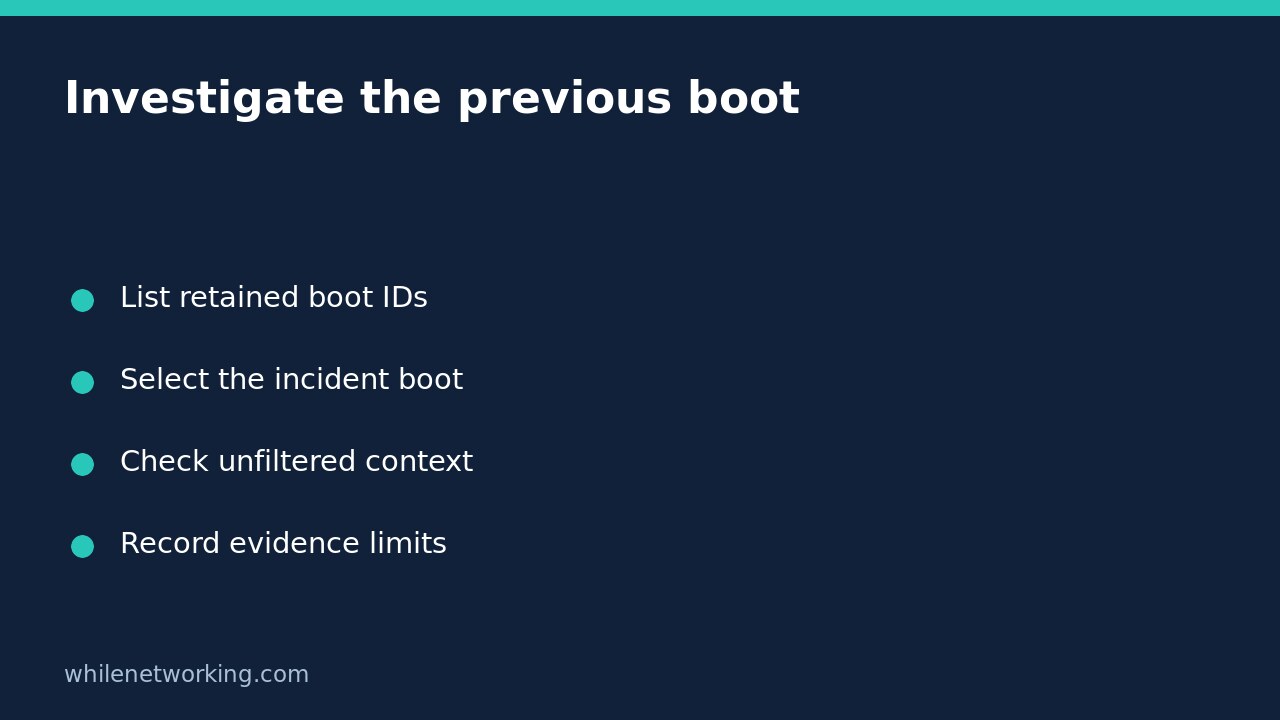

After an unexpected Linux restart, journalctl -b normally shows the current boot, not the session that failed. Start by listing the boots actually retained in the journal, then select the incident boot explicitly. A previous-boot query can reveal useful evidence, but it cannot recover records that were never persisted or prove why the machine restarted.
This workflow applies to Linux systems using systemd and its journal. A container, minimal distribution or WSL installation may have a different logging arrangement. Use your distribution’s installed manual to check options if a command is unavailable.
List available boots before choosing an offset
journalctl --list-boots --no-pagerThe table reports relative boot numbers, boot IDs, and the first and last retained message timestamps for each boot. On the running system, identify the interval that matches the reported incident. These timestamps describe available records; they are not necessarily the exact power-on and power-off times.
If access warnings appear, your account may see only part of the journal. Ask an authorised administrator to repeat the query with appropriate access. Do not change log permissions or add broad administrative group membership just to make a troubleshooting command work.
For the ordinary case where the latest retained boot is the current session, inspect the boot before it:
journalctl -b -1 -n 100 --no-pagerThis selects the previous retained boot and its last 100 entries. An offset is relative to the available journal history, not a promise that every physical restart is represented. When examining copied journals from another machine, select the listed boot ID rather than assuming the current host’s timeline applies.
Pin the boot ID when sharing evidence
Copy the incident boot’s 32-character ID from the listing. In this Bash example, replace the placeholder before running the second line:
BOOT_ID='PASTE_THE_LISTED_BOOT_ID_HERE'
journalctl --boot="$BOOT_ID" -n 100 --no-pager
A boot ID is a more stable reference than an offset when someone reruns the investigation after another restart. Record the hostname, selected ID, timestamps and access level in the incident ticket. Do not substitute a randomly generated ID: it must identify records in the journal being inspected.
Read the final messages broadly before narrowing the search. A network service stopping near shutdown may be an effect of shutdown, not its initiating cause. Likewise, an abrupt end to logging is compatible with several possibilities, including power loss, incomplete persistence or unavailable records.
Apply filters without losing the boot boundary
journalctl --boot="$BOOT_ID" -k -n 100 --no-pagerThis restricts the selected boot to kernel messages. The explicit boot selection matters because the kernel-message option otherwise implies the current boot. Kernel messages may contain storage or driver clues, but they do not replace application logs or hardware-management records.
journalctl --boot="$BOOT_ID" -p warning -n 100 --no-pagerA single priority threshold includes that priority and more important messages. It is not a search for the word warning. If the filtered view has no useful results, return to the unfiltered boot: normal-priority messages can contain shutdown requests and operational context. A quiet warning view does not establish a healthy session.
For an incident involving a particular service, also preserve its failure evidence using the service-state capture workflow. That is a separate check from choosing the correct historical boot.
Understand why the previous boot may be missing
The upstream storage documentation distinguishes volatile storage under /run/log/journal from persistent storage under /var/log/journal. Volatile records do not survive reboot. Configuration, retention limits, permissions and the journal source being queried can all affect what is available.
Do not change storage settings during evidence collection and expect yesterday’s missing records to appear. Enabling persistence is a separate, authorised prevention task, not recovery of unrecorded history. Check existing central logging or approved backups where available. Avoid vacuuming journals or clearing service state while the incident evidence is still needed.
Quick questions and handover checklist
Does no previous boot mean the server never restarted? No. It establishes only that the queried journal view did not provide that history.
Does the last log line prove the cause? No. Correlate it with other evidence and distinguish observed events from hypotheses.
- Confirm which host and journal source you inspected.
- Record the incident boot ID and retained time range.
- Review broad context before filtered views.
- State missing records and permission limitations explicitly.
Sources and safety
See the official journalctl manual for boot selection and filters, and journald.conf for storage behaviour.
This tutorial is for educational purposes. Test carefully before using steps in production. WhileNetworking is not responsible for misuse, damage, data loss or production issues. Logs can contain sensitive information; redact copies before sharing them.