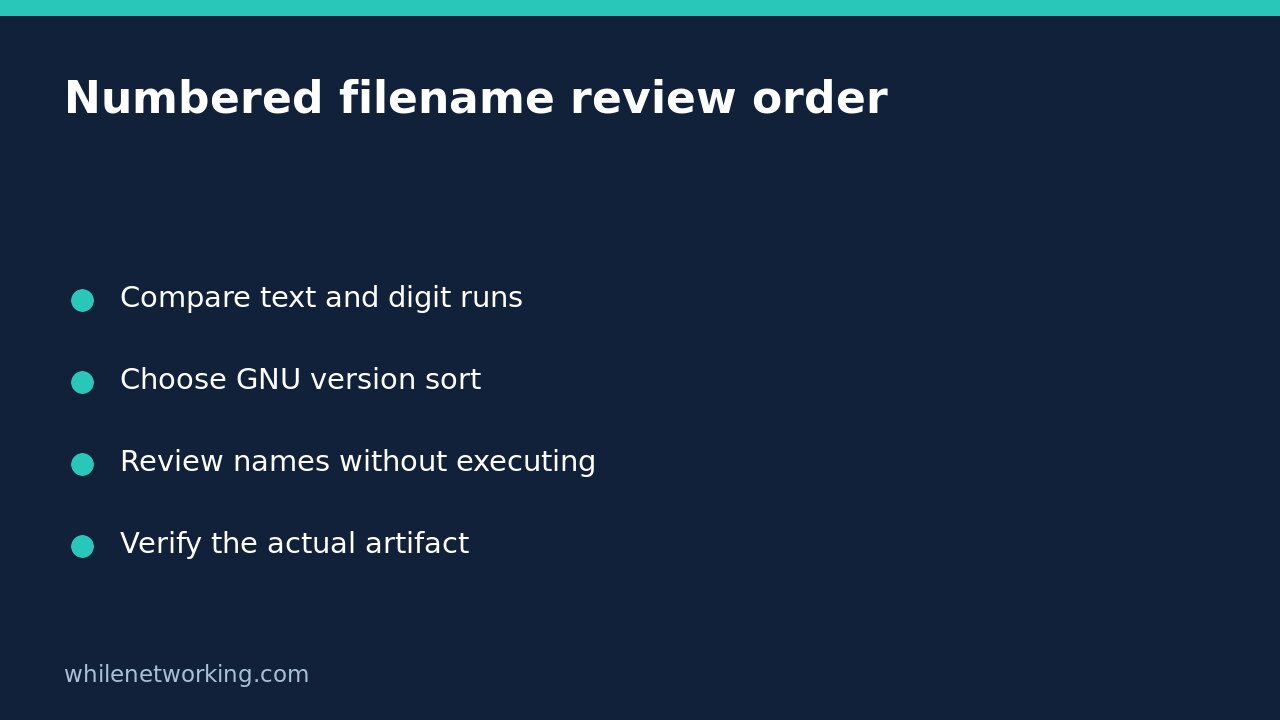

If report-10.txt appears before report-2.txt, ordinary text sorting may be working exactly as designed. For a human review list containing numbered names, GNU sort -V compares digit runs numerically while also comparing the surrounding text. It changes the order of displayed records; it does not rename files, inspect their contents or identify a trustworthy software release.
This tutorial uses GNU Coreutils on Linux and harmless, invented filenames supplied through standard input. Check your installed implementation: a command named sort on another platform may have different options or natural-order rules.
See why ordinary text order looks wrong
printf '%s\n' 'report-10.txt' 'report-2.txt' 'report-1.txt' | LC_ALL=C sortThe result is report-1.txt, then report-10.txt, then report-2.txt, each on its own line. Text comparison reaches the first differing character, where the leading 1 in 10 comes before 2. The program does not know that the suffix represents a report sequence.
The fixed locale makes the ordinary text-order demonstration reproducible. It is not a rule that every sorting task should use this locale. First decide what the strings represent: names with counters, decimal measurements, dates and package versions need different interpretations.
Use version order for the numbered-name task
printf '%s\n' 'report-10.txt' 'report-2.txt' 'report-1.txt' | LC_ALL=C sort -VNow the sequence is report-1.txt, report-2.txt, report-10.txt. GNU version sorting alternates comparisons of non-digit portions and digit portions. This is useful when reviewing a batch of numbered exports, split reports or build labels with a consistent naming convention.
The input in these examples consists of literal strings. No file is created or opened. The printf format prints one record per line; keep its backslash-n format sequence intact when copying the command.
printf '%s\n' 'report-10.txt' 'report-2.txt' 'report-1.txt' | LC_ALL=C sort -VrAdding reverse order lists 10, 2 and 1 for these names. This can put the largest counter first, but it does not prove which file was created most recently. Counters may be reused, naming conventions may change, and a new copy of an old report can have a later filesystem timestamp.
Do not substitute numeric sorting for version sorting
printf '%s\n' '8.10' '8.5' '8.1' | LC_ALL=C sort -nNumeric sorting treats these as numbers: 8.1 and 8.10 have the same numeric value, while 8.5 is larger. For this fixture, the displayed order is 8.1, 8.10, 8.5.
printf '%s\n' '8.10' '8.5' '8.1' | LC_ALL=C sort -VVersion sorting instead gives 8.1, 8.5, 8.10. The part after the dot is compared as a digit run, so 5 comes before 10. Neither order is universally correct: use numeric order for decimal measurements and a suitable version interpretation for version-like labels.
Do not assume GNU version sorting is a universal semantic-version validator or an exact replacement for a package manager’s dependency rules. The upstream documentation explicitly notes that natural/version order is not standardised across all programs. It also documents differences from Debian package version comparison.
Keep a sorted list separate from file operations
For an existing plain-text inventory with one simple name per line, this read-only command prints the reordered list:
LC_ALL=C sort -V -- numbered-files.txtReplace the inventory filename with your own readable text file. This reads the inventory, not the files named inside it. It does not overwrite the inventory. Do not redirect output back into the same input path: the shell can truncate that file before sort reads it.
A newline-delimited list cannot represent filenames containing embedded newlines unambiguously. Do not promote this demonstration into a deletion, deployment or execution pipeline. A largest-looking label is not evidence of a valid signature, compatible build or approved release.
If a candidate path is a symbolic link, the separate readlink resolution-mode tutorial explains why printed path text is not the same as confirming an existing target. Sorting a path adds no existence or trust guarantee.
Quick review checklist
- Identify whether digits are counters, decimals or product-specific versions.
- Confirm the installed sort supports the requested GNU option.
- Try a tiny known fixture before processing a real inventory.
- Review output without connecting it to destructive actions.
- Validate the chosen artifact independently of its position in the list.
Will this rename my files? No. These examples only print text. Is the last line always the newest release? No; that requires the product’s release rules and independent verification.
Source and safety
The checked source is the GNU Coreutils upstream version-sort documentation, covering digit-run comparisons, numeric-order differences and implementation variations.
This tutorial is for educational purposes. Test carefully before using commands in production. WhileNetworking is not responsible for misuse, damage, data loss or production issues.