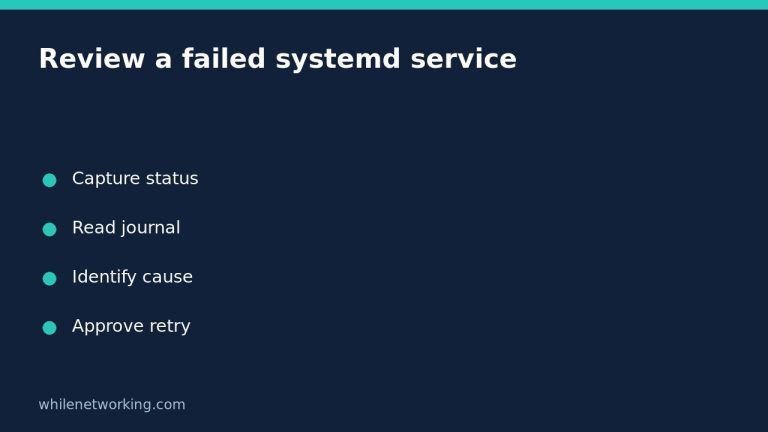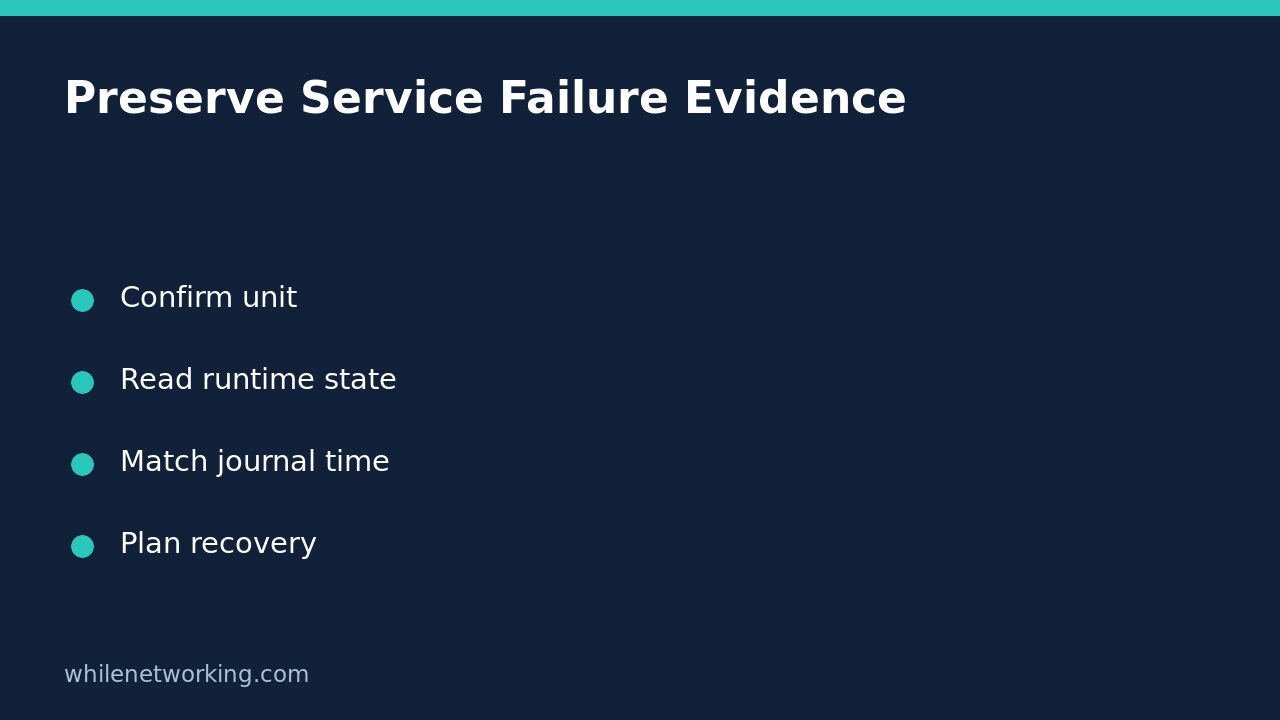

Before restarting a failed Linux service or clearing its failed state, capture its runtime status and relevant journal messages. A restart may replace the invocation you wanted to inspect. Clearing the failed state also resets other counters, so it is not a harmless way to make a monitoring dashboard green.
The following workflow uses read-only commands on a Linux machine running systemd. It helps preserve evidence for troubleshooting; it does not restart anything, edit a unit, or claim that one exit number explains every failure.
Confirm the exact unit and manager
Start with the precise service name from the alert or application documentation. Replace example.service below with that name, keeping the .service suffix. For an instantiated service, retain the instance part, such as worker@reports.service. Looking at the template or another instance can send you toward the wrong logs.
systemctl status example.service --no-pager --fullRead the Loaded and Active lines, the main process information, and any recent messages. A failed service can make this inspection command return a nonzero status; that is not a request to repair it automatically. Do not chain it to a restart with shell error-handling shortcuts.
These examples address the system manager. For a service belonging to your logged-in user, use the corresponding user-manager commands, including systemctl –user and journalctl –user-unit. Switching between a user service and a system service with the same name changes what you are investigating. If access is denied, request authorised assistance instead of weakening process or log protections.
Capture structured runtime properties
The systemctl manual recommends show for machine-parsable properties and status for human-readable inspection. Collect a focused snapshot:
systemctl show example.service --all --property=Id,LoadState,ActiveState,SubState,Result,ExecMainCode,ExecMainStatus,MainPID,NRestartsKeep the property names with their values. ActiveState and SubState describe the current unit condition. Result helps describe the service outcome. ExecMainCode and ExecMainStatus need to be interpreted together: an exit status and a signal termination are different cases. MainPID concerns the current main process, not a permanent identifier for every historical run.
Do not interpret a single numeric value in isolation. A timeout, a failed preparatory command, and an application that deliberately returns an error can require different responses. The service manual describes separate start, stop, and post-stop behaviours, so the failed operation may not be the main application’s ordinary work.
Read the journal for the same incident
Status output includes only a limited recent log view by default. Inspect a wider, explicit time window while retaining timestamps:
journalctl --unit=example.service --since '1 hour ago' --no-pager -o short-isoChoose a window that actually contains the alert. If it happened earlier, use the incident’s start and end times instead of assuming the last hour is sufficient. Record the server’s timezone and the monitoring system’s timezone when matching events. Missing messages can reflect permissions or retention, not proof that nothing failed.
Build a short sequence: activation requested, first application error, systemd outcome, and any automatic retry. Distinguish an error immediately before shutdown from a later successful invocation. With automatic restarts enabled, two consecutive inspection commands may describe different moments. Capture their collection times and correlate with the journal rather than forcing them into one static story.
Use an evidence worksheet before proposing recovery
Consider a hypothetical reporting service that fails shortly after deployment. Instead of immediately restarting it, record the exact unit, current state, Result, process termination details, relevant log lines, and deployment time. If the log points to an unreadable configuration file, that supports checking the documented path and ownership; it does not justify recursively changing permissions across the application directory.
- What operation failed: loading, startup, normal execution, reload, or shutdown?
- Which invocation and time window do the messages describe?
- Did the application report a specific dependency or configuration problem?
- Was an automatic restart attempted, and did the subsequent invocation work?
- Which approved action addresses the observed cause, and how will success be checked?
If a recent unit-file edit is involved, compare the on-disk and loaded settings using the separate systemd disk-versus-loaded configuration workflow. Avoid treating every failure as a missing daemon reload.
Why not clear the failure first?
The systemctl manual explains that reset-failed clears failed state and also resets start-rate-limit and service restart counters. It can make a rate-limited service startable again, but that is a state change, not a diagnosis or evidence that the application is repaired. Preserve evidence and obtain recovery approval first.
Does active mean the application is healthy? Not necessarily; confirm the application’s documented health check. Can status show every previous failure? No. It concerns the current or most recent retained invocation; use the journal for historical context. What is the rollback for this inspection? None is required because the commands above only read information. Any later configuration or recovery change needs its own rollback and verification plan.
References and operational caution
Consult the upstream systemctl manual and service configuration manual. Distribution versions can differ, so check the local manuals for supported properties. This tutorial is for educational purposes. Test procedures carefully before using them in production. The site owner is not responsible for misuse, damage, data loss, or production issues.