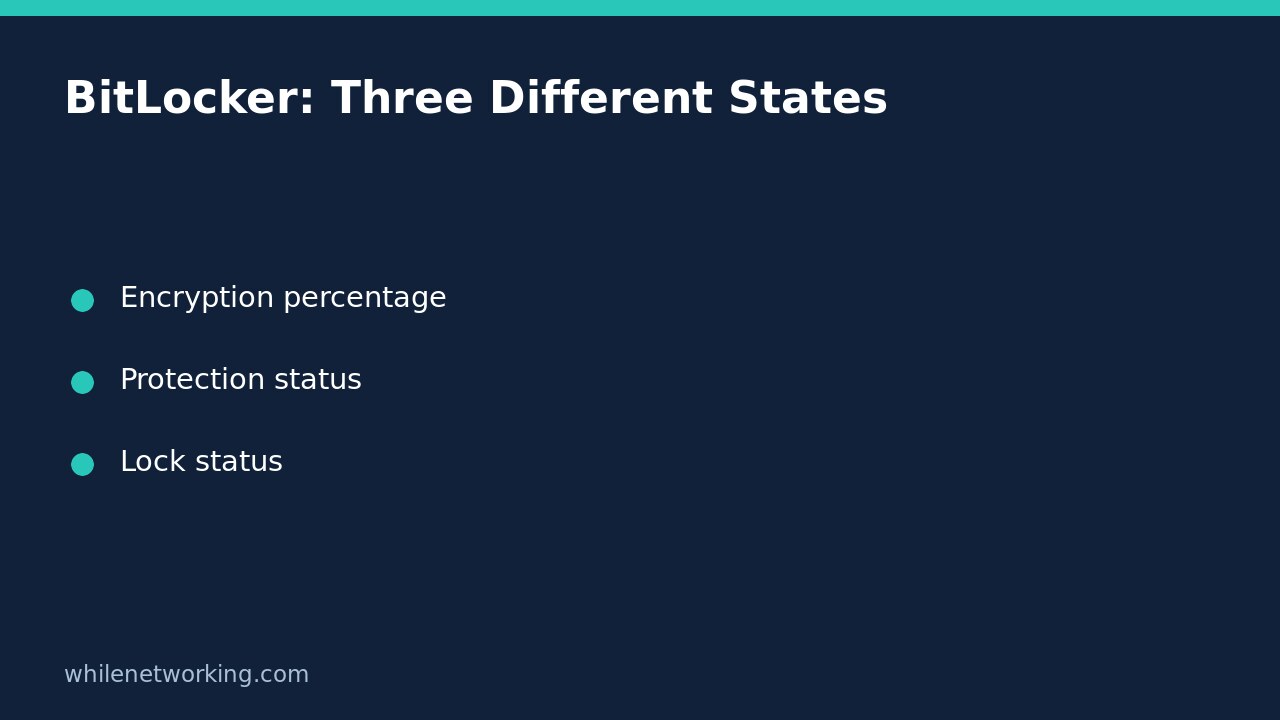

A BitLocker volume reporting 100% encryption has not answered every security question. Check VolumeStatus, ProtectionStatus and LockStatus separately. The amount encrypted, whether key protection is currently active, and whether Windows can presently access the volume are different facts.
This read-only inspection helps a support technician review an encryption inventory without enabling encryption, suspending protection, changing protectors or restarting the device. It is not a recovery-key retrieval procedure or a substitute for an approved endpoint-compliance assessment.
Choose the volume before checking its state
Work only on a Windows device you are authorized to administer. Open Windows PowerShell using your organization’s approved administrative process where required. The BitLocker module and feature availability depend on the Windows installation; an unavailable command is not proof that the drive is unencrypted.
Confirm the drive letter in the device’s storage inventory. Do not assume that every volume on a computer has the same state. A protected operating-system volume and an unprotected data volume can coexist. Start with a specific volume to avoid drawing a machine-wide conclusion from one row.
Get-BitLockerVolume -MountPoint 'C:' -ErrorAction Stop | Select-Object MountPoint, VolumeType, VolumeStatus, EncryptionPercentage, ProtectionStatus, LockStatus, EncryptionMethod | Format-ListThis example requests selected status properties, not recovery passwords. It does not pipe the volume into any command that modifies BitLocker. If it returns an access or module error, resolve the authorized diagnostic environment first rather than removing protections to make inspection easier.
Read encryption progress and protection independently
Microsoft describes VolumeStatus as the state of encryption on the volume and EncryptionPercentage as the protected percentage. States such as encryption in progress and fully encrypted describe different stages. Capture the actual named state as well as the number; a percentage alone is a poor inventory record.
ProtectionStatus answers a separate question about whether BitLocker currently uses a key protector to encrypt the volume encryption key. Do not replace that check with “the drive has a TPM” or “a protector appears in another tool.” The presence of protector metadata does not by itself establish that protection is currently on.
For a hypothetical inventory row showing FullyEncrypted, 100 and protection Off, record the discrepancy and ask the endpoint owner to review it. Do not silently mark the device compliant just because conversion is complete. Equally, do not claim from that snapshot alone that a particular person suspended protection or that a specific maintenance task caused the state.
An unlocked volume is not the same as disabled protection
LockStatus concerns whether the volume is currently locked. An operating-system volume in a running Windows session can be unlocked while protection is on. Microsoft’s command reference includes an example with FullyEncrypted, ProtectionStatus: On and LockStatus: Unlocked together. Those fields are not contradictory.
Do not try to force a lock, restart or trigger recovery simply to produce a more reassuring screenshot. Disk encryption is not a claim that files remain inaccessible to every process in an already authorized running session. Account security, malware protection and access permissions still matter.
Build a useful all-volume review
Once the single-volume interpretation is clear, use this separate read-only command to inspect volumes returned for the current computer:
Get-BitLockerVolume -ErrorAction Stop | Select-Object MountPoint, VolumeType, VolumeStatus, EncryptionPercentage, ProtectionStatus, LockStatus, EncryptionMethod | Format-Table -AutoSizeReview each row independently. Keep the device identifier and collection time in the approved ticket, along with the drive letter and observed values. Do not treat a successful command as proof that every disk in a wider estate was inventoried. This command does not remotely discover every company device.
Use selected fields when sharing diagnostics. Avoid dumping or expanding key-protector objects into public forums, general chat or an unrestricted ticket. If recovery readiness must be checked, use the separate authorized recovery process; encryption status does not establish that the correct recovery material is safely escrowed and retrievable.
Escalate discrepancies without making blind changes
- Protection is off: preserve the exact result and ask the device-management owner whether an approved operation explains it.
- Conversion is in progress: record that state and observation time rather than presenting it as completed encryption.
- A volume is missing or the query fails: verify the mount point, platform support and access. Failure to inspect is not a clean security result.
- Results differ from the inventory: compare device identity and collection times before assuming a policy failure.
A remediation decision can require recovery safeguards and change approval. This tutorial intentionally includes no commands to resume, suspend, decrypt or remove protectors. There is no configuration rollback for these retrieval commands because they do not change the volume.
Quick questions and related checks
Does 100% prove recovery readiness? No. Verify recovery arrangements through your organization’s approved process separately.
Do I need to disable antivirus to inspect BitLocker? No. Keep this storage inspection separate from endpoint protection changes. For another read-only security review, see reviewing Microsoft Defender exclusions without changing protection; it answers a different question and does not validate disk encryption.
Source and educational safety
The checked Microsoft Get-BitLockerVolume reference documents the properties, volume selection and example states used here. These commands were not executed against a Windows endpoint for this article; confirm their behavior on your supported test system. This tutorial is for educational purposes. Test carefully before production use. WhileNetworking is not responsible for misuse, damage, data loss or production issues.