
An S3 rule called log retention does not prove that your application logs are retained for the intended period. First inspect whether the rule is enabled, which objects its filter selects, and whether its actions concern current objects, noncurrent versions or incomplete uploads. You can collect that configuration without editing the bucket.
This walkthrough uses an authorised AWS CLI profile and a general-purpose S3 bucket. It is an inspection task, not a lifecycle deployment, deletion exercise or compliance certification. Directory buckets have different permissions and feature limitations and are outside this example.
Confirm the identity and exact bucket first
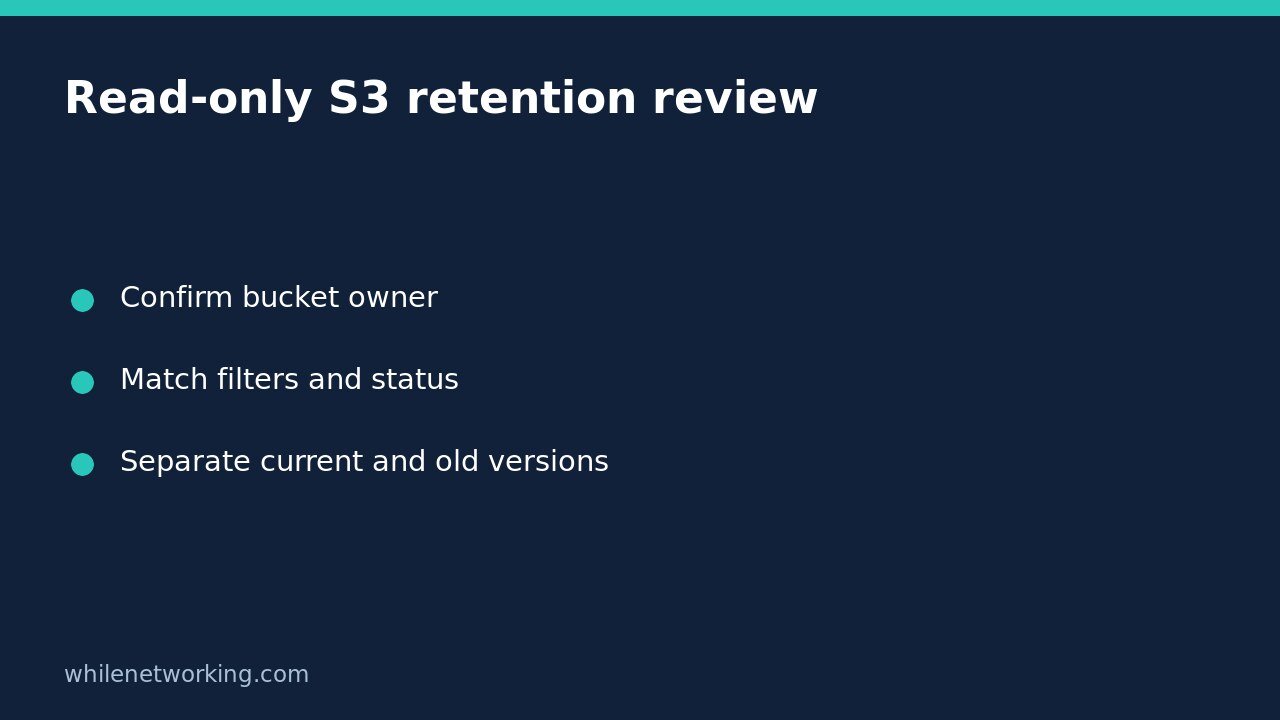
Obtain the bucket name, expected owning account and approved inspection profile from your environment records. Do not infer ownership from a friendly bucket name. If you are unsure which credentials the CLI will use, first follow the guide to checking your AWS CLI account and role.
The official AWS command reference states that this general-purpose bucket operation requires s3:GetLifecycleConfiguration. Use an approved role with the appropriate read access rather than requesting broad administrator rights just to inspect retention settings.
Retrieve the complete configuration read-only
In Bash, replace the three example values with your authorised profile, exact bucket name and actual twelve-digit owner account ID. The account number below is only a placeholder. The command retrieves configuration; it does not put, delete or disable rules.
aws s3api get-bucket-lifecycle-configuration --bucket example-application-logs --expected-bucket-owner 123456789012 --profile audit-readonly --output json --no-cli-pagerInitially keep the full JSON rather than filtering down to rule names. A compact display can hide a tag condition, size threshold or noncurrent-version action that changes your interpretation. Record the collection time, account context and bucket alongside the response in an approved location. Configuration evidence may itself disclose internal naming, so do not paste it into a public support thread.
The expected-owner check is a guard against inspecting an unintended owner. AWS documents a 403 response for a mismatch, but a 403 alone does not uniquely diagnose that cause. Other access problems can also prevent an authorised read.
Read scope before reading the retention number
- Check Status. An entry marked Disabled is not currently being applied. Its presence is not evidence of active retention automation.
- Find the selection criteria. Inspect Filter, including Prefix, tags, object-size conditions and any And combination. Older configurations may use the top-level Prefix field instead.
- Match a real object key. Compare the complete key with the prefix exactly. A folder-like label in an application is not sufficient evidence that uploaded keys share the required prefix.
- Confirm additional predicates. A matching prefix does not satisfy a required tag or size condition. Check actual object metadata separately through approved read-only tools if that evidence is needed.
- Review every potentially matching rule. Do not stop at the first friendly rule name or assume rules are mutually exclusive.
For a fictional example, imagine a rule named archive application logs with a filter requiring prefix logs/ and tag retention=short. A key under logs/ does not establish eligibility until that tag condition is also checked. This is an interpretation example, not a response collected from your account.
Separate actions that solve different problems
Expiration describes expiration actions for current objects. NoncurrentVersionExpiration concerns older versions and can permanently delete those noncurrent versions. They are not interchangeable retention statements. If the review depends on version behaviour, establish the bucket’s actual versioning state separately rather than guessing from the lifecycle response.
Transitions move eligible objects between storage classes. A transition is not the same thing as deleting a log, and storage-class constraints may affect cost and retrieval planning. NoncurrentVersionTransitions applies to noncurrent versions rather than the current object.
AbortIncompleteMultipartUpload removes parts from incomplete multipart uploads after its configured interval. It is not an expiration rule for successfully completed log objects. Keep these actions in separate columns in your review worksheet: object population, selection, action, timing and unresolved questions.
Handle errors without manufacturing a clean result
A specific NoSuchLifecycleConfiguration response means the lifecycle configuration does not exist. That differs from a generic access denial, timeout or unrelated 404. Preserve the actual error code and context. Do not record an unreadable configuration as no rules found.
For access failures, ask the owner to check the approved role and permissions. For network or region problems, preserve the diagnostic and correct the authorised connection context. Do not disable TLS verification, remove managed safeguards or create a rule as an access test.
FAQ and review handover
Does an enabled rule prove deletion happened? No. This operation returns configuration, not per-object action history or proof that every intended log matched it.
Does lifecycle inspection establish a legal retention guarantee? No. This check does not establish immutability, every alternate copy, application upload behaviour or the full set of applicable controls.
Hand over the saved response, a sample intended key, each relevant rule and any missing metadata or version evidence. Propose changes separately through your normal approval process. Since this walkthrough makes no bucket changes, it requires no bucket-configuration rollback; safely remove only your own local evidence copies when their approved retention period ends.
For educational purposes only. Test carefully before production use. The site owner is not responsible for misuse, damage, data loss or production issues.