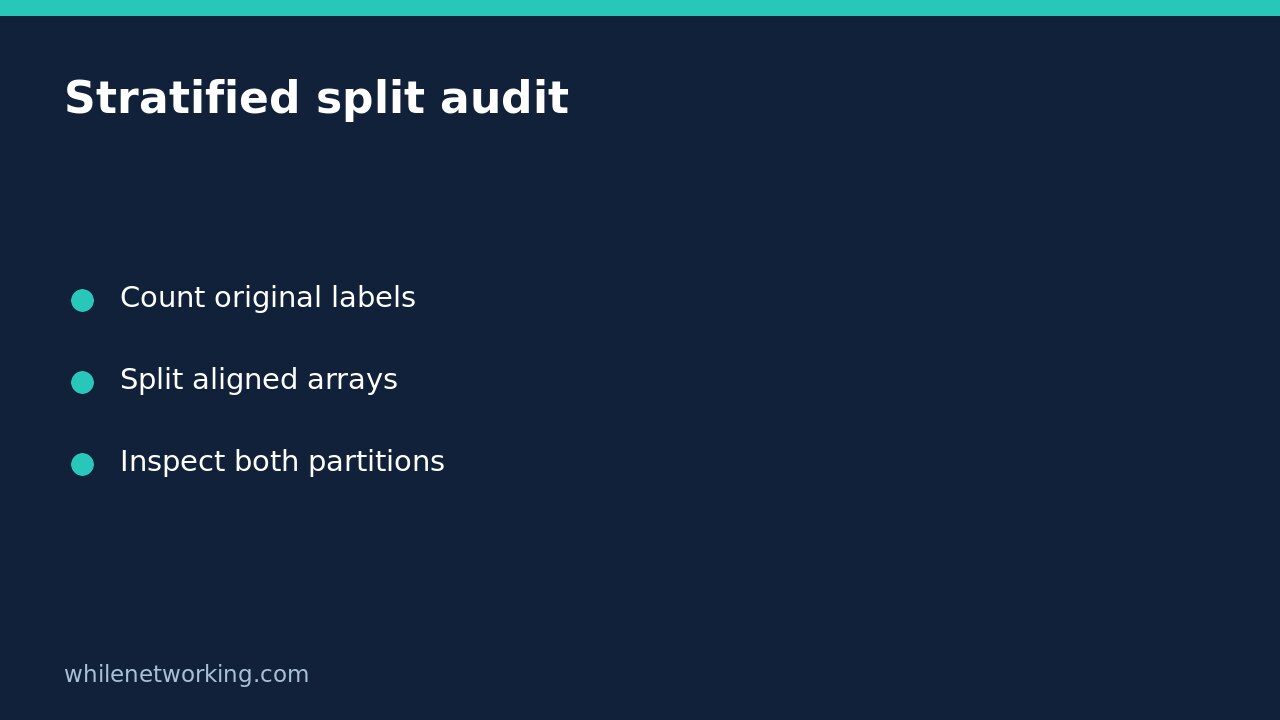

For an ordinary independent-row classification dataset, pass the target labels to stratify when using train_test_split, then inspect the actual class counts in both partitions. Stratification is a sampling choice, not proof that the resulting test set is large enough to evaluate every class reliably.
This tutorial focuses on checking the split before training. It does not recommend shuffling repeated customer records or time-dependent observations into an ordinary random holdout. Choose the evaluation design before adjusting split parameters.
Understand what stratify changes
The official scikit-learn documentation says that stratify uses the supplied array as class labels for a stratified split. It also explains that an integer random_state makes repeated calls reproducible for the same inputs. These are separate controls: a fixed seed does not itself preserve class proportions.
Pass features and labels into the same split call so they are divided together. Do not split the feature table and target column with unrelated calls. Check that they describe the same rows in the same order before splitting; matching lengths alone cannot detect misaligned source files.
The documentation also states that stratify must be None when shuffle=False. Turning off shuffling is not a way to request stratified chronological evaluation.
Run a small label-count inspection
In a Python environment with scikit-learn installed, run the following example. It creates an artificial dataset solely to demonstrate split auditing. Its row-number feature is not a meaningful predictive variable and should not be used as a model-design recommendation.
from collections import Counter
from sklearn.model_selection import train_test_split

X = [[i] for i in range(20)]
y = [0] * 16 + [1] * 4

X_train, X_test, y_train, y_test = train_test_split(
    X, y, test_size=0.25, random_state=42, stratify=y
)

print("All labels:", dict(Counter(y)))
print("Train labels:", dict(Counter(y_train)))
print("Test labels:", dict(Counter(y_test)))
assert len(X_train) == len(y_train)
assert len(X_test) == len(y_test)
assert set(y_train) == set(y)
assert set(y_test) == set(y)
The printed dictionaries let you check representation directly. The set assertions are deliberate requirements for this teaching example: they fail if a partition omits an original class. They do not assert that every possible dataset can satisfy those requirements. In a real application, handle such failures with an explicit evaluation decision rather than deleting the check.
Record class counts alongside partition sizes. A test set containing a rare class is more informative than one that silently omits it, but very few examples still give weak evidence about that class. Presence and adequate evaluation support are different questions.
Investigate rare-class errors before changing the seed
If the split fails, start with the original label counts and intended partition sizes. Check whether a supposedly rare class is actually a misspelling, mixed encoding or unexpected missing-value category. Correct genuine data-quality errors using documented rules; do not relabel legitimate rare outcomes merely to make splitting convenient.
Next, consider whether enough observations and partition capacity exist to represent the intended classes. A different holdout size may be appropriate, but it changes the evaluation design. For genuinely sparse classes, additional representative data or a revised validation plan may be needed. Document classes that cannot be evaluated adequately instead of publishing a single reassuring overall score.
Do not repeatedly try seeds until model accuracy looks attractive. That uses evaluation results to choose the test set. Keep the seed and split specification with the experiment record, and reserve the final test set for the agreed evaluation.
Check whether stratification solves the right problem
Rows from the same customer can share information even when their class proportions look balanced. If that is your situation, start with our GroupShuffleSplit tutorial for repeated customer rows. Group separation and label balance are different constraints; a simple stratified row split does not enforce both.
Similarly, future-facing prediction needs an evaluation design that respects what information would actually be available at prediction time. Do not randomise time-dependent records solely because an ordinary random split is easy to write. Fit learned preprocessing only on training data after choosing the partitions.
Pre-training checklist and FAQ
- Confirm that feature rows and target labels are aligned.
- Count original labels and inspect unexpected categories.
- Choose a split method appropriate to independent, grouped or time-dependent data.
- Save the split parameters and inspect both partitions before fitting a model.
- Report limited class support instead of hiding it behind aggregate accuracy.
Does the same seed preserve a split after data changes? Do not assume so. Reproducibility depends on the inputs as well as the parameter; adding or reordering records changes the splitting problem. Preserve a dataset version and stable record identifiers when recording experiment membership.
Does stratification improve the model? It changes how data is partitioned. It does not train a better classifier or guarantee representative deployment data.
Safety note: This tutorial is for educational purposes. Test carefully before production use. The site owner is not responsible for misuse, damage, data loss or production issues. Use non-sensitive demonstration data and do not export private customer records merely to reproduce this example.
Source
scikit-learn: train_test_split documents aligned array splitting, stratification, shuffling and reproducible integer seeds.