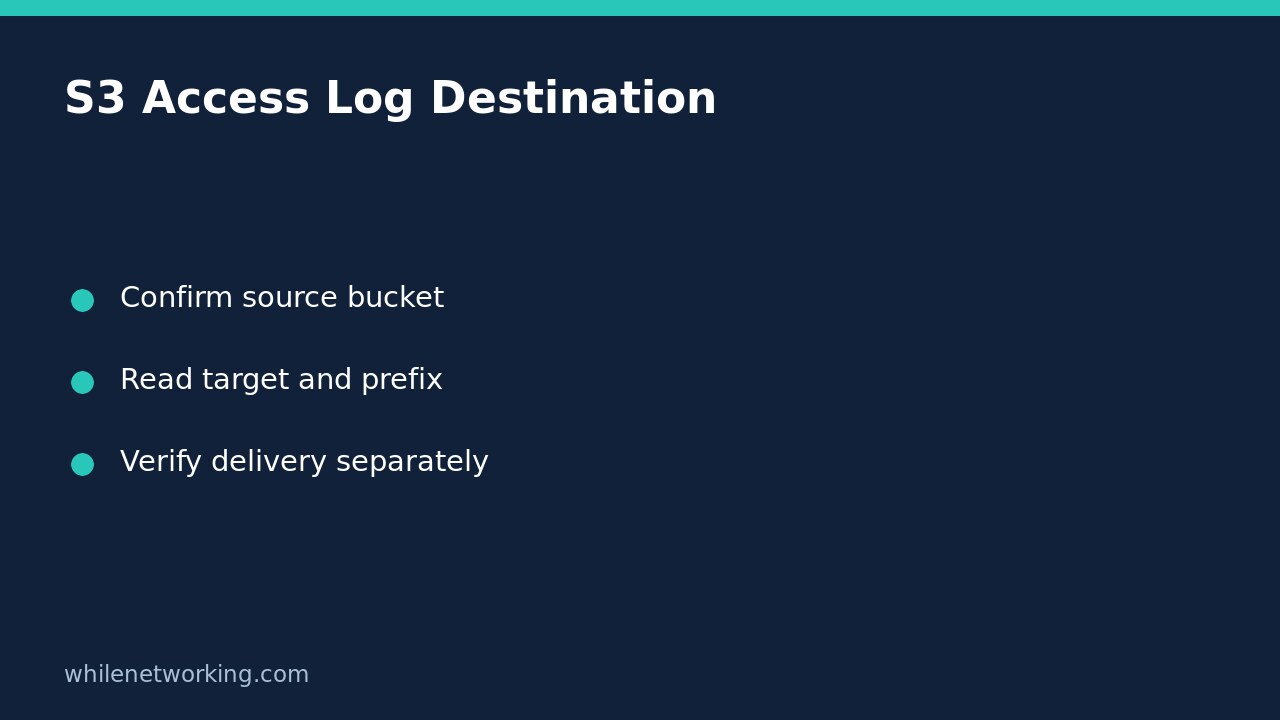

To find the S3 bucket destination configured for a general purpose bucket’s server access logs, use aws s3api get-bucket-logging. Read the returned LoggingEnabled.TargetBucket and TargetPrefix fields. This inspects configuration; it does not enable logging, change permissions, or prove that a particular request has produced a delivered log record.
This workflow is useful when a support ticket says that logs cannot be found and you need to identify the expected destination before proposing a change. It deliberately stops short of creating logging resources or editing bucket policies.
Confirm the source bucket and AWS identity
Use an approved AWS CLI profile and obtain the source bucket name, Region and expected owner account from your team’s inventory. The source bucket is the bucket being observed, not the bucket that stores the resulting logs. Mixing those up can produce a technically successful answer about the wrong resource.
Start with the separate AWS CLI account and role check if the current credential context is uncertain. An identity check helps identify the caller; it does not establish permission to inspect every bucket. This tutorial targets general purpose buckets: AWS documents that GetBucketLogging is not supported for directory buckets.
Run the read-only destination check
Replace every example value before running this single command. The bucket name, account number, Region and profile below are placeholders, not resources available for this tutorial.
aws s3api get-bucket-logging --bucket example-source-bucket --expected-bucket-owner 111122223333 --region ap-southeast-2 --profile audit-readonly --output json --no-cli-pagerThe expected-owner option is a useful identity guard: AWS returns an access-denied response if that account does not match the actual bucket owner. It is not a substitute for appropriate credentials or authorization. Keep certificate verification enabled and use the normal approved AWS endpoint; there is no reason to disable TLS verification for this check.
Read the full successful JSON response before introducing output filters. A filter can make a missing field look like an empty result without showing the surrounding configuration. If the command fails, preserve its error and do not interpret the absence of JSON as a logging setting.
Interpret the target, prefix and object-key format
When LoggingEnabled is present, TargetBucket names the configured S3 destination and TargetPrefix identifies the leading text for delivered log object keys. A prefix is not a separate bucket and does not have to resemble a folder path. An empty prefix does not mean logging is disabled.
For a hypothetical response with target bucket example-central-logs and prefix web-assets/, record both values. Ask the destination owner to review that bucket and prefix rather than searching the source bucket for a directory named logs. This is an illustrative interpretation, not a claimed observation of a real AWS account.
Also inspect TargetObjectKeyFormat if returned. AWS supports simple and partitioned key formats. For partitioned keys, the configured partition date source can be event time or delivery time; a date in an object key must therefore be interpreted with that setting, not guessed from its appearance.
Keep configuration separate from delivery evidence
A successful response without LoggingEnabled does not show a configured S3 destination through this setting. Do not broaden that conclusion into “this bucket has no monitoring.” AWS also documents a CloudWatch Logs delivery option, configured through different APIs or the console, and other audit arrangements may exist. Review the organization’s monitoring inventory separately.
Likewise, a populated destination is configuration evidence, not proof of successful delivery. AWS describes server access logging as best effort: records can arrive late, be duplicated, or fail to arrive. Changes to logging destinations take time to affect delivery. Do not repeatedly toggle logging because the expected object is not immediately visible.
For a delivery investigation, hand the destination owner the source bucket, target, prefix, configured key format and observation time. Obtain authorized evidence of relevant delivered objects as a separate step. Finding one object establishes neither complete accounting of all requests nor indefinite retention.
Troubleshooting and handoff checklist
- Access denied: check the approved profile, owner value and authorized access with the resource owner. Do not change policy merely to make a diagnostic command succeed.
- Unexpected destination: verify source bucket identity and compare with the approved baseline before raising a change request.
- Command unavailable: confirm AWS CLI installation and supported options through your normal software process; this is not evidence that logging is disabled.
- No recent log objects: distinguish delivery delay, destination access and configuration from the separate question of whether requests occurred.
Quick questions
Does reading this setting start logging? No. This is a retrieval command; enabling or replacing configuration is a different operation requiring separate approval.
Is rollback required? No bucket configuration is changed by this command. Protect any copied output according to your team’s information-handling rules.
Sources and educational safety
See the checked AWS CLI command reference for fields and owner checks, and the S3 server access logging documentation for delivery options and limitations. This tutorial is for educational purposes. Test carefully before production use. WhileNetworking is not responsible for misuse, damage, data loss or production issues.