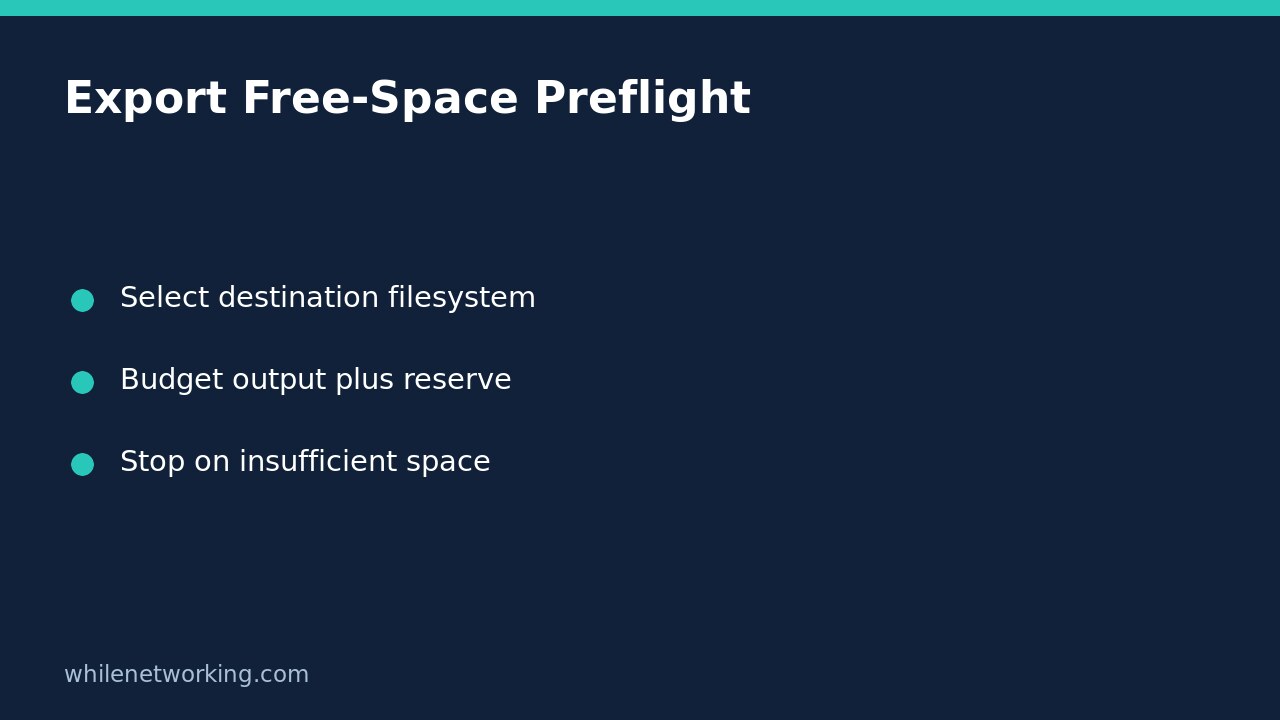

Before starting a large unattended export, check free space on the filesystem that will actually receive the output. Python’s shutil.disk_usage returns total, used and free bytes for a supplied path. Use that measurement as a preflight guard, not as a promise that the export will finish.
A useful guard compares available bytes with the expected additional output, any temporary working space, and a reserve you deliberately leave unused. If the estimate is missing or the destination cannot be inspected, stop rather than silently treating the check as successful.
Choose the actual destination, not the working directory
The Python shutil documentation states that disk_usage accepts a file or directory and returns total, used and free space in bytes. On Unix, the path must be within a mounted filesystem partition.
If your job starts in a home directory but writes to a separate mounted volume, checking the current directory answers the wrong question. Identify an existing output directory first. If a network share or removable drive is expected, also verify its intended mount through your operating procedure: an ordinary directory at the mount location is not by itself proof that the intended storage is connected.
For an output file that does not yet exist, inspect its existing parent directory. This example deliberately refuses a missing destination instead of creating directories or choosing a different location behind your back.
Add a small reusable guard
The function below performs no export and deletes nothing. It returns the resolved directory only when the measured free space meets the requested budget. Save it in a disposable test script before adapting it for a real job.
import shutil
from pathlib import Path

def require_space(destination, expected_bytes, reserve_bytes):
    if type(expected_bytes) is not int or type(reserve_bytes) is not int:
        raise TypeError("Space budgets must be integer byte counts")
    if expected_bytes < 0 or reserve_bytes < 0:
        raise ValueError("Space budgets cannot be negative")
    target = Path(destination).resolve(strict=True)
    if not target.is_dir():
        raise NotADirectoryError(str(target))
    free_bytes = shutil.disk_usage(target).free
    required_bytes = expected_bytes + reserve_bytes
    if free_bytes < required_bytes:
        raise RuntimeError(
            f"Insufficient free space: {free_bytes} available; "
            f"{required_bytes} required"
        )
    return target
Call the function before starting work, and let an unhandled failure make the job fail rather than printing a reassuring success message. The type checks intentionally reject booleans as budgets as well as strings and fractional values. Filesystem inspection failures also propagate; access denied is not evidence of sufficient space.
Estimate peak additional storage, not just the final file
Suppose an uncompressed export and its compressed replacement coexist during processing. Budget both while they overlap. If a replacement process keeps the old output until a new temporary file is complete, account for the new file as additional storage; the existing old file has already reduced the measured free space.
Use integer byte counts consistently. A budget expressed in GiB can use 1024 ** 3 bytes per GiB. Do not silently compare a number labelled GB with one interpreted as GiB. For uncertain export sizes, document a conservative estimate and why it is reasonable; compression ratios are not guaranteed.
The reserve is an operational choice for logs, unrelated services and estimation error. There is no universally correct reserve for every machine. If the workflow uses a separate temporary filesystem, check that location too rather than assuming the destination check covers it.
Test failure paths without filling a disk
Use a disposable directory and mocked disk_usage results to test the decision boundary. Test a free count exactly equal to the budget, one byte below it, and comfortably above it. Also check a missing directory, a regular file supplied as the destination, and invalid negative or non-integer budgets.
Do not test insufficient-space handling by filling a production volume. The boundary logic can be checked without writing large files. Once the guard is connected to your exporter, separately test that exporter on small disposable input and confirm that an export failure produces a failed job status.
Understand the remaining limits
Another process can consume space after the check. Quotas, storage-provider limits, permissions and other filesystem constraints can still prevent writing even when the reported free count looks adequate. The guard neither reserves bytes nor replaces error handling during file creation, writing and finalization.
Keep incomplete output distinguishable from completed output. For the related problem of avoiding partially written state documents, see writing Python state files without partial JSON. Atomic replacement addresses visibility of a completed replacement; it is not a substitute for planning storage capacity.
Should the job automatically delete old files to pass the check? Not by default. Cleanup needs its own retention rules, scope and authorization. A safe preflight should report the shortfall and stop rather than guess which data is expendable.
This tutorial is for educational purposes. Test carefully before production use. The site owner is not responsible for misuse, damage, data loss or production issues.