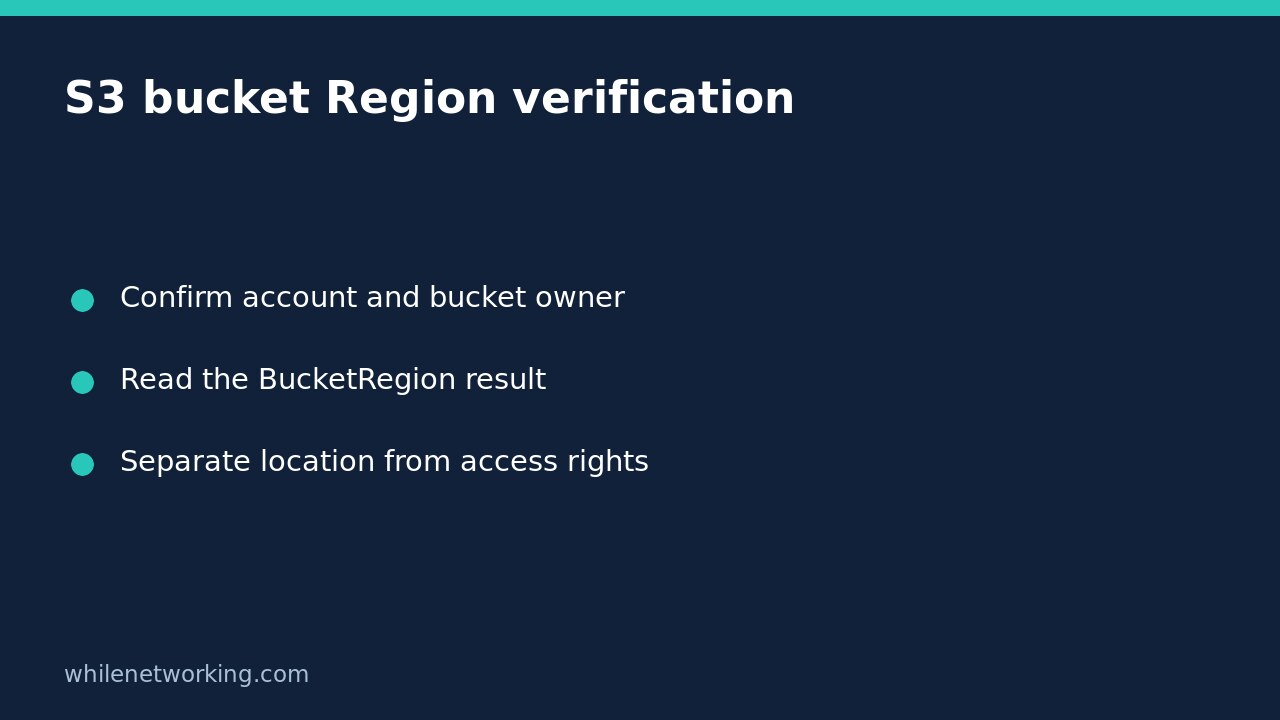

To check which AWS Region contains a general purpose S3 bucket, use the read-only head-bucket operation. Current AWS CLI documentation shows a successful response containing BucketRegion. This is a location and access diagnostic, not a request to move the bucket or alter its configuration.
A Region value does not prove that you can read every object, that an upload is allowed, or that the bucket satisfies your organisation’s data-residency requirements. Those are separate checks. Start with a bucket you own or are authorised to inspect, and keep this tutorial limited to ordinary general purpose buckets rather than directory buckets, access points, or S3 on Outposts.
Prepare the account and ownership details
Use an installed, configured AWS CLI with an approved profile. Obtain the exact bucket name and expected owning account ID from a trusted inventory or the owner. Do not guess names or scan other organisations’ buckets. The command’s --expected-bucket-owner parameter is an additional mismatch guard, not a way to grant yourself permissions.
Before inspecting S3, follow the existing tutorial to check the AWS CLI account and role. The identity making the request and the account owning the bucket can legitimately differ, so confirm the intended cross-account arrangement rather than assuming they must match.
The following example uses a placeholder profile, bucket, expected owner and request Region. Replace them with approved values. The request Region is an endpoint/signing choice; it is not a proposed new location for the bucket.
aws s3api head-bucket --bucket YOUR-BUCKET-NAME --expected-bucket-owner 123456789012 --profile YOUR-PROFILE --region ap-southeast-2 --output json --no-cli-pagerRead the response without overclaiming
The official HeadBucket command reference documents BucketRegion as the Region where the bucket is located. Its example also includes AccessPointAlias. Look for the actual returned Region; do not infer location from a bucket’s name, your laptop’s location, or the CLI profile’s default.
For example, if your real response contains BucketRegion with the value ap-southeast-2, record that value with the bucket name and review time. That is an interpretation example, not a reported test against your account. A successful HeadBucket request establishes the specific bucket-level access check described by AWS, not permission for every subsequent S3 operation.
If your CLI behaves differently from the current reference, record its version and consult matching documentation before modifying scripts. Do not treat an empty terminal display as a Region value. Capture the command’s actual completion status and review errors before declaring success.
Handle access errors as unresolved evidence
AWS explains that unsuccessful HeadBucket requests can return generic HTTP 400, 403 or 404 responses without a diagnostic message body. These responses do not reliably distinguish every underlying cause. A 403 must not become an inventory entry saying that the bucket is absent, and a failed request must not become a blank Region that your script silently treats as valid.
- Check the exact bucket spelling against the approved inventory.
- Confirm the selected profile and intended identity.
- Reconfirm the expected owner account ID; a mismatch itself produces a 403.
- Ask the owner or access administrator to review the permitted inspection path.
- Keep the finding unresolved until a reliable response or owner-confirmed record is available.
For general purpose buckets, AWS documents s3:ListBucket as the permission for a successful HeadBucket access check. Do not grant broad object access just to make a location diagnostic work. AWS also documents a location response header even when access is not authorised; receiving location information is therefore not equivalent to gaining access. This beginner workflow uses the ordinary CLI response and does not extract debug logs or attempt to work around denied access.
Why not start with GetBucketLocation?
The GetBucketLocation reference explicitly recommends HeadBucket for Region discovery and retains the older operation for backward compatibility. Existing inventory tools may still use it, but copying an old example should not override the current recommendation.
If reviewing a legacy result, note two documented representations: a null LocationConstraint identifies us-east-1, while EU identifies eu-west-1. Do not apply those conversion rules to arbitrary blank or failed CLI output. They describe successful legacy-operation results, not all missing values in a report.
Record a useful read-only finding
Save the bucket name, expected owner, caller identity reference, returned Region, completion status and review time in your approved inventory. Exclude credentials and unnecessary logs. Compare the Region against the intended deployment plan, then investigate discrepancies through normal change control. This tutorial makes no remote configuration change, so it needs no bucket rollback; any later relocation or migration is a separate project.
Safety: This tutorial is for educational use. Test carefully before production. The site owner is not responsible for misuse, damage, data loss, or production issues. The command is a documented read-only example, not an execution claim against your AWS environment.