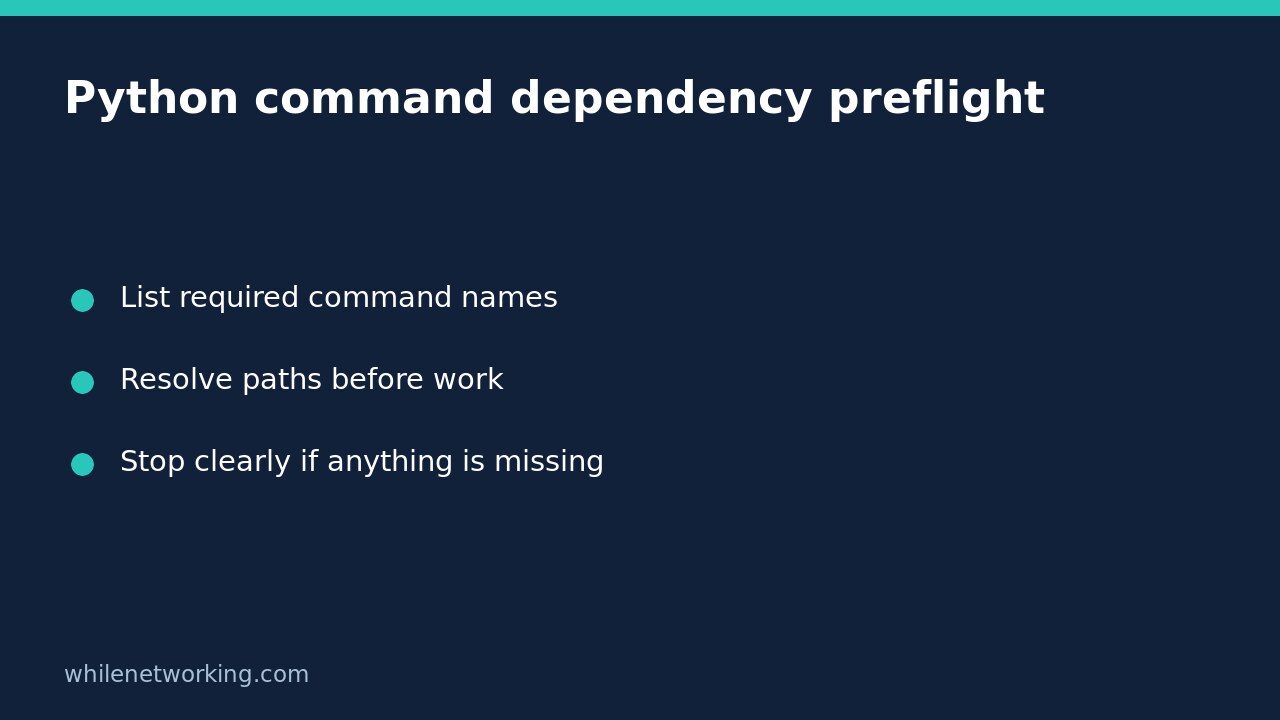

If a Python automation job needs external commands, check that those commands can be found before starting the real work. Python’s shutil.which() returns a matching executable path or None. A small preflight can therefore report all missing dependencies together instead of failing halfway through a workflow.
This check answers a narrow question: can this process locate a command under its current search rules? It does not prove that the program is trustworthy, the correct version, authenticated, or able to complete the intended operation.
Define dependencies from the actual workflow
Start with command names the job really calls. For example, a repository-reporting job might require Git, while a cloud inventory job might require the AWS CLI. Do not require every tool installed on your development laptop. Optional features should have optional dependency checks rather than blocking unrelated work.
The example below is a diagnostic script. It accepts one or more command names, prints their resolved paths, and exits unsuccessfully if any are unavailable. It does not launch those programs, change files, install packages, or contact a service.
import shutil
import sys

names = sys.argv[1:]
if not names:
    print('Usage: preflight.py COMMAND [COMMAND ...]', file=sys.stderr)
    raise SystemExit(2)

missing = []
for name in names:
    resolved = shutil.which(name)
    if resolved is None:
        missing.append(name)
        print(f'MISSING: {name}', file=sys.stderr)
    else:
        print(f'FOUND: {name} -> {resolved}')

if missing:
    print('Stop: required commands are unavailable.', file=sys.stderr)
    raise SystemExit(1)

print('Command lookup checks passed; no commands were executed.')
Save this as preflight.py. In a terminal with Python 3 available, try python3 preflight.py git, replacing git with a real dependency. A deliberate missing-name check, such as python3 preflight.py deliberately_missing_tool_7f2a, should fail unless that unusual name actually exists on your system.
Understand what PATH lookup really checked
According to the official shutil.which documentation, omitting the path argument makes the function read the process’s PATH environment variable, falling back to the platform default if PATH is absent. A command containing a directory component is checked directly instead of being searched through PATH.
This explains a common scheduler surprise: the command works in an interactive terminal but is missing from an unattended job. The two processes may have different environments, user accounts, or activation steps. Run the diagnostic under the same account and launch mechanism as the job before deciding the software needs reinstalling.
Windows also has extension-resolution and current-directory rules, including behavior that changed in Python 3.12. Do not assume that Linux lookup results describe Windows. For this introductory script, use simple command names and consult the documentation for the Python version actually running your job.
Fail before side effects, not after them
Integrate dependency checks before downloads, database changes, uploads, or cleanup. Collect missing names, issue an actionable message, and stop. Do not automatically install an unknown package simply because a name is missing: command names do not always match package names, and installation can require privileges or change other software.
For an unattended workflow, configure a reviewed search path or a reviewed absolute executable location. Avoid solving lookup failures by adding writable download folders or an untrusted current directory to PATH. Finding a matching name is not a security review of the selected file.
If you later use a resolved path to launch a child process, treat that as a separate implementation step. Validate the arguments, handle launch failures and return codes, and set suitable time limits. A file can disappear or change after preflight, so the lookup result is not a race-free guarantee.
Troubleshoot without hiding the failure
- Missing only in scheduled runs: compare the launch account and configured environment, not just your terminal settings.
- Found in the wrong directory: review PATH ordering and the installed program before allowing the job to continue.
- Found but unusable: investigate version, permissions, configuration, or service access separately. Lookup success does not test them.
- Optional tool missing: disable only the feature that needs it and make that reduced behavior explicit.
Do not catch the failure merely to print a success message. Your scheduler needs an unsuccessful exit status to distinguish a failed preflight from a completed job.
Quick checklist before enabling the job
Have you tested both a present and an absent command? Does the failure occur before any real work? Can the operator identify the missing name without seeing secrets? Is the selected executable location expected? Pair this check with preview-first automation before enabling changes, and use the atomic state-file tutorial when adding durable progress tracking.
Safety: This tutorial is for educational use. Test carefully before production. The site owner is not responsible for misuse, damage, data loss, or production issues. No dependency check replaces backups, least privilege, or review of the commands the automation will eventually execute.