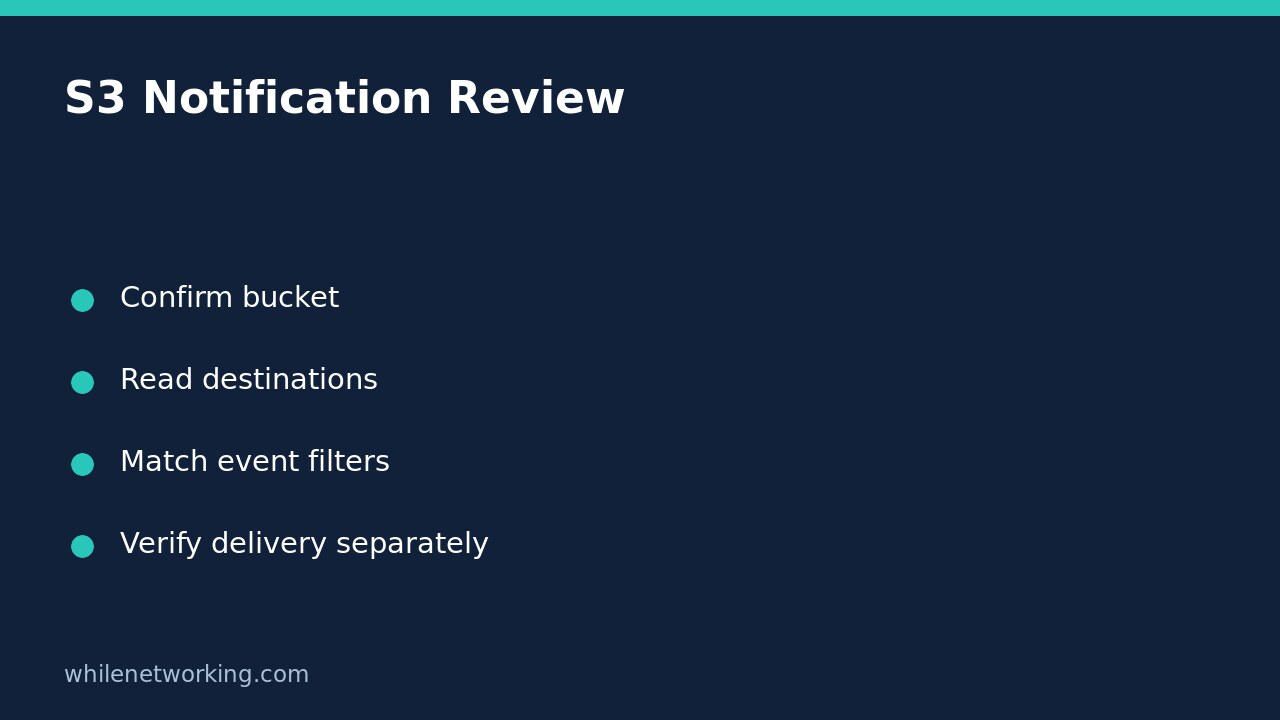

Use aws s3api get-bucket-notification-configuration to inspect an S3 bucket’s saved event-notification destinations without changing them. Read the complete JSON before narrowing the output: a destination ARN, event selection and object-key filter answer different questions. A configured destination is not proof that a particular upload produced a message or that an application processed it.
Confirm the account, bucket and inspection permission
This walkthrough is for a general-purpose S3 bucket and AWS CLI v2 in a Bash-compatible terminal. AWS documents that this operation is not supported for directory buckets. Obtain the exact bucket name, Region, approved profile and expected owner account from your team’s inventory; do not derive ownership from the bucket’s name.
Start with the related tutorial on checking your AWS CLI account and role. The role making the request and the account owning the bucket can differ in an authorised cross-account setup. Reading this configuration requires s3:GetBucketNotification; a permission failure does not mean the bucket has no notifications.
Request the full configuration without a write operation
Replace all four sample values before running this single-line command. The account number is an example, not an account to target.
aws s3api get-bucket-notification-configuration --bucket example-team-data --expected-bucket-owner 123456789012 --profile audit --region ap-southeast-2 --output json --no-cli-pagerThe expected-owner check makes the request fail if the supplied account does not match the bucket owner. AWS documents HTTP 403 for that mismatch, so a 403 can require both ownership and permission investigation. Keep certificate verification enabled and use your normal authorised credentials; do not add anonymous access or security-bypassing flags to make an inspection succeed.
No upload, deletion or configuration replacement is requested by this command. There is consequently no bucket change to roll back. It remains an authenticated service request, subject to the environment’s access controls and operational policies.
Read each destination family and its filters
- TopicConfigurations: inspect each
TopicArnfor an Amazon SNS destination. - QueueConfigurations: inspect each
QueueArnfor an Amazon SQS destination. - LambdaFunctionConfigurations: inspect each
LambdaFunctionArnfor a Lambda destination. - EventBridgeConfiguration: inspect this separately. Do not expect it to contain the same destination-ARN structure as the other families.
For the direct destination families, read Events alongside Filter.Key.FilterRules. The filter can constrain an object-key prefix or suffix. A rule for one event type and one key pattern should not be interpreted as a notification for every change anywhere in the bucket.
For example, suppose an illustrative queue configuration selects s3:ObjectCreated:Put, prefix incoming/ and suffix .csv. A key named archive/report.csv does not match the prefix. A key named incoming/report.json does not match the suffix. Also investigate the actual creation operation: a completed multipart upload has its own event type rather than simply being the Put event. These are configuration-reading examples, not claimed live delivery tests.
Separate empty results, denied access and missing processing
A successful empty notification configuration means no notifications were enabled in the configuration returned by this operation. It is not an access-denied result, and it does not establish that every possible monitoring or application workflow is absent. Preserve the original response and command outcome rather than treating blank filtered output as a universal answer.
If a destination exists but a workflow appears inactive, record the exact object key, operation and observation time. Compare those with the saved event/filter rules, then ask the destination owner to inspect its permissions, monitoring and downstream processing evidence through approved read-only tooling. Do not replace the bucket configuration merely to test a theory. A configuration snapshot and an observed message are separate evidence.
Quick handover checklist and common question
- Record the inspected account context, bucket, expected owner, Region and time.
- List every destination family, not only the first queue.
- Copy relevant event types and prefix/suffix filters accurately.
- Keep internal ARNs and inventory details in approved records.
- Document delivery evidence separately from saved settings.
Does this check prove the application received the event? No. It reads bucket configuration, not the destination’s receipt or the application’s successful handling of a message.
Source: AWS CLI notification-configuration reference, including its permission, destination and filter descriptions.
This tutorial is for educational purposes. Test carefully before using steps in production. The site owner is not responsible for misuse, damage, data loss or production issues.