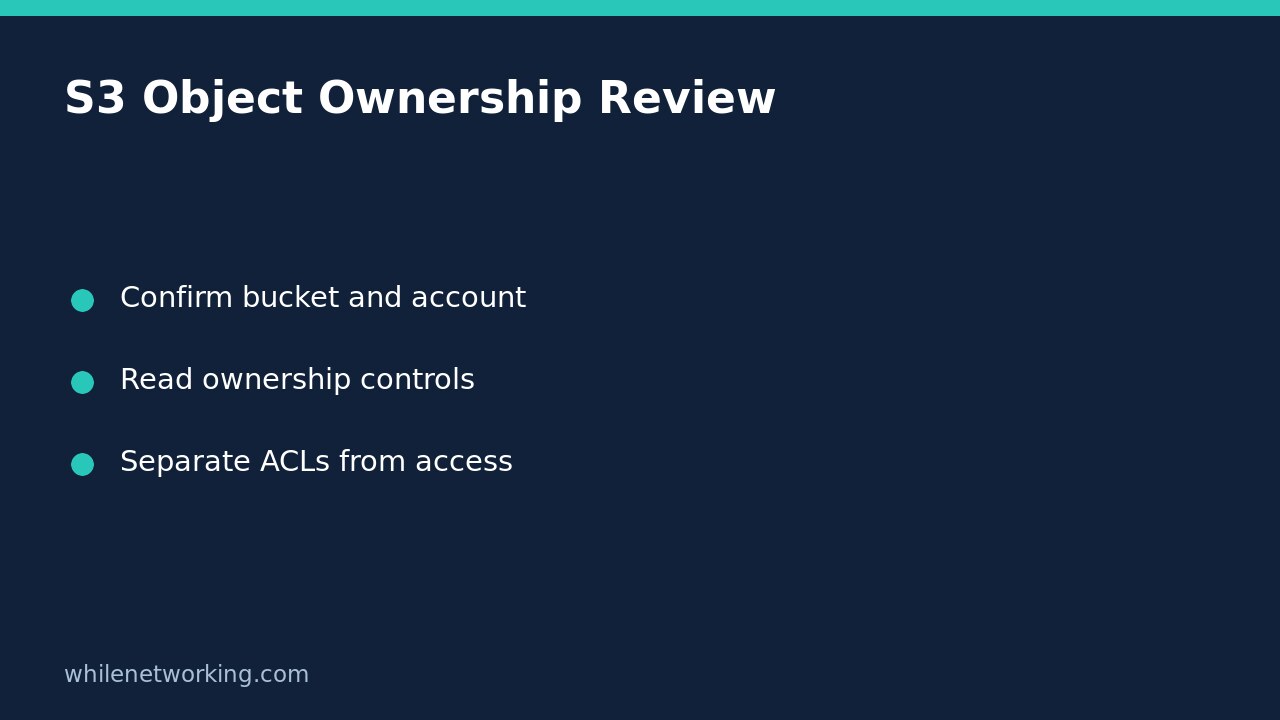

To inspect an S3 bucket’s Object Ownership setting without changing it, use aws s3api get-bucket-ownership-controls. This reads the bucket configuration; it does not upload objects, rewrite permissions or disable ACLs. The important distinction is that an ownership setting describes how ownership and ACL behaviour work, not whether every possible request to the bucket is authorised.
Prepare a narrowly scoped read-only review
Use this procedure for a general purpose bucket that you are authorised to inspect. AWS documents that this operation is not supported for directory buckets. Obtain the exact bucket name, expected owner account ID and approved CLI profile from your inventory rather than guessing from a similar name.
The calling identity needs s3:GetBucketOwnershipControls. Permission to list objects is not a substitute. If you are unsure which account or role your terminal is using, first follow the AWS CLI account and role check. Do not paste access keys into a command, screenshot or support ticket.
Retrieve the complete ownership response
The following single-line command is intended for Bash with AWS CLI v2. Replace all example values with the approved bucket, account and profile. The account number is a placeholder, not a discovered owner:
aws s3api get-bucket-ownership-controls --bucket example-audit-bucket --expected-bucket-owner 123456789012 --profile audit-readonly --output json --no-cli-pagerKeep the full JSON response for the initial review rather than immediately filtering down to one string. This makes the surrounding OwnershipControls and Rules structure visible and avoids confusing a display choice with the actual configuration.
The expected-owner argument is an additional check: AWS says that a mismatch produces HTTP 403. It does not discover the owner or grant permission. A failed check is a reason to reconcile your inventory and identity, not to remove the check automatically.
This tutorial’s example has not been executed against your AWS account. Successful syntax and an installed CLI do not establish that your identity has access or that the named bucket exists.
Interpret the ObjectOwnership value carefully
- BucketOwnerEnforced: ACLs are disabled and no longer affect permissions. AWS describes the bucket owner as owning and having full control over every object. Uploads must omit an ACL or use an accepted bucket-owner-full-control ACL.
- BucketOwnerPreferred: objects uploaded with the bucket-owner-full-control canned ACL change ownership to the bucket owner. Do not interpret the word preferred as an unconditional transfer for every upload.
- ObjectWriter: ownership remains with the uploading account under this mode. Do not assume the bucket’s owner owns every object merely because the object is stored there.
These meanings come from the AWS command reference. Keep the exact returned value in your review notes. A friendly label such as modern permissions loses information that another administrator may need.
Separate absent configuration, denial and security conclusions
A bucket can lack an explicit OwnershipControls configuration. AWS identifies older buckets that never had the enforced setting applied, and configurations that were explicitly deleted, as possible cases. Record the actual service response; do not silently turn a missing configuration into BucketOwnerEnforced or declare that it proves public access.
AccessDenied or another failed request is different: your inspection did not establish the setting. Check the profile, expected owner and approved permissions with the bucket administrator. Do not request broad administrative access simply to complete this one inventory field. Preserve the error code and timestamp while excluding credentials and unnecessary object details.
Even a successful BucketOwnerEnforced result is not a complete exposure assessment. Ownership controls do not replace policy review, and this command does not test application access. Review S3 Public Access Block settings as a separate configuration question rather than treating either result as a complete security verdict.
Handover checklist and common questions
Record the bucket, owner expectation, profile or role, inspection time, exact ownership value and whether the request succeeded. If a migration is needed, raise a separate change request covering uploader compatibility and permissions testing. This read-only procedure requires no configuration rollback because it changes nothing.
Should I enable enforced ownership to fix a failed read? No. Changing ownership controls is not an access-diagnostic step and can affect upload workflows.
Does reading the mode prove that a particular user can download an object? No. That is a separate authorisation question requiring the relevant identity, resource and policy context.
Educational use only. Test carefully before production use and inspect only resources you are authorised to manage. The site owner is not responsible for misuse, damage, data loss or production issues.