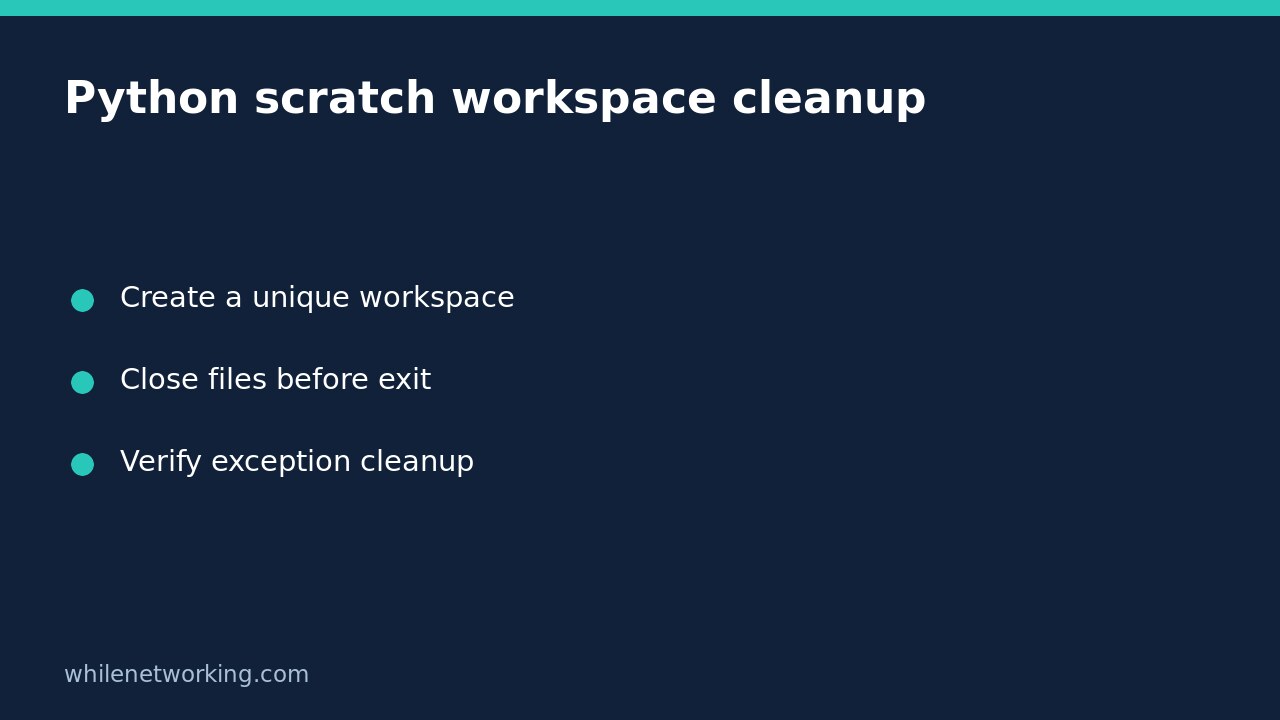

Use tempfile.TemporaryDirectory as a context manager when a Python automation job needs disposable working files. It creates a new workspace and removes that directory and its contents when the context exits normally, including when an ordinary exception unwinds through the block. Keep final reports and recovery state somewhere else: successful cleanup deliberately removes scratch data.
This solves a different problem from preventing overlapping jobs. Unique workspaces separate intermediate files, but two jobs can still update the same permanent destination. Use the nonblocking file-lock workflow when shared resources also require coordination.
Define what is disposable before creating the workspace
Write down which files can be regenerated and which must survive a failed run. A downloaded intermediate file, a transformed preview and a temporary manifest may be disposable. A submitted request identifier, final customer report or checkpoint needed for reconciliation normally is not. The name of a directory does not make its contents safe to delete.
The official Python tempfile documentation describes TemporaryDirectory as a high-level interface providing automatic cleanup. By contrast, mkdtemp() gives the caller responsibility for removing the directory. Avoid predictable shared names such as a fixed job folder that different runs might reuse accidentally.
Use a recognisable prefix for diagnostics while allowing the library to choose the unique suffix. If storage location matters, supply a suitable existing parent through the dir argument instead of modifying the module’s global temporary-directory setting. Check capacity and permissions separately; creating a workspace does not reserve enough space for the whole job.
Test cleanup on both successful and failed runs
The following complete script uses only the standard library. It creates a tiny text file, reads it back and deliberately raises an ordinary exception in one test. It does not download data, invoke production tools or remove any pre-existing folder.
from pathlib import Path
from tempfile import TemporaryDirectory

def exercise(fail):
    workspace = None
    try:
        with TemporaryDirectory(prefix="report-job-") as name:
            workspace = Path(name)
            scratch = workspace / "preview.txt"
            scratch.write_text("disposable preview", encoding="utf-8")
            assert scratch.read_text(encoding="utf-8") == "disposable preview"
            assert workspace.is_dir()
            if fail:
                raise RuntimeError("simulated processing failure")
    except RuntimeError as error:
        if not fail or str(error) != "simulated processing failure":
            raise
    assert workspace is not None
    assert not workspace.exists(), "Scratch workspace still exists"
    print("exception" if fail else "success", "cleanup verified")

exercise(False)
exercise(True)
The expected messages are success cleanup verified and exception cleanup verified. The deliberately handled exception makes the second probe inspect cleanup rather than stop at a traceback. In a real unattended worker, do not copy that handling into a blanket success response: the job must still report or propagate genuine processing failures.
The test verifies ordinary context-manager behaviour in the environment where you run it. It does not simulate power failure, forced process termination, disk exhaustion or every operating system’s open-file restrictions.
Close handles and wait for child processes
Keep opened files inside their own with blocks so they close before the outer workspace context exits. Python’s documentation specifically notes cleanup errors such as permission errors caused by open files on Windows. An external program holding a workspace file open can therefore matter even when your own Python code has finished writing.
If a child process uses the workspace, wait for it to finish and check its result before leaving the context. Do not start a background command and immediately delete the folder it still needs. A path string retained after cleanup is only an old location, not a surviving copy of the file.
Do not describe this mechanism as a sandbox. Only place trusted job-controlled content in the tree, and do not let unrelated processes modify it during deletion. The upstream documentation warns that cleanup is not robust against concurrent modification and describes platform-dependent symlink risks.
Troubleshooting and retention checklist
- If expected output disappears, check whether you saved it inside the disposable tree.
- If cleanup raises an error, inspect open handles and permissions before suppressing it.
- Do not treat
ignore_cleanup_errors=Trueas proof of deletion; it permits best-effort cleanup with removable items potentially left behind. - Keep sensitive values out of filenames and logs, and do not assume deletion is secure erasure.
- Use a separate permanent, access-controlled location for failure diagnostics that must survive.
Will cleanup always happen after a crash? No. A context manager needs the interpreter to reach its exit handling. Forced termination and system failure can leave artifacts. Any later housekeeping should identify owned, inactive workspaces carefully rather than delete broad filename patterns or other users’ directories.
Can I keep the directory while debugging? Newer Python versions provide a delete option, but check your installed version before using it. If retention is intentional, define access controls and a removal policy; the retained workspace is no longer automatically disposable.
This tutorial is for educational purposes. Test carefully before production use. The site owner is not responsible for misuse, damage, data loss or production issues.