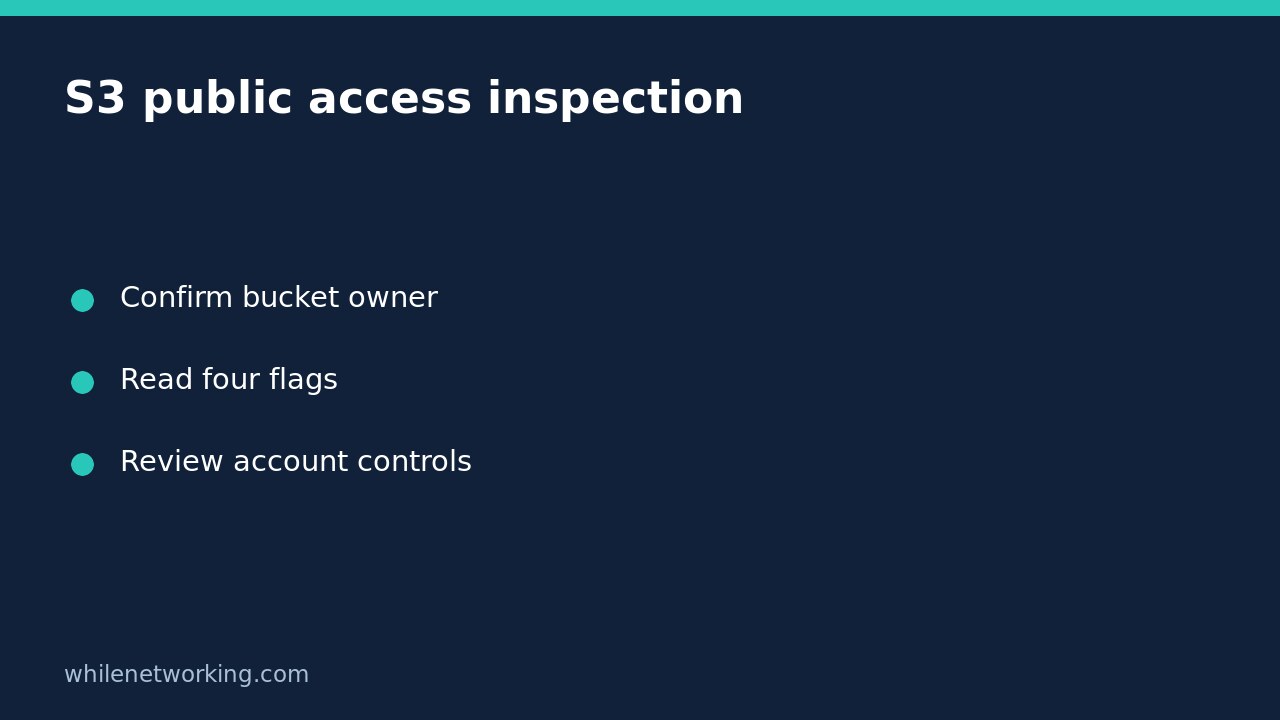

To inspect an S3 bucket without changing its access controls, use aws s3api get-public-access-block. It retrieves the bucket-level Block Public Access configuration. The important limitation is that this result is not a complete verdict on whether data is publicly accessible: AWS also evaluates account-level controls, and permissions require broader context.
This workflow is for general-purpose S3 buckets you are authorised to review. The documented operation does not support directory buckets. It deliberately avoids commands that create policies, change ACLs or switch protection off.
Confirm the bucket and credentials first
Obtain the exact bucket name, owning account ID and expected region from your inventory or the responsible cloud administrator. A similarly named development bucket is not evidence about production. If you use several profiles, explicitly choose the intended one rather than relying on whichever credentials your terminal inherited.
Follow the separate AWS CLI account and role verification walkthrough before proceeding. You need AWS CLI installed and configured, plus permission to read this configuration. AWS documents that permission as s3:GetBucketPublicAccessBlock; a read-only job title does not establish that your actual session has it.
Run one read-only configuration request
Replace every placeholder below with your approved values. This is a command example, not output from a tested customer environment.
aws s3api get-public-access-block --bucket YOUR_BUCKET_NAME --expected-bucket-owner YOUR_ACCOUNT_ID --profile YOUR_PROFILE --region YOUR_REGION --output json --no-cli-pagerRun the example as one line in your terminal. The expected-owner option is a useful guard: AWS says an owner mismatch causes HTTP 403. It does not grant permission, locate the right account or prove that an access-denied response has only one possible cause.
Keep the timestamp, command scope and returned configuration in an approved audit location. Do not paste access keys, session tokens or verbose debug logs into public tickets. Because this request reads configuration only, it requires no configuration rollback.
Interpret the four flags separately
- BlockPublicAcls: blocks specified requests that would set public ACLs. Enabling it does not remove existing ACLs or policies.
- IgnorePublicAcls: makes S3 ignore public ACLs. Stored ACLs can still exist; ignoring an ACL is not the same as deleting it.
- BlockPublicPolicy: rejects attempts to put a public bucket policy. It does not itself rewrite a previously stored policy.
- RestrictPublicBuckets: restricts access when a bucket has a public policy. AWS notes that this can also block cross-account access contained within that public policy.
For an illustrative review, suppose BlockPublicPolicy is true but you have not inspected the existing policy. Record that the control rejects new public-policy writes; do not write that all earlier public permissions have therefore been removed. The distinction matters when handing findings to someone who will approve remediation.
Do not mistake errors for a safe result
An AccessDenied response means you did not obtain the settings. Check your selected credentials, expected owner and authorised permissions with the administrator. Do not disable security controls or ask for broad administrator access just to make an audit command work.
If the response reports no bucket-level configuration, retain the exact error and escalate that finding. Missing bucket configuration does not establish effective public exposure because account-level restrictions may still apply. Conversely, a successful response with a false flag is a prompt for contextual review, not proof that anyone can download objects.
AWS applies the most restrictive combination of bucket-level and account-level settings. Its current documentation also notes that account settings may inherit organisation policies. Ask the account owner to review those layers alongside relevant bucket policies and ACLs before stating an exposure conclusion.
Handoff checklist and common questions
- Was the correct bucket and owner confirmed?
- Did the request succeed, or is the result an unresolved error?
- Were all four returned values preserved accurately?
- Were account controls and existing permissions reviewed separately?
- Is any proposed change assigned to an authorised owner with impact testing?
Does four true values prove the application works? No. This request does not test application access or every permission dependency. Should I turn flags off to troubleshoot? Not as part of this inspection. Use a separately approved diagnostic and change process.
Source: AWS CLI get-public-access-block reference, including permission requirements and flag definitions.
This tutorial is for educational purposes. Test carefully before using steps in production. The site owner is not responsible for misuse, damage, data loss or production issues.