
If a local Administrators membership query works on one Windows PC but fails on a differently translated installation, select the group by its well-known security identifier rather than assuming its English display name. This provides a read-only starting point for reviewing who is directly listed in the built-in administrative group. It does not prove every listed person currently has an elevated session or enumerate everybody inside a nested directory group.
Why the group identifier is useful
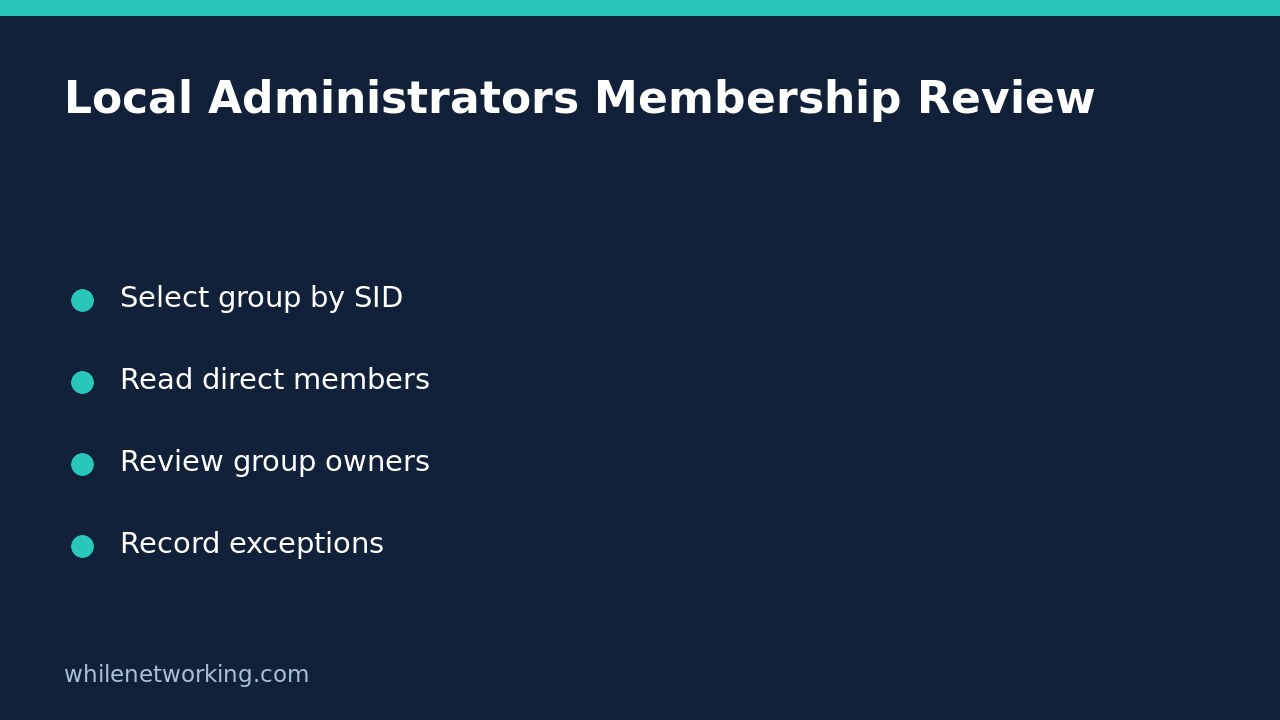
Windows security identifiers, or SIDs, identify security principals independently of the friendly labels shown in many management screens. Microsoft’s well-known SID reference lists S-1-5-32-544 for the built-in administrative group. Using that identifier avoids relying on a translated or renamed display label in an inventory command.
Keep the scope narrow: this article concerns the local built-in group on a Windows workstation or member server you are authorised to administer. Do not treat domain controllers as interchangeable workstations; their administrative groups and operating context require a directory-specific review.
Run a read-only membership query
On the Windows machine being reviewed, open 64-bit Windows PowerShell. The LocalAccounts module is not available in 32-bit PowerShell on a 64-bit system, according to Microsoft. If your organisation restricts administrative inventory, follow its approved elevation procedure rather than trying to bypass a restriction.
Get-LocalGroupMember -SID 'S-1-5-32-544' -ErrorAction Stop | Select-Object Name, ObjectClass, PrincipalSource, SIDThe command requests group members and selects useful review fields. It does not add or remove members. There is no remote-computer parameter in this example: run it on the intended endpoint, and record which endpoint produced the result. Running it in your own support session does not silently inspect another employee’s laptop.
Record the device identifier, collection time and any errors alongside the output. A failure is not an empty membership list. For example, a module-availability problem means the inventory was not collected; it does not mean the computer has no administrators.
Interpret direct entries without overclaiming access
Review Name together with ObjectClass and SID. A user entry and a group entry represent different review tasks. If a directory group appears, identify its owner and request a separate authorised membership review. Do not assume the displayed rows recursively enumerate that group’s users.
PrincipalSource can help distinguish local, Active Directory, Microsoft Entra group and Microsoft Account sources where supported. Microsoft notes that this property is supported on Windows 10, Windows Server 2016 and later; earlier systems can show a blank value. An absent value alone is not evidence that an account is malicious or local.
Membership evidence also differs from effective privileges in a particular process. An administrative membership record does not show whether a user is signed in, whether a prompt was approved, or which rights a running application currently holds. Keep account inventory and session-level access investigation as separate work items.
Turn the list into an actionable review
Consider a hypothetical support workstation showing a local recovery account, a named technician account and a directory support group. Do not remove whichever name looks least familiar. First match each SID and account to an approved purpose, owner and support requirement. Ask who maintains the group entry, whether its membership is reviewed elsewhere, and which approved exception permits any long-lived technician membership.
- Confirm the record belongs to the intended endpoint.
- Assign an owner and documented purpose to each direct entry.
- Escalate unfamiliar, unresolved or unowned entries for investigation.
- Review nested group membership through the appropriate directory owner.
- Plan changes separately, including recovery access and management-policy effects.
A management policy may restore a removed member, and an unplanned removal may interrupt support. This inventory deliberately includes no removal command. Any remediation should use your approved change process and a verified recovery path.
Common questions and evidence limits
Does this prove the PC is secure? No. It answers one membership question, not whether all applications, services and protections are correctly configured. For another read-only control review, see auditing Microsoft Defender exclusions without changing settings.
Should I substitute the English group name if the SID query fails? First preserve the actual error and check the shell, module and permissions. Changing the selection label will not repair an unsupported module or a blocked inventory operation.
Sources and safe use
Read Microsoft’s Get-LocalGroupMember documentation for SID selection, return objects and module limitations, and its well-known SID reference for the built-in identifier.
This tutorial is for educational purposes. Test carefully before using procedures in production and work only on authorised systems. The site owner is not responsible for misuse, damage, data loss or production issues.