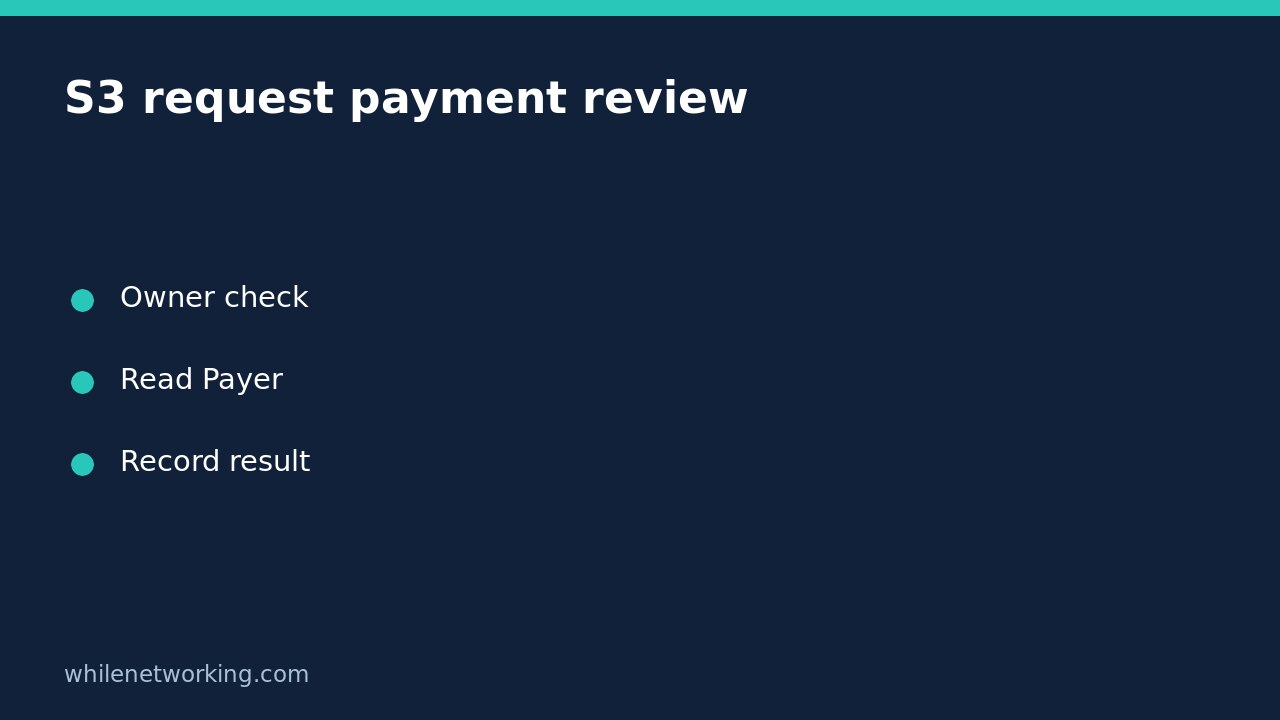

Use the AWS CLI get-bucket-request-payment operation to inspect an S3 bucket’s request payment configuration without enabling or disabling Requester Pays. The response’s Payer field identifies the configured payer for download and request fees. It is a configuration check, not a bill, a permissions test for every object, or proof of who paid for a particular transfer.
This walkthrough is for an authorised bucket-owner review of a general purpose bucket. AWS explicitly states that this operation is not supported for directory buckets and that you must be the bucket owner to use it. If someone else owns the bucket, ask the owner for the relevant configuration evidence rather than treating a denied read as an answer.
Confirm the account and bucket before querying
Identify the bucket name, its expected owning AWS account, the appropriate Region and the configured CLI profile you are authorised to use. Do not guess ownership from a familiar bucket name. A profile label is only a local configuration name and may assume a role in another account.
If you have not established the caller identity, first follow the AWS CLI account and role verification tutorial. That step helps identify the caller; it does not itself establish ownership of the target bucket or grant access to its configuration.
The example below is written for Bash or a similar Unix-like shell and assumes AWS CLI v2 is installed and configured. All four argument values are placeholders: replace them with your approved bucket, owner account, Region and profile. This article does not claim to have queried your cloud account.
Read the request payment configuration
aws s3api get-bucket-request-payment --bucket YOUR_BUCKET_NAME --expected-bucket-owner 123456789012 --region YOUR_BUCKET_REGION --profile YOUR_PROFILE --output json --no-cli-pagerThe expected-bucket-owner argument supplies the account ID you expect to own the bucket. AWS documents a 403 Forbidden response when this value does not match the actual owner. It is a useful guard against querying the wrong target, but it does not authenticate you as that owner or replace the required authorisation.
Keep the full JSON result for this initial review instead of immediately filtering the command to a single field. A successful command returns a Payer value. The two documented possible values are BucketOwner and Requester. No put operation is required to inspect the setting, and none is included here.
Interpret Payer without promising a particular bill
BucketOwner identifies the bucket-owner payment configuration for the download and request fees described by this operation. Requester identifies the requester payment configuration. Match the spelling exactly when recording or comparing results in an inventory.
Do not expand that small response into a claim that every AWS cost has moved to another account. The operation does not return a breakdown of storage, transfer, tax, discounts or historical charges. Likewise, this setting does not tell you whether a particular requester has access to an object, or whether that request will succeed under all applicable policies.
For example, imagine an inventory note says Requester but a fresh, successful read says BucketOwner. Record the discrepancy, caller context and observation time. Ask the authorised owner to reconcile the intended configuration and billing evidence. Do not immediately switch the setting to make the inventory look consistent: that would be a separate change with potentially different cost consequences.
Keep access errors separate from payer values
A failed request is not an empty or disabled configuration. If you receive access denied, check the expected owner value, the chosen profile and the owner’s approved permissions process. An incorrect expected owner can produce the documented 403, so that status alone does not identify the exact cause. Do not repeatedly try unrelated accounts or broaden access just to obtain a cleaner report.
For expired credentials, use your normal approved sign-in or credential-renewal procedure. For an incorrect Region or unsupported bucket type, verify the resource details before another attempt. Preserve a sanitized error message and the command’s failure status; do not replace them with a guessed BucketOwner value.
Do not add no-sign-request or disable TLS verification as a troubleshooting shortcut. The former avoids loading credentials, while the latter weakens connection verification; neither establishes legitimate ownership or correct permissions.
Record a useful read-only audit result
- Identify the exact bucket, Region and expected owning account.
- Record the observed caller context through approved internal records.
- Save the successful Payer response and observation time, or the explicit read failure.
- Keep historical billing analysis separate from this configuration snapshot.
- Raise any intended payment-setting change through a separate authorised change process.
Frequently asked questions
Does this command turn on Requester Pays? No. It retrieves the request payment configuration. It is not a configuration-update command.
Can I infer the setting from access denied? No. A denied read does not disclose a reliable Payer value.
Does a successful read prove a download will work? No. Object access, request conditions and the actual operation still require their own checks. This review deliberately does not download data or test chargeable workloads.
Source and operational safety
The official AWS CLI get-bucket-request-payment reference documents the supported scope, ownership condition, expected-owner guard and Payer response values.
This tutorial is for educational purposes. Test carefully before using commands in production and access only resources you are authorised to inspect. WhileNetworking is not responsible for misuse, damage, data loss or production issues.