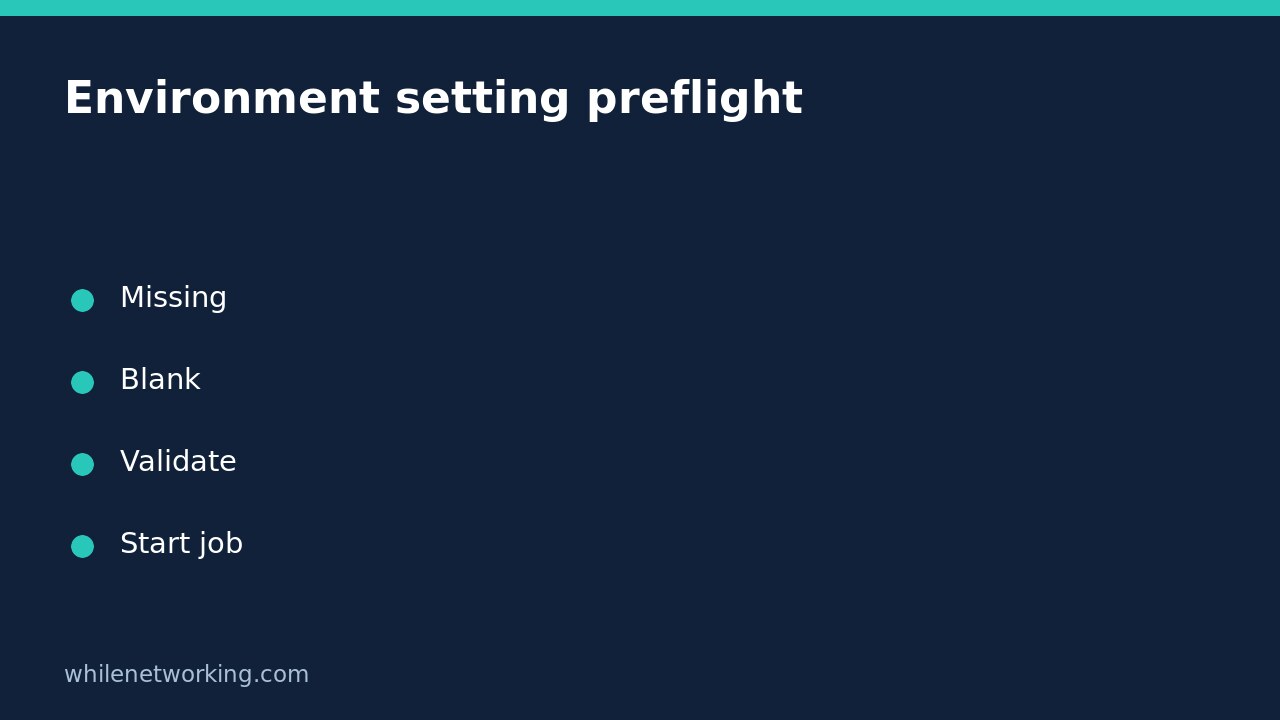

A scheduled Python job should reject a required setting before it opens a connection or changes a file. Checking only whether an environment variable exists is not enough: an inherited variable can contain an empty string or spaces. Treat missing, empty and whitespace-only values as separate diagnostic cases, while keeping the actual value out of logs.
This tutorial builds a small preflight for a required setting named APP_DESTINATION. It validates configuration presence, not whether the destination exists or is authorised. A successful preflight is permission to perform the next validation step, not proof that the eventual job will succeed.
Understand missing versus empty values
The Python documentation says os.getenv returns the variable’s string value if it exists, otherwise the supplied default, which is None unless changed. Consequently, an empty string is not the same result as a missing variable. Using os.getenv(‘APP_DESTINATION’, ‘fallback’) supplies a fallback for absence, but does not replace an explicitly empty value.
For a mandatory destination, silently falling back can send output to the wrong place. Prefer a clear failure. Here we also reject whitespace-only strings, but return the original nonblank string rather than stripping it. Whether surrounding spaces are legal depends on the setting: an opaque token and a human-entered folder label need not share a normalization rule.
Validate without printing the value
Save this as preflight.py. The function accepts a mapping so that tests can provide controlled values without editing the real process environment. Read configuration before calling any operational part of your job.
import os
import sys


def required_setting(env, name):
    value = env.get(name)
    if value is None:
        raise ValueError(f'{name} is missing')
    if value == '':
        raise ValueError(f'{name} is empty')
    if value.strip() == '':
        raise ValueError(f'{name} is whitespace-only')
    return value


def main():
    try:
        destination = required_setting(os.environ, 'APP_DESTINATION')
    except ValueError as exc:
        print(f'Configuration error: {exc}', file=sys.stderr)
        return 2
    print('Required setting is present and nonblank; no job was run.')
    return 0


if __name__ == '__main__':
    raise SystemExit(main())
The variable destination is deliberately not printed or used to launch anything in this demonstration. Replace the final message with your separately reviewed workflow only after validating the destination’s format and access requirements. Never dump os.environ into a job log to diagnose a missing secret: unrelated credentials may be exposed.
Test edge cases without changing real configuration
Save this second file beside preflight.py and run it with Python 3. Its fixtures are invented, nonsecret strings. The tests verify the distinctions and confirm that a nonblank value containing spaces is preserved exactly.
from preflight import required_setting

for env, expected in [
    ({}, 'APP_DESTINATION is missing'),
    ({'APP_DESTINATION': ''}, 'APP_DESTINATION is empty'),
    ({'APP_DESTINATION': '   '}, 'APP_DESTINATION is whitespace-only'),
]:
    try:
        required_setting(env, 'APP_DESTINATION')
    except ValueError as exc:
        assert str(exc) == expected
    else:
        raise AssertionError('Invalid setting was accepted')

for value in ['reports', ' reports ', '0', 'false']:
    assert required_setting({'APP_DESTINATION': value}, 'APP_DESTINATION') == value

print('Presence and blank-value checks passed')
The strings ‘0’ and ‘false’ are nonblank and therefore accepted by this presence check. They are not interpreted as a number or Boolean. Add setting-specific parsing if the application requires a numeric limit or a true/false flag; presence validation alone cannot establish those meanings.
Check the scheduler’s environment, not just your terminal
A successful interactive run does not establish that an unattended process received the same variable. Check the actual scheduler or service configuration through its supported configuration interface, then start a new test invocation with harmless inputs. Python documents os.environ as a mapping captured when os is first imported, normally during startup. Changing a parent shell later does not update an already running worker.
Keep input validation separate from execution controls. If configuration is valid but the job waits for keyboard input, use the separate guidance on preventing unattended Python subprocess prompts. That addresses a different failure and does not supply missing configuration.
Quick checklist and FAQ
- Reject absent, empty and whitespace-only required settings before side effects.
- Log the setting name and failure type, never its contents.
- Preserve valid values unless the setting’s specification requires normalization.
- Validate format, permissions and reachability separately.
- Propagate a nonzero process exit status to the scheduler.
Does a nonblank value prove a secret is valid? No. It establishes only that a string passed this local check. Authentication may still fail.
Does an environment variable encrypt its value? No. Environment-based configuration is not a substitute for appropriate secret storage and process-access controls.
Source and safety
See the official Python os.environ and os.getenv documentation for mapping and default-value behaviour.
This tutorial is for educational purposes. Test carefully before using it in production. WhileNetworking is not responsible for misuse, damage, data loss or production issues.