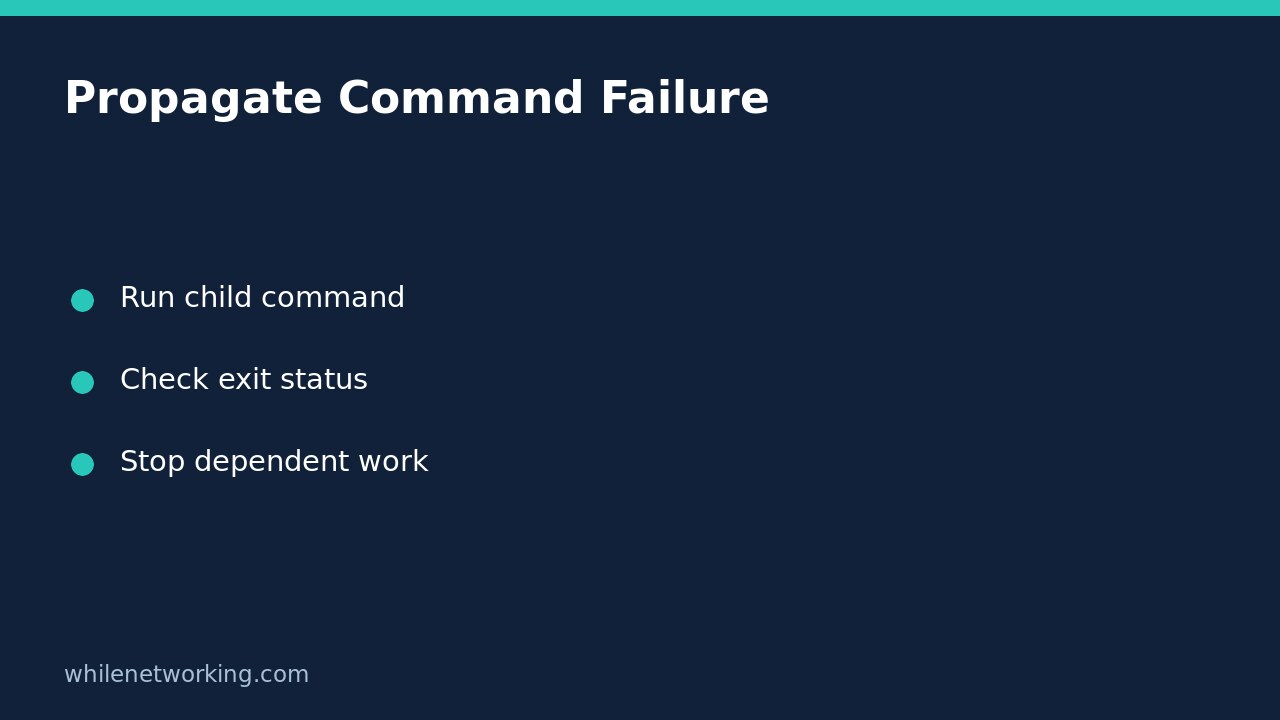

A Python script can finish successfully even when a program it launches fails. By default, subprocess.run() returns a result rather than raising an exception for a nonzero child exit status. For a command whose nonzero result means failure, use check=True, handle the failure deliberately, and return a nonzero exit status from your own script. Do not print a success message or start dependent work merely because the child process finished.
Separate process completion from successful work
Imagine an automation wrapper that exports an inventory before sending a summary. If the exporter exits unsuccessfully, the summary must not describe an old file as a fresh export. Starting a process, waiting for it, and confirming its success are three different events. The official Python subprocess documentation describes the returned CompletedProcess object and explains that check=True raises CalledProcessError for a nonzero exit code.
First check the child program’s documented exit-code contract. Zero usually means success, but some utilities use a nonzero value for an ordinary result such as no matches. Those programs need explicit handling of accepted codes, not an assumption that every nonzero result is an infrastructure failure.
Run a harmless failure-path demonstration
Save the following as child_status_demo.py. It runs the same Python interpreter as the wrapper, prints a diagnostic to standard error, and deliberately exits with code 7. It does not contact a service or modify files. The child code is a fixed demonstration string, not text taken from user input.
import subprocess
import sys


def main():
    command = [
        sys.executable,
        "-c",
        "import sys; print('demo failure', file=sys.stderr); sys.exit(7)",
    ]
    try:
        subprocess.run(
            command,
            check=True,
            capture_output=True,
            text=True,
            timeout=10,
        )
    except subprocess.CalledProcessError as exc:
        print(f"Child failed with exit code {exc.returncode}", file=sys.stderr)
        print("Dependent work was not started.", file=sys.stderr)
        return 1
    except subprocess.TimeoutExpired:
        print("Child exceeded the time limit.", file=sys.stderr)
        return 1
    except OSError:
        print("Child could not be started.", file=sys.stderr)
        return 1

    print("Child succeeded; dependent work may now begin.")
    return 0


if __name__ == "__main__":
    raise SystemExit(main())
Run it with your Python 3 launcher. The wrapper should report the child’s failure and exit with code 1. The success message must not appear. For the success-path check, change only the demonstration child’s sys.exit(7) to sys.exit(0) and run again. This time the wrapper should reach its success branch. Restore the failing version when documenting your failure-path test.
Keep the wrapper’s failure visible
Catching an exception is not enough if the exception handler then allows the script to exit normally. The example returns 1 from each failure branch and passes that result to SystemExit. This makes the wrapper’s outcome available to its caller. Check that your scheduler or parent script actually records that outcome; a launch notification alone does not demonstrate successful work.
The example maps different child failures to one wrapper failure code while preserving the original code in a short diagnostic. That is a deliberate policy, not a requirement to copy every child’s numeric status. A child terminated by a signal can have a negative return code on POSIX; do not blindly turn every such number into your wrapper’s public error contract.
Adapt output handling before production use
Captured output is held in memory. This example is suitable for small, bounded diagnostics, not an unlimited log stream. It also deliberately avoids printing the captured child output automatically: real commands may expose tokens, customer records, or connection strings. Add a reviewed, redacted diagnostic path when your operational requirements need one.
Keep arguments as a list and leave the shell disabled unless shell interpretation is genuinely necessary. When replacing the demonstration command, use a trusted executable and its documented arguments. Set a suitable timeout; see stopping hanging automation with subprocess timeouts for the separate problem of waiting indefinitely. A timeout or failure does not undo changes already made by a real child command. Reconcile partial work before considering any retry.
Failure-propagation checklist and FAQ
- Does a deliberate child failure prevent every dependent step?
- Does the wrapper itself return a nonzero status?
- Are expected nonzero results distinguished from actual failures?
- Are captured diagnostics bounded and safe to disclose?
- Has the caller’s recorded outcome been checked?
Does exit code zero prove the exported data is correct? No. It reports the child’s success convention. Validate required files, record counts, or other domain-specific postconditions separately.
Should every failure be retried? No. A permission problem needs investigation, and a timeout can leave partial side effects. Confirm the prior attempt’s outcome before rerunning anything that writes.
Safety: This tutorial is for educational purposes. Test carefully before using automation in production. The site owner is not responsible for misuse, damage, data loss, or production issues.