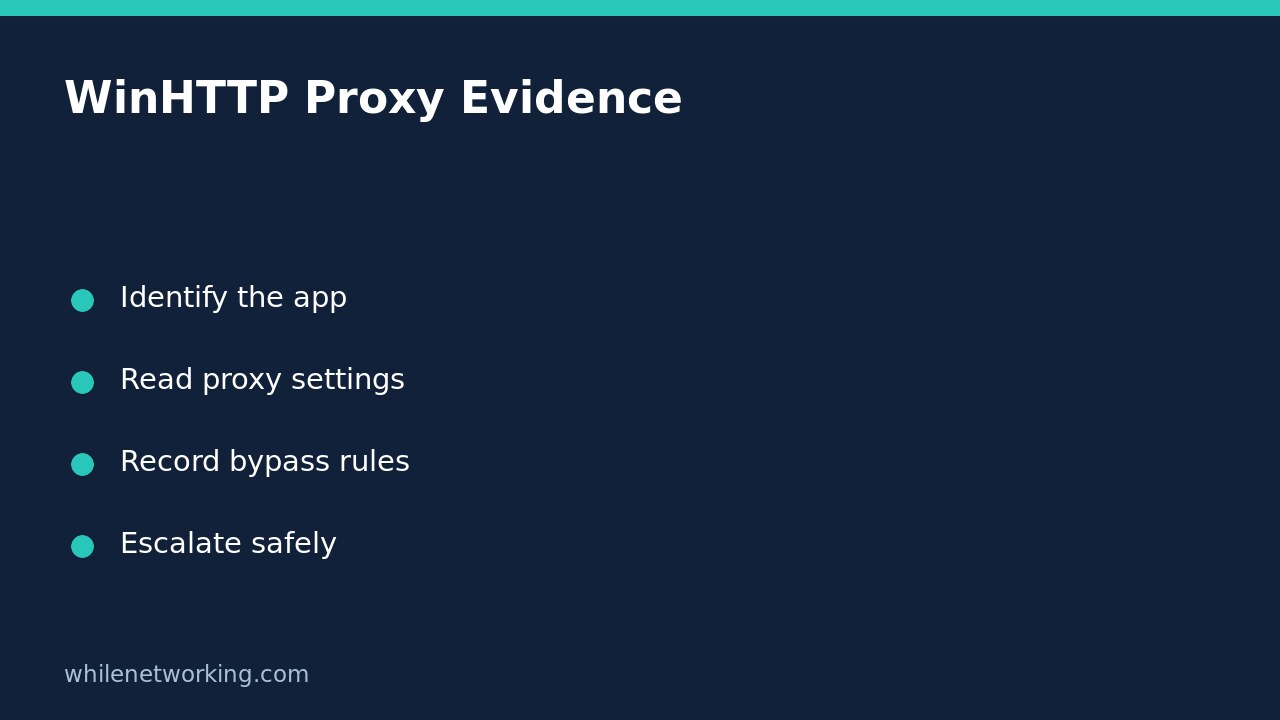

If a Windows application cannot connect while a browser works, inspect its networking context before resetting anything. The read-only command netsh winhttp show proxy displays basic WinHTTP proxy configuration. It does not prove that every application uses those settings, that the displayed proxy is reachable, or that direct internet access is permitted.
This workflow collects evidence for an application owner or network administrator. It deliberately avoids changing proxy configuration, clearing caches or bypassing organisational controls.
Establish which application and account are failing
Record the application name, exact error, destination hostname and approximate failure time. Note whether the failure happens in an interactive desktop application, a scheduled task or a Windows service. A successful browser session is useful comparison evidence, but it is not a test of the failing application’s complete connection path.
Microsoft describes WinHTTP as an API used by applications to make HTTP requests. Ask the software vendor or administrator whether this particular component uses WinHTTP, an application-specific proxy or another networking library. Do not assume every Windows connection follows one global setting.
Also record whether the machine is using its usual office network, an approved VPN or a different connection. Preserve that context rather than disconnecting security tools to see whether the error disappears.
Read the configuration without importing or resetting it
Open Command Prompt and run the following inspection command. If access is restricted, record the message and ask your administrator; do not weaken policy or change account permissions.
netsh winhttp show proxyCopy the actual output into a private support note alongside the collection time. Keep proxy hostnames and internal bypass entries out of public forums. This command reads configuration; it is not a connection test and it does not request credentials from the proxy.
Do not substitute an internet troubleshooting recipe that imports browser settings or resets WinHTTP. Microsoft documents that resetting the proxy sets it to DIRECT and removes configured proxy settings. On a managed network, that could break applications that require the approved proxy.
Interpret direct access, proxy endpoints and bypass entries
If the output indicates direct access, the basic configuration has no explicit proxy server to report. That is not proof the application is unproxied: its own settings and other supported configuration mechanisms still need checking. It also does not establish that the network allows direct outbound traffic.
If a proxy is listed, record its hostname and port exactly. A configured value is not evidence of successful DNS resolution, reachability, authentication or permission to contact the requested destination. Keep these questions separate so an administrator can test the relevant stage.
If a bypass list is present, retain it as configuration evidence rather than deleting it. Ask whether the failing destination is intended to use the proxy or a direct connection. Do not treat a bypass entry as permission to route around a security control, and avoid inventing wildcard-matching rules from a quick visual comparison.
Build a useful handover instead of making a speculative change
Consider a hypothetical service that cannot download an update while the user’s browser opens the vendor website. The useful conclusion is that two different clients behave differently, not that the proxy is definitely broken. Record the service identity, failed update hostname, error time, WinHTTP output and the successful browser observation as separate facts.
For basic connectivity context, see how to interpret Test-NetConnection when ping fails but TCP works. A TCP result still does not establish successful proxy authentication, TLS negotiation or application permission.
Ask support to confirm the expected configuration before authorising a change. If an approved change becomes necessary, capture the original configuration, define the affected applications and obtain the exact restoration procedure first. This inspection itself changes no proxy settings, so there is no configuration rollback to perform.
Quick questions and collection checklist
Does a working browser rule out a proxy problem? No. It establishes only that the tested browser request worked in that context.
Does DIRECT mean the firewall is open? No. Proxy configuration and network access policy are different evidence.
- Identify the failing component and account.
- Record the destination, error and timestamp.
- Save the actual read-only command output privately.
- Ask which settings and connection path the application should use.
- Do not import, reset or bypass controls without approval.
Source and safety note
Source: Microsoft Learn: netsh winhttp commands, show options and reset behaviour.
This tutorial is for educational purposes. Test carefully before using steps in production and follow your organisation’s policies. The site owner is not responsible for misuse, damage, data loss or production issues.