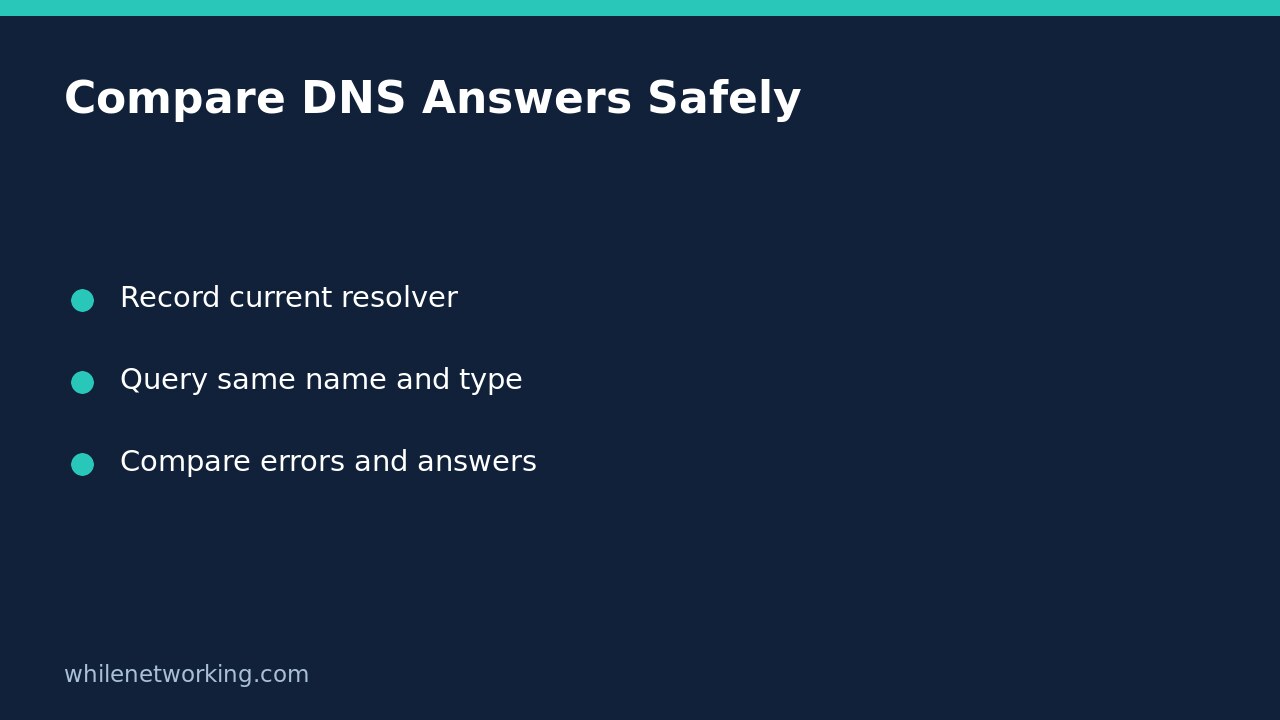

To compare two DNS servers on Windows, give nslookup the same hostname and record type, followed by each server address. This sends individual diagnostic queries; it does not replace the DNS servers configured on your network adapter. It is useful when one device cannot find a public website but you want evidence before changing anything.
This workflow checks DNS responses, not website health. Work only on systems you administer, use approved resolvers, and do not send private company hostnames to a public DNS service.
Record the normal resolver first
Open Command Prompt and run the following against a public hostname you actually need to investigate. The documentation hostname below is just an example, not a claim about its current addresses.
nslookup -type=A www.microsoft.com.With no second argument, nslookup uses its default DNS server. Record the displayed server address, the time, whether your VPN is connected, and the requested hostname. The trailing dot makes the name absolute rather than inviting a local search suffix to be appended. Keep that spelling identical throughout the comparison.
The server label may be unfamiliar or display an unknown name. Focus on its address and the actual query result; a missing friendly name for the resolver is not by itself proof that forward DNS resolution is broken.
Send the identical query to each approved server
Suppose your network documentation identifies two approved DNS servers as 192.0.2.53 and 192.0.2.54. These are documentation-only addresses: replace them with real approved server addresses before running the commands.
nslookup -type=A www.microsoft.com. 192.0.2.53
nslookup -type=A www.microsoft.com. 192.0.2.54
Microsoft documents the second argument as the DNS server to query. Choosing it here affects this lookup, not your adapter configuration. Do not enter these example addresses in Windows network settings.
Compare like with like. An A query asks for IPv4 addresses; an AAAA query asks for IPv6 addresses. If the issue might involve IPv6, run a separate pair rather than comparing an A response with an AAAA response.
nslookup -type=AAAA www.microsoft.com. 192.0.2.53
nslookup -type=AAAA www.microsoft.com. 192.0.2.54
Record each query type beside its result. An empty answer for one type is not automatically evidence that the other type should also be absent.
Interpret the difference without overdiagnosing
- Both return addresses: DNS answered these queries. Different address lists can reflect caching, geographic routing or service configuration; they do not alone prove compromise.
- One times out: that query did not receive a timely reply. Consider reachability, firewall policy and resolver availability before blaming the domain.
- Nonexistent domain: that resolver reports the requested name does not exist. Recheck spelling and whether the name is intentionally private.
- No records: distinguish the requested record type from the existence of the name. Try the other appropriate type as a separate test.
- Server failure or refused: preserve the exact message. A resolver failure and a policy refusal require different follow-up.
Microsoft lists these error categories separately. Avoid reducing every failure to a generic instruction to flush caches or switch to a public resolver.
Use a short evidence-based decision checklist
Consider a hypothetical support case: a public hostname times out through the office resolver but answers through an administrator-approved alternative. That supports investigating the office resolver path; it does not establish that the browser, proxy or website will work. If both servers answer but the browser fails, investigate the application path separately, including any managed proxy or browser-specific DNS configuration.
- Save both command lines and their exact results.
- Note the network, VPN state and observation time.
- Repeat once if the problem is intermittent; do not hammer the servers.
- Share the evidence with the responsible administrator before proposing configuration changes.
For ongoing record-keeping, incorporate the comparison into your home-lab network maintenance plan.
Quick questions
Does this change my DNS settings? No. These noninteractive commands select a server only for the individual lookup, so there is no adapter change to roll back.
Can I test an internal payroll hostname publicly? Avoid it. Use the organisation’s internal resolvers and support process; external servers may neither know the name nor be approved to receive it.
Does nslookup reproduce every browser lookup? No. It isolates a DNS query and cannot prove what every application or encrypted-DNS feature uses.
Source and safety note
Command syntax and error meanings: Microsoft Learn nslookup documentation.
This tutorial is for educational purposes. Test carefully before using steps in production and follow local change-control rules. The site owner is not responsible for misuse, damage, data loss or production issues.