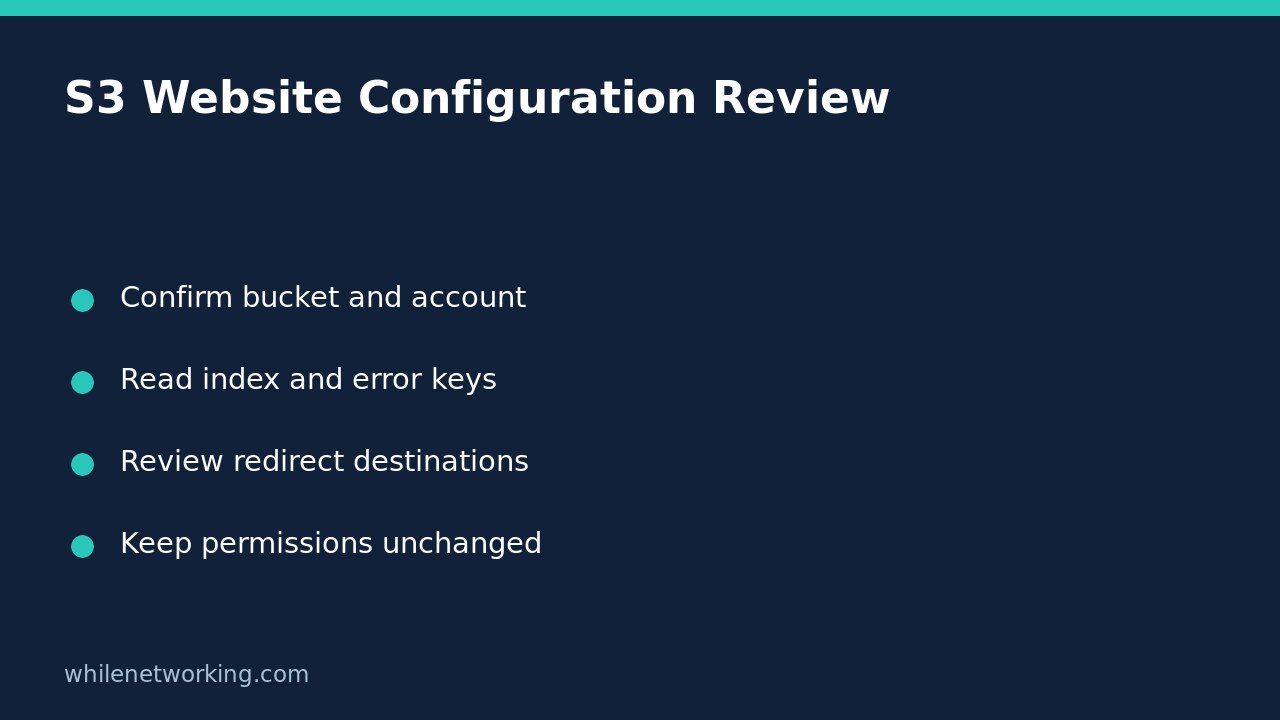

To inspect how an Amazon S3 bucket is configured for website requests, use aws s3api get-bucket-website. It reads the website configuration; it does not enable hosting, upload an index page or make objects public. The important distinction is between a stored configuration and a working visitor-facing website. Finding an index document setting does not prove that its object exists or that a visitor can retrieve it.
Confirm the target before collecting evidence
Use this workflow for a general purpose bucket you are authorised to inspect. AWS states that this operation is not supported for directory buckets. You need a configured AWS CLI profile and the s3:GetBucketWebsite permission. A successful object listing is not proof that this separate configuration permission has been granted.
Record the bucket name, expected owning account, profile and Region from your approved inventory. If you are unsure which identity your profile uses, first follow the account and role checking workflow. Do not infer ownership from a familiar bucket name.
Read the complete configuration first
The following Bash command is a template, not a record of a successful cloud test. Replace every example value, including the illustrative account ID, before running it against your own approved bucket. The expected-owner option makes the request fail if the owning account differs from the account you supplied.
aws s3api get-bucket-website --bucket example-audit-bucket --expected-bucket-owner 123456789012 --profile audit-readonly --region ap-southeast-2 --output json --no-cli-pagerKeep the full response for the initial review instead of immediately filtering down to one field. An index-only query can hide redirects or routing rules that explain the behaviour you are investigating. Capture the command, collection time, exit status and error text in your authorised ticket; configuration output may contain internal hostnames, so avoid publishing it in an open support forum.
Interpret index, error and redirect settings separately
IndexDocument.Suffix is the suffix S3 uses for directory-style website requests. For example, an illustrative suffix of index.html means a request for images/ relates to the object key images/index.html. The documented suffix cannot be empty or include a slash. This setting names a convention; it is not an inventory of files.
ErrorDocument.Key names the object used for website 4XX errors. It does not guarantee that the error document itself can be served. Check the named key separately through approved object-inspection procedures rather than uploading a replacement during this read-only audit.
RedirectAllRequestsTo describes an all-requests redirect destination, including a hostname and an optional protocol. Treat an unexpected hostname as something to reconcile with the website owner, not an instruction to visit or trust it. A configured HTTPS redirect destination is not evidence that every part of the delivery path has been tested.
RoutingRules can apply conditional redirects. Read each condition together with its redirect. AWS documents that when both an error-code condition and a key-prefix condition are present, both must match. Do not reduce that combination to a rule that applies to all requests.
Keep failures distinct from an absent website
A permission error is an incomplete inspection, not proof that hosting is disabled. AWS also documents that an incorrect expected-owner account produces HTTP 403. Reconcile the account ID and authorised access with the bucket owner; do not remove the ownership check or grant broad permissions simply to obtain a green result.
If the service reports that no website configuration exists, record that exact result. It establishes the result of this configuration lookup, not the absence of every possible web-delivery architecture. Objects can be used by other delivery components, and this operation does not inspect their configuration.
Close the review without changing the bucket
- Confirm that the response belongs to the intended bucket and account.
- Record the index suffix, error key and any redirect destinations.
- Separate observed settings from untested assumptions about object access.
- Give any proposed change its own approval and rollback plan.
Does this command make the bucket public? No. It retrieves configuration rather than modifying it. Do not add write commands or permission changes to a read-only diagnostic session.
Does a successful response prove the website works? No. A separate authorised delivery check is needed to assess actual responses and the intended access path.
Source: AWS CLI get-bucket-website reference. These instructions are for educational purposes. Test carefully before production use. The site owner is not responsible for misuse, damage, data loss or production issues.