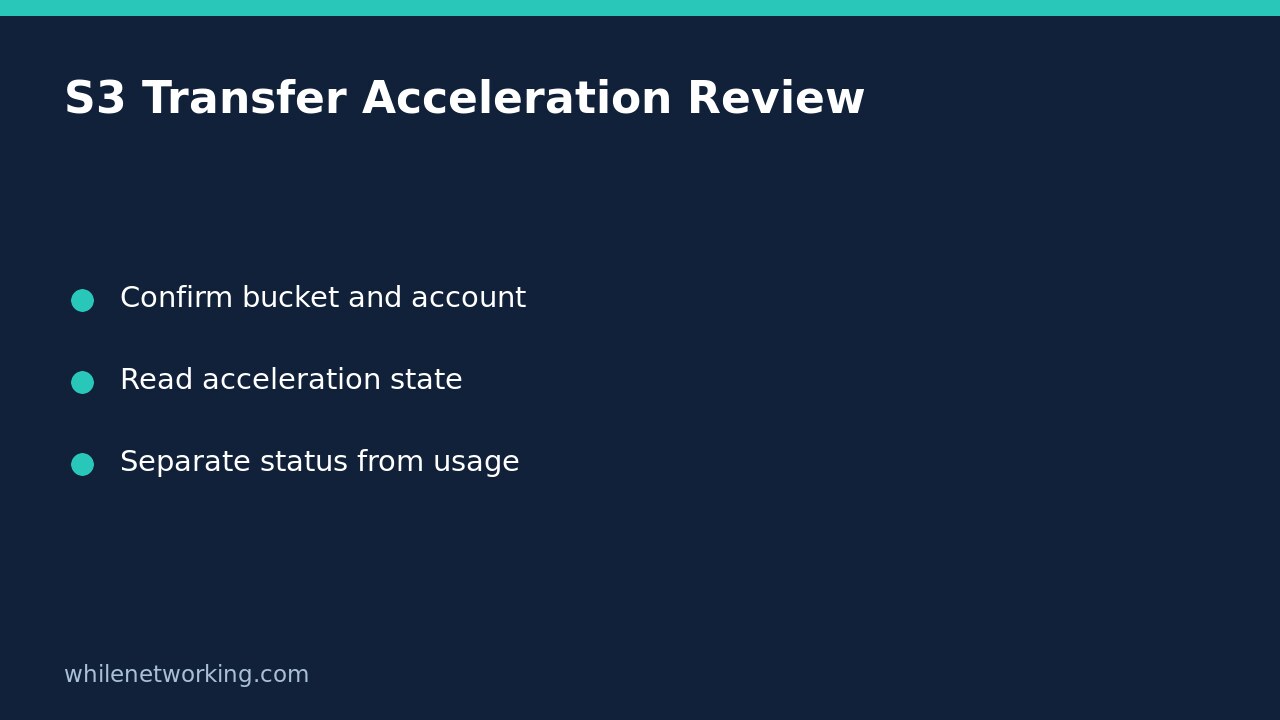

Use aws s3api get-bucket-accelerate-configuration to inspect an S3 bucket’s Transfer Acceleration state without enabling or suspending the feature. A successful response can report Enabled, Suspended, or no state value when a state has never been set. These outcomes are different from an access-denied error, and none proves that a particular application used acceleration for its last upload.
This review is useful when a support ticket says a bucket is accelerated but nobody has checked the configuration. It retrieves a setting; it does not upload a test object, benchmark a network route, or change the bucket.
Confirm the target before querying it
Use an approved AWS CLI profile with access to the intended account. Record the bucket name, its Region, the expected owning account and the review time. If account selection is uncertain, first follow the account-and-role verification workflow. A familiar bucket name is not a substitute for checking the identity used by your CLI session.
AWS documents the required permission as s3:GetAccelerateConfiguration. Request that specific read permission through your normal access process rather than seeking broad write privileges. This operation is not supported for S3 directory buckets; establish the bucket type before treating an unsupported request as a broken configuration.
Run the read-only configuration request
The following Bash example uses placeholders. Replace the profile, bucket, Region and twelve-digit account ID with values supplied by the bucket owner before running it:
aws s3api get-bucket-accelerate-configuration --bucket YOUR_BUCKET_NAME --expected-bucket-owner 123456789012 --profile YOUR_PROFILE --region YOUR_BUCKET_REGION --output json --no-cli-pagerThe expected-owner argument adds a useful mismatch check: AWS says the request fails with HTTP 403 if the supplied owner account does not match the actual owner. It does not grant permission. A failure still needs investigation rather than repeated attempts with random account IDs.
Keep the complete JSON response and any error text. Do not initially filter the result down to only Status: retaining the original response makes it easier to distinguish an absent field from a failed request. This article provides a documentation-based command example, not the result of an authenticated query against your bucket.
Interpret enabled, suspended and unset separately
- Enabled: the bucket reports the enabled Transfer Acceleration state. Record that setting without claiming a measured performance improvement.
- Suspended: the bucket reports the suspended state. Do not describe it as a permission failure or infer why an administrator suspended it.
- No state value in a successful response: AWS explains that a bucket has no Transfer Acceleration state if one has never been set. Record it as unset rather than rewriting the evidence as an explicit Suspended value.
For example, a hypothetical response containing {"Status":"Enabled"} answers the configuration question. It does not answer whether a desktop transfer tool selected an accelerated endpoint, whether a transfer finished, or whether acceleration improved that workload. Those require separate client, transfer and performance evidence.
Handle errors without changing the feature
An access-denied response is not an acceleration status. Check the chosen profile, the approved permissions and the expected owner with the responsible administrator. A timeout is also inconclusive: preserve the error and investigate connectivity before drawing a configuration conclusion. Do not disable certificate verification to make a diagnostic request appear successful.
AWS exposes a separate put operation for changing this configuration. Do not use that operation as a troubleshooting probe. If a configuration change is genuinely needed, raise a separate approved change with its impact, cost review and rollback plan. No configuration rollback is needed for this getter because it does not change the setting.
Quick handover checklist and FAQ
Attach the bucket, account, Region, identity, timestamp and original response to the ticket. State whether the request succeeded, then describe the reported state. Keep configuration findings separate from application endpoint selection and actual transfer observations. Share records through an approved channel, not a public paste containing internal resource details.
Does Enabled prove our uploads were accelerated? No. It establishes the bucket setting, not a particular client’s route or transfer result.
Should I enable acceleration to confirm the command works? No. That changes the subject of a read-only review and may introduce unintended operational or cost consequences.
Source: AWS CLI command reference for GetBucketAccelerateConfiguration.
This tutorial is for educational purposes. Test commands carefully before production use. The site owner is not responsible for misuse, damage, data loss, or production issues.