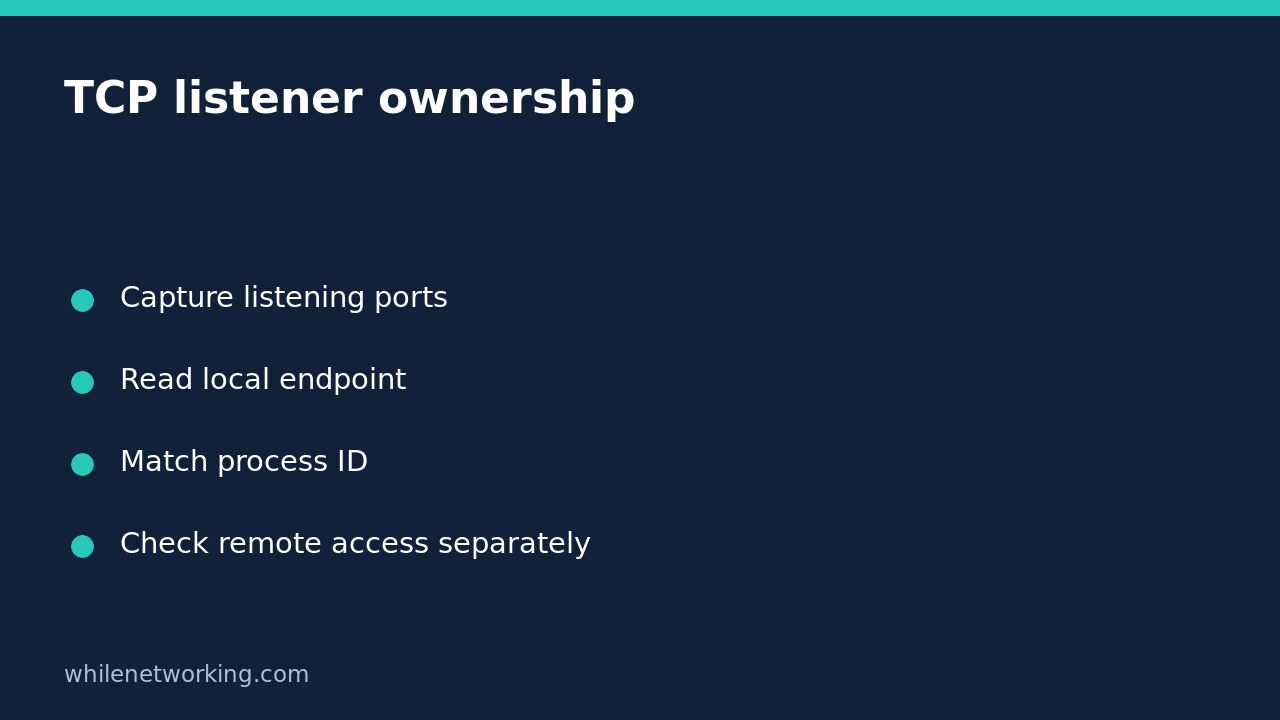

To find which Windows process is listening on a TCP port, run netstat -ano, locate a listening row whose local port matches the service, and match its PID to the running process. This answers an ownership question on the local computer. It does not establish that another computer can reach the port or that the application is healthy.
This workflow is useful when a local development server reports that its port is already in use, or a support ticket needs the process behind a listener. Inspect first: do not terminate an unfamiliar process just because its port matches.
Capture a numeric snapshot without changing configuration
Open Command Prompt on the affected Windows computer and run:
netstat -anoMicrosoft documents -a as displaying active TCP connections and listening TCP/UDP ports, -n as keeping addresses and ports numeric, and -o as including process IDs. Numeric output avoids replacing a port number with a service name. The command does not add firewall exceptions or alter the service.
Start with this single snapshot rather than a continuous refresh. Record the collection time and the service you expected. On a shared machine, network endpoints can reveal sensitive information, so save and share evidence only through approved support channels.
Read the local endpoint and TCP state together
Find TCP rows with a listening state, usually displayed as LISTENING on Windows. Read the Local Address column, not just any occurrence of the port number. A remote server using that port in the Foreign Address column is not evidence that your machine listens on it.
For a fictional example, suppose the application is configured to listen on TCP port 8080. A local endpoint of 127.0.0.1:8080 describes an IPv4 loopback listener. A local endpoint of 0.0.0.0:8080 describes a wildcard IPv4 binding. An IPv6 endpoint such as [::]:8080 needs separate interpretation; do not infer IPv4 behaviour from that line alone.
A loopback binding explains why a service may work locally but not accept connections through the computer’s LAN address. A wildcard binding still does not prove remote availability: firewall policy, routing, address family and the application can affect the outcome. Do not broaden the binding or firewall policy without the service owner’s approval.
Match the PID while the process is still running
Record the PID at the end of the relevant row. Open Task Manager and use the Details view to locate the matching PID. Confirm the process name and, where your permissions and support procedures allow, its executable location and service context.
Process IDs are temporary identifiers, not permanent application identities. If the process exits and a new one starts, an old PID can mislead you. If Task Manager does not show the expected process, capture another netstat snapshot and compare immediately rather than assuming a hidden application or malicious activity.
Several services can share a host process. A host-process name alone may therefore be insufficient to identify the particular service responsible. Escalate with the endpoint, PID, timestamp and approved process details instead of stopping the entire host.
Use executable detail only when necessary
If PID matching is insufficient and you are authorised to inspect executable details, Microsoft also documents:
netstat -anobThe added -b option identifies executables involved in connections or listening ports. Microsoft warns that it can take time and requires sufficient permissions. A permission failure is an incomplete observation, not proof that no listener exists. Do not weaken security controls to obtain this information.
Compare the owning program with the application’s expected installation and service configuration. An unfamiliar name deserves investigation, but a listener or executable name by itself is not a malware verdict.
Keep ownership and connectivity as separate checks
Once ownership is established, test the actual client path independently. Our guide to interpreting Test-NetConnection when ping and TCP disagree explains why an ICMP result should not replace a TCP test. Neither a successful connection nor a listening socket proves that authentication or the application request will succeed.
Quick questions and handover checklist
Does no matching row prove the application is absent? No. It may not be listening at collection time, may use another port or address family, or may use UDP. UDP does not use TCP’s connection-state interpretation.
Should I kill the PID to free the port? Not from this evidence alone. Identify dependencies and use the application’s approved stop or reconfiguration procedure only after authorisation.
- Record the exact local address, port, protocol and state.
- Match the PID and process before they change.
- Document expected versus observed application ownership.
- Test remote reachability separately without relaxing controls.
Source: Microsoft’s netstat command reference. These command examples were checked against the documentation, not executed on a Windows host for this article.
This tutorial is for educational purposes. Test carefully before applying changes in production. The site owner is not responsible for misuse, damage, data loss or production issues.