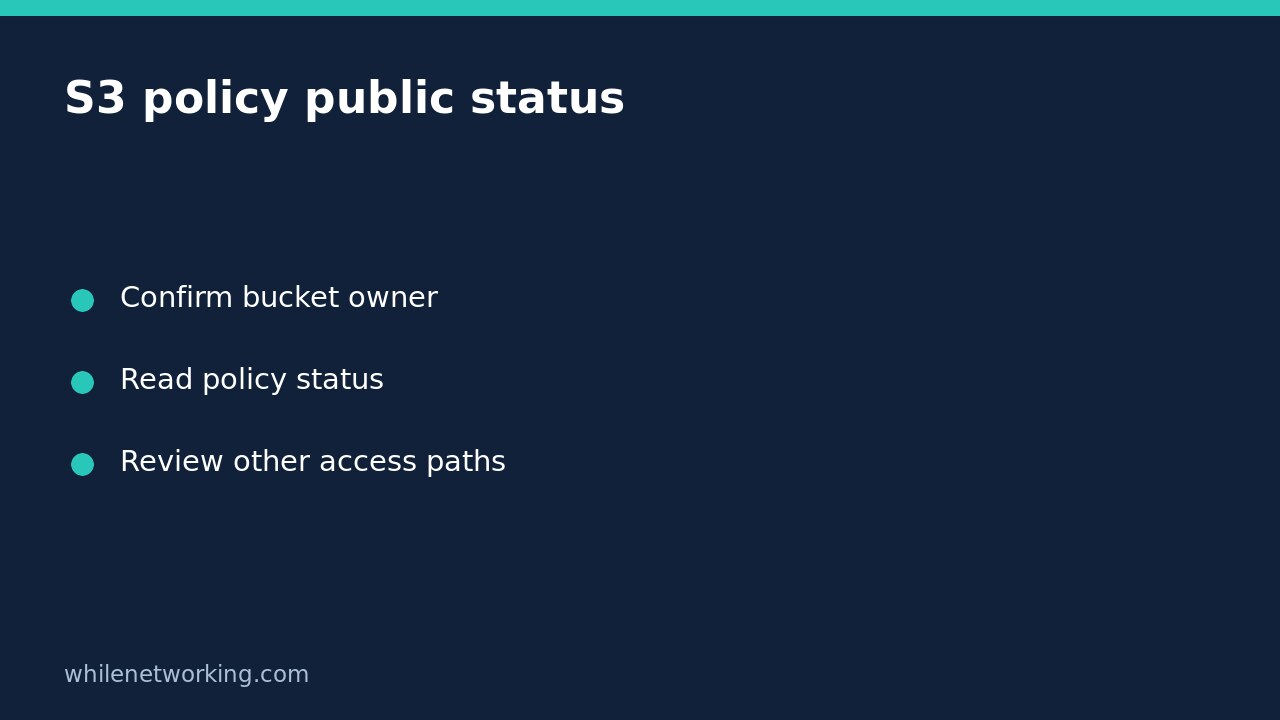

To read how Amazon S3 classifies a bucket’s policy for public access, use get-bucket-policy-status. This read-only operation returns PolicyStatus.IsPublic. Treat the result as one specific piece of access evidence, not a certificate that every object, access point and delivery route is private.
This workflow is for an authorised review of a general-purpose S3 bucket. AWS documents that this operation is not supported for directory buckets. It does not change the bucket policy or enable any protective setting.
Confirm the bucket, account and review question
Before running the command, obtain the bucket name, expected owner account ID, Region and approved AWS CLI profile from your organisation’s records. Do not copy identifiers from an unrelated example. The profile used to make the request and the bucket owner can legitimately belong to different accounts, so record both rather than assuming they match.
The permission required for this operation is s3:GetBucketPolicyStatus. A role allowed to list objects is not necessarily allowed to read this status. Ask for the specific inspection permission if needed instead of requesting broad administrator access.
Run a read-only policy-status request
In Bash with AWS CLI v2 installed and configured, replace the illustrative values below with your approved identifiers. Keep the expected-owner check: it makes the request fail if the named bucket belongs to a different account.
aws s3api get-bucket-policy-status --bucket example-review-bucket --expected-bucket-owner 123456789012 --profile review --region ap-southeast-2 --output json --no-cli-pagerA documented example response has the shape below. It is illustrative output, not a result obtained from your bucket:
{"PolicyStatus":{"IsPublic":false}}Keep the complete response and any error with your inspection notes. Do not discard stderr and then interpret an empty screen as a successful negative finding. Avoid debug logging unless required by an approved troubleshooting process because logs can contain sensitive operational details.
Interpret true, false and failed requests separately
- IsPublic is true: S3 classifies the bucket policy as public. Escalate for review, including the exact policy statements and applicable protective controls. This alone does not prove a particular anonymous object download succeeds.
- IsPublic is false: S3 does not classify this bucket policy as public. Do not expand that conclusion to every possible access mechanism or to an assurance that no data has been shared.
- The request fails: record the error instead of replacing it with false. An owner mismatch can produce HTTP 403; insufficient permissions can also prevent inspection. A missing-policy error is not a successful policy-status response.
AWS explains that public access can involve bucket policies, access point policies and ACLs. Its public-policy classification considers fixed principals and qualifying conditions, so searching a policy for a single asterisk is not an adequate substitute for understanding the policy.
Pair the result with the controls that affect access
Review the bucket’s Public Access Block settings separately. These settings are not the same object as policy public status. AWS describes controls that reject new public policies, ignore public ACLs or restrict access associated with public policies; those behaviours should not be collapsed into one generic enabled/disabled label.
For example, a public-policy classification can coexist with a restrictive control that blocks relevant requests. Conversely, a non-public bucket-policy result does not inspect an application’s separate distribution endpoint. Review applicable account-level controls, access points, ACL use and the intended application access route with the responsible team. Do not disable protections just to see whether an anonymous request works.
Keep a usable review record
Record the inspection time, bucket name, owner ID, profile identity, Region, exact command, success or error, and the returned Boolean when present. Then write a bounded conclusion such as: “Bucket policy status returned IsPublic=false; access-point and application delivery reviews remain outstanding.” That is more actionable than simply marking the storage secure.
Quick questions
Does false prove nobody downloaded a file? No. Configuration status is not access history. Use the organisation’s approved logging and incident-response process for activity questions.
Should I change a policy after seeing true? Not automatically. Establish intended sharing, ownership and application dependencies, then use an approved change plan with recovery steps. This tutorial makes no configuration changes, so there is no configuration rollback to perform.
Sources and safety
See the AWS CLI operation reference and S3 public-access evaluation and controls documentation.
This tutorial is for educational purposes. Test carefully in an authorised non-production environment before using steps in production. The site owner is not responsible for misuse, damage, data loss or production issues.