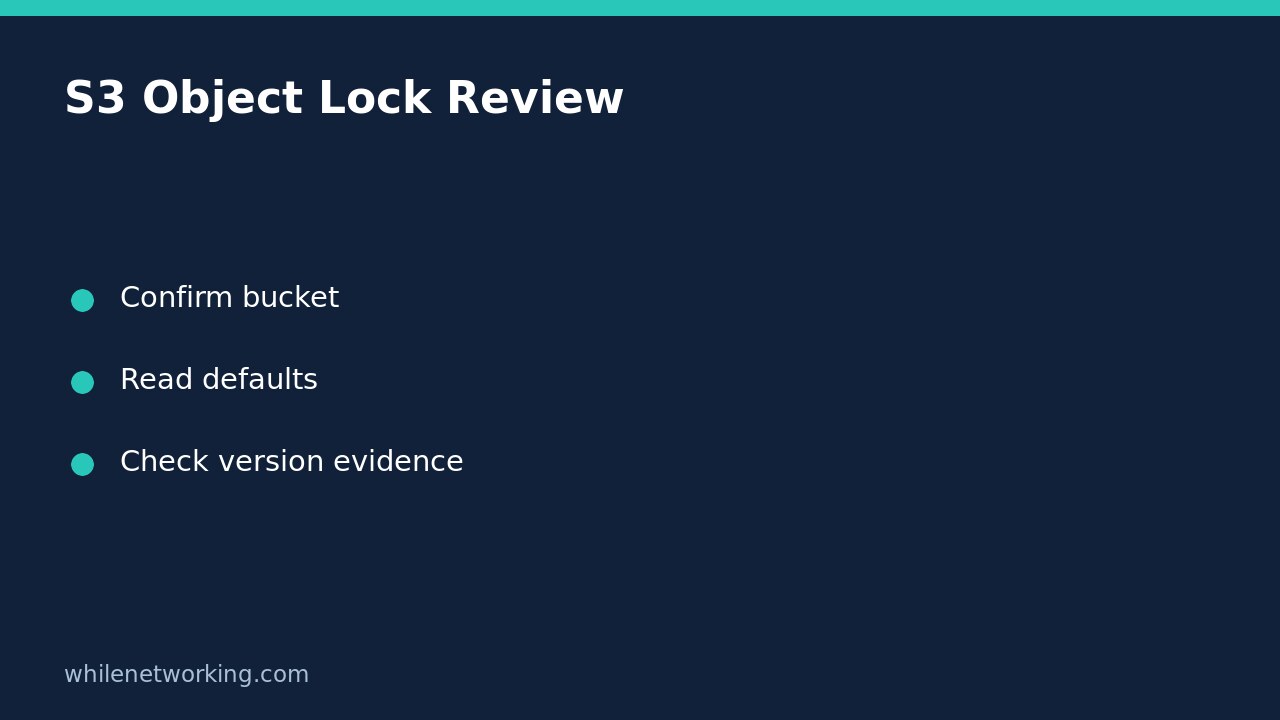

To inspect an S3 bucket’s Object Lock defaults without changing them, use aws s3api get-object-lock-configuration. Read the returned configuration as a bucket-level default, not proof that every stored file has the same protection. Object Lock protects individual object versions, and a default configuration does not replace evidence about a particular version.
This distinction matters when a backup checklist asks whether an important archive is protected from deletion. A screenshot showing that Object Lock is enabled answers only part of that question. You still need to identify the relevant version and establish its actual retention or legal-hold state.
Confirm the account, bucket and review scope
Use an already configured AWS CLI profile with permission to read the intended bucket’s Object Lock configuration. AWS identifies s3:GetBucketObjectLockConfiguration as the relevant bucket read permission. Do not request write or bypass permissions merely to perform this review. The operation is not supported for directory buckets.
Before proceeding, verify the profile’s account and role using the AWS CLI account and role preflight. Obtain the bucket name and expected owner account ID from trusted inventory, not from an unfamiliar email. Reading configuration should not require access to the contents of the archive itself.
Retrieve the complete configuration
Run this example in Bash after replacing the profile, bucket and twelve-digit owner placeholder with your approved values:
aws s3api get-object-lock-configuration --bucket YOUR_BUCKET_NAME --expected-bucket-owner 111122223333 --profile review --output json --no-cli-pagerThe command calls a read operation. It does not enable Object Lock, apply retention, delete versions or change the default rule. Keep the full JSON response for your review rather than immediately filtering it down to a single field. A narrow query can hide settings you did not know to ask about.
The expected-owner option provides an additional target check: AWS documents a 403 response when the supplied account ID does not match the actual bucket owner. A 403 is not proof that Object Lock is disabled; permissions and target details require investigation. Keep normal TLS verification enabled.
Interpret enabled status separately from retention defaults
Look for ObjectLockConfiguration.ObjectLockEnabled. An enabled value identifies the bucket capability. Then inspect Rule.DefaultRetention for the default retention settings returned by the service.
For a simple hypothetical result containing Mode: COMPLIANCE and Days: 30, record that the retrieved default specifies compliance retention for thirty days. This is an illustration, not a result from your account. Do not rewrite it as “all historical files are locked for thirty days from today.” AWS describes the default as applying to new object versions, with the retention date calculated from the version’s creation timestamp for fixed retention.
Individual explicit retention settings can override bucket defaults. Different versions under the same key can therefore have different retention modes and dates. If the response includes event-hold settings, document those separately: current AWS documentation also describes variable retention, which should not be flattened into a guessed fixed expiry.
Follow the evidence down to the required version
For an actual archive review, record its bucket, exact key and version ID, then arrange an authorised read of that version’s retention and legal-hold metadata. Those are separate evidence checks with their own read permissions. Do not infer a legal hold from a bucket default: legal holds operate independently and apply to individual versions.
Object Lock also does not stop a new version being created under the same key. AWS explains that a simple delete can insert a delete marker while the protected older version remains stored. Consequently, an object disappearing from an ordinary current-object view is not sufficient evidence that its protected version was permanently deleted.
Keep your conclusions precise: “Bucket default retrieved; selected version evidence still outstanding” is more useful than an unsupported “immutable backup verified.” Configuration review is also not a restore test, a completeness check or a legal compliance certification.
Errors, final checklist and common questions
- On an error, preserve the service error code, account context and target bucket; do not convert a failed read into a disabled finding.
- Reconcile profile, owner ID and read permission before asking for an approved access correction.
- Attach the complete response and review time to the ticket, avoiding credentials and sensitive object names in public reports.
- For the selected archive, obtain version-specific evidence and separately plan a controlled restore test.
Should I enable or change retention to prove it works? No. This tutorial is an inspection workflow. Retention changes can have significant consequences and need their own approved plan.
Is governance identical to compliance? No. AWS documents different bypass and modification rules. Preserve the actual mode instead of treating both labels as interchangeable.
Sources and safe-use notice
See the AWS CLI command reference for parameters and returned fields, and AWS’s Object Lock overview for version-level retention and legal holds.
This tutorial is for educational purposes. Test carefully before using steps in production. The site owner is not responsible for misuse, damage, data loss or production issues.