
Use aws s3api list-multipart-uploads to inspect multipart uploads that have started but have not been completed or aborted. Listing is a read-only review: it does not complete a transfer, remove uploaded parts or establish that an upload is abandoned. This distinction matters when investigating interrupted jobs without disrupting a colleague’s active transfer.
This walkthrough targets ordinary general-purpose S3 buckets. Directory buckets have different endpoint and authorization requirements; do not assume the same operational setup applies.
Confirm the bucket and review scope first
Start with the approved bucket name, its Region, the AWS profile and the team responsible for its upload jobs. Use your organisation’s authorized credentials rather than requesting broader access just to make a command succeed. If you are unsure which account your shell is using, follow the separate tutorial to check your AWS CLI account and role.
The following Bash example uses placeholders. Replace the profile, bucket and Region with values confirmed by the bucket owner. Do not paste a production bucket name obtained from an unrelated ticket.
aws s3api list-multipart-uploads --bucket YOUR_BUCKET --profile YOUR_PROFILE --region YOUR_REGION --output json --no-cli-pagerBy default, the AWS CLI can make multiple service requests to retrieve the complete result. That is preferable to treating the first service page as a full inventory. The listing itself can change while jobs start or finish, so record the review time and scope rather than describing the result as a permanent snapshot.
Read the upload identity, not just its object key
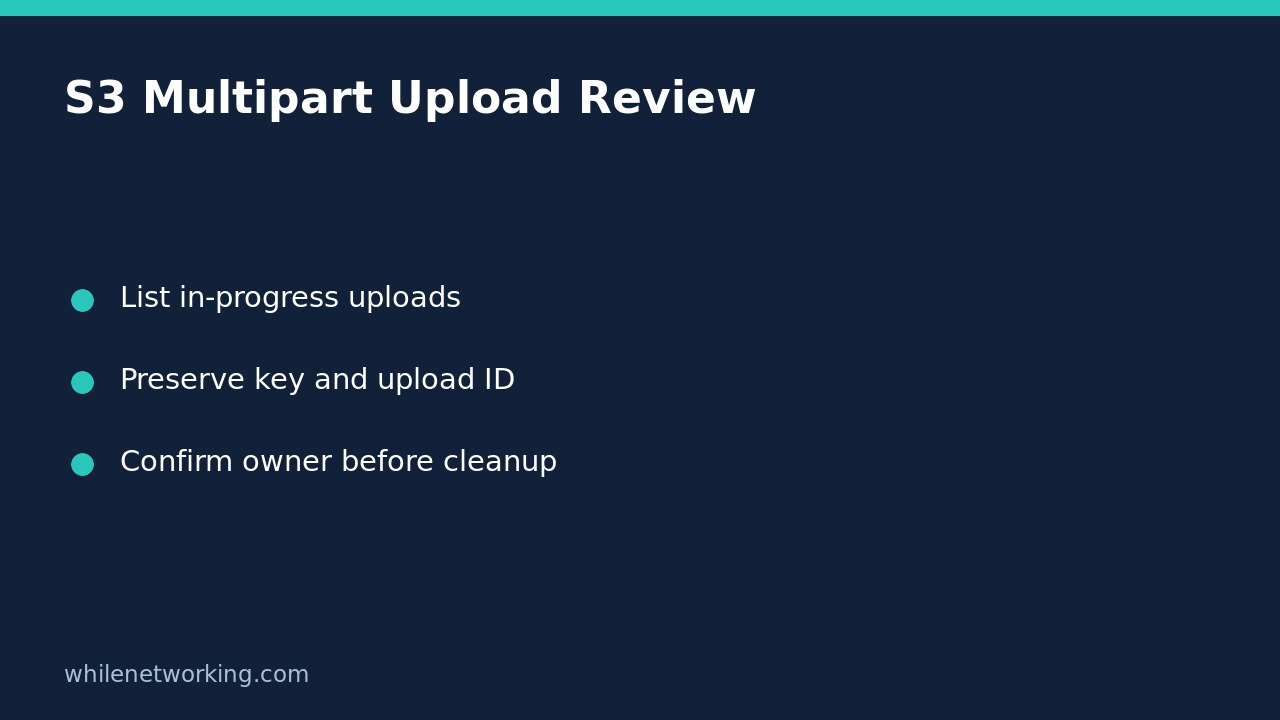
In a successful response, inspect the Uploads entries. Each entry can include the object Key, its UploadId, the Initiated timestamp and information about the initiator. Preserve the key and upload ID together: two in-progress uploads can target the same key, and a key alone does not identify which multipart session you investigated.
For example, suppose a hypothetical review finds two entries for exports/report.csv, one initiated during yesterday’s failed job and another during today’s retry. These are not automatically duplicate completed files. Ask the job owner which upload ID its current process uses before recommending action on either session. An older initiation time is a reason to investigate, not proof that work has stopped.
The listing is not a part-size inventory or a bill. Do not multiply the number of entries by an assumed object size and present the result as a verified saving. AWS notes that in-progress multipart uploads incur storage costs, but determining their actual cost requires additional evidence.
Narrow the investigation without hiding pagination
If the incident concerns a known key prefix, scope the request explicitly:
aws s3api list-multipart-uploads --bucket YOUR_BUCKET --profile YOUR_PROFILE --region YOUR_REGION --prefix 'exports/' --output json --no-cli-pagerA prefix is a string filter, not a recursive filesystem permission boundary. A successful empty result applies to that bucket, prefix, credentials and review time; it does not prove that every bucket is clear. Avoid adding a delimiter during a beginner inventory because it can group entries under CommonPrefixes instead of displaying all upload records directly.
If you intentionally use --max-items to cap the CLI result, preserve any returned NextToken and resume with --starting-token. Do not discard the token or label the capped result complete. The CLI’s continuation token is not interchangeable with the service’s key and upload-ID marker fields. Likewise, --no-paginate limits retrieval and should not be added merely to shorten output.
Keep inspection separate from cleanup approval
Share the bucket, prefix, key, upload ID, initiation time and job-owner response in the incident record. Ask whether the process is active, retrying or intentionally paused. Do not run an abort command as a diagnostic test: aborting is a separate change that can disrupt the transfer. There is no rollback step needed for this read-only listing, because it does not change bucket configuration or uploaded parts.
If your team relies on automated cleanup, review the actual policy rather than assuming that ordinary object expiry removes every unfinished upload. The related guide to inspecting S3 lifecycle rules can help you locate the configuration for a separate review; a configured rule is not proof that a particular upload has already been removed.
Quick troubleshooting checklist
- Access denied: preserve the error and ask the owner to review authorized access. Do not interpret a failed listing as zero uploads.
- Unexpected entries: recheck account, bucket, Region and prefix before drawing conclusions.
- No entries: confirm the request succeeded and that pagination and filters match the intended scope.
- Cleanup requested: obtain approval for the exact upload IDs separately from permission to inspect them.
The commands are documented examples, not a report of a live AWS inventory performed here. Source: AWS CLI list-multipart-uploads reference.
This tutorial is for educational purposes. Test carefully before using commands in production. The site owner is not responsible for misuse, damage, data loss or production issues.