
An active NTP service and a synchronized system clock are different observations. When reading timedatectl, do not treat an active service as proof that the machine has already obtained usable time. Likewise, a familiar local time display does not establish that the underlying clock is accurate. This read-only workflow helps you describe what the server reports before changing its configuration.
Separate the three questions in the output
On a Linux host using systemd and its time-management interface, start with the human-readable status command:
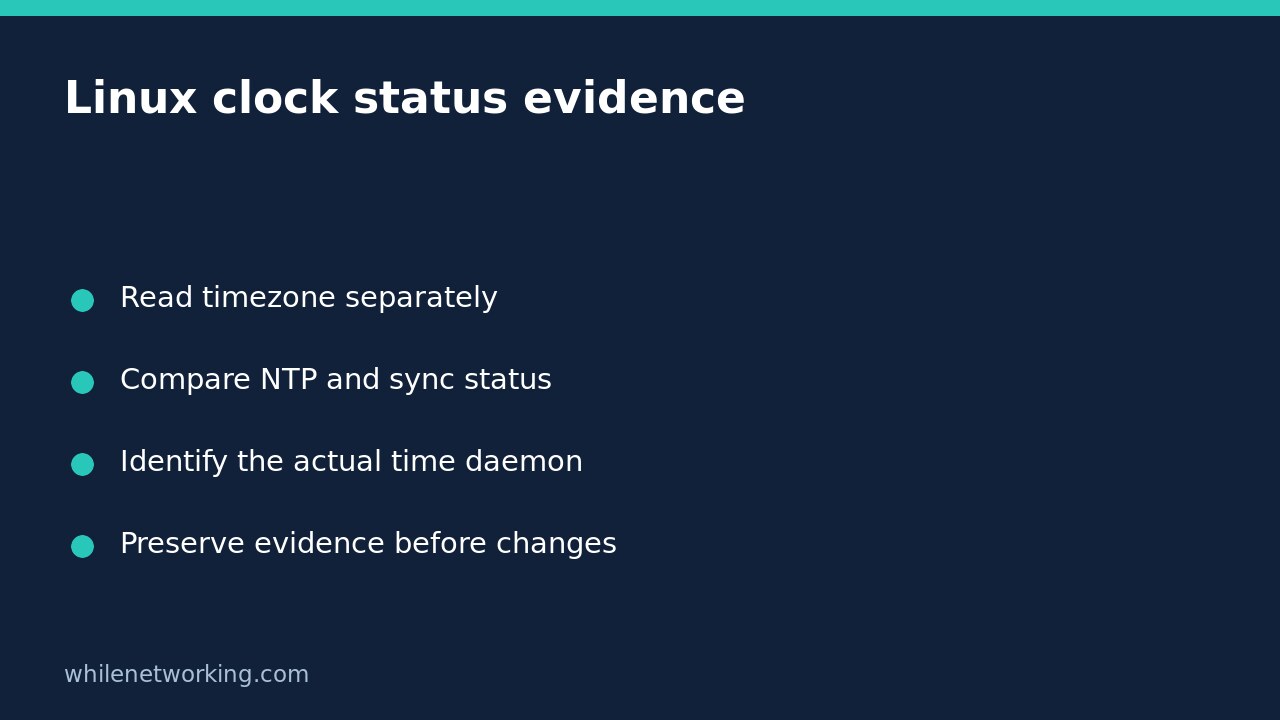
timedatectl statusFirst, read the time zone and compare the local and universal time displays. A time zone controls how a moment is presented; it is not a measurement of synchronization quality. A server can show an unexpected local hour because its time zone differs from your workstation, even when both represent the same instant.
Second, inspect the NTP service line. This describes network time service activity as reported through the systemd interface. It does not independently demonstrate successful contact with a time source. Third, inspect the system-clock synchronization line. Record its reported value rather than replacing it with your assumption about what an active daemon should have accomplished.
For example, if the service is active while synchronization is reported as no, write both observations in the incident note. Do not shorten that to either “NTP is broken” or “time is healthy.” You have found a reason to investigate, not established a root cause.
Capture machine-readable evidence separately
For support records or subsequent parsing, the upstream manual recommends show rather than scraping the formatted status display:
timedatectl showThis emits property-oriented information. Preserve the property names with the values so that another administrator can interpret the record. Use the installed manual when selecting properties for automation, because available interfaces depend on the installed systemd version. Avoid treating a missing property or a failed command as an affirmative health result.
If the command cannot contact the system bus, keep the error. Minimal containers, recovery environments and machines without the expected systemd services may not expose this interface. That failure establishes a limitation of this inspection method, not proof that the clock is unsynchronized. Run the check on the actual host whose time you need to assess.
Ask the right daemon for more detail
The commands below are specifically for systemd-timesyncd, not generic diagnostics for every NTP implementation:
timedatectl timesync-status
timedatectl show-timesync
The first provides a human-readable timesyncd status view; the second is its machine-readable counterpart. Depending on the available state, the display can provide server and timing information. Do not invent a selected server when no usable record is returned. If the server uses chrony or another implementation instead, identify that implementation through the host’s service inventory and use its own documented diagnostics.
A timesyncd-specific failure on a chrony-managed server does not establish that chrony failed. Conversely, a running process is only one layer of evidence: investigate its reported source selection, recent errors and the organisation’s monitoring expectations before declaring time healthy. Do not introduce a second time daemon merely to make a particular command succeed.
Keep the initial investigation read-only
The same utility also offers commands that set time, change the zone or enable and disable synchronization services. They are not harmless follow-ups to a status check. In particular, the documented enable operation can enable and start an available synchronization service; disabling can stop known synchronization services. Those are operational changes, not evidence collection.
Keep those operations out of the initial investigation. Record the original status, which daemon is intended to manage time, the observation window and any relevant errors. If you review service logs, keep the boot boundary clear; see reading the previous Linux boot journal without mixing timelines. A previous boot’s successful synchronization does not establish the current boot’s state.
Quick interpretation checklist
- Is the question about displayed local time, actual clock accuracy, or both?
- What do the service activity and synchronization lines each report?
- Did the inspection command succeed, and was it run on the intended host?
- Does the detailed command match the installed time daemon?
- Have you preserved evidence before proposing an approved change?
FAQ: Does a synchronized indication guarantee permanent accuracy? No. It is an observation of reported state, not a promise about future network availability or application-specific precision. Use ongoing monitoring appropriate to the workload.
Source: The upstream systemd timedatectl manual documents the status and show distinction, timesyncd-specific commands and configuration-changing operations.
Safety: This tutorial is for educational purposes. Test carefully before production use. The site owner is not responsible for misuse, damage, data loss or production issues.