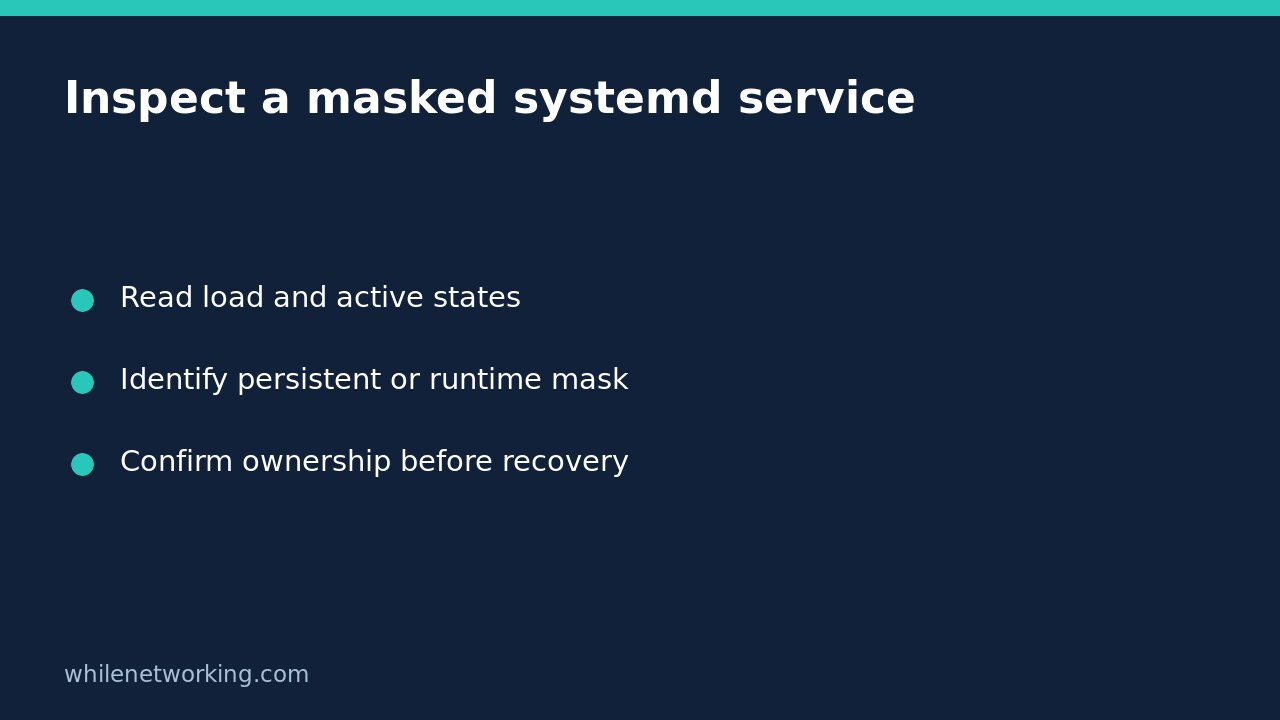

A systemd service reported as masked is not simply disabled. Masking prevents activation, including a manual start, by linking the unit name to /dev/null. Before removing that restriction, establish whether an administrator, package or security baseline deliberately put it there. A successful unmask would remove a restriction; it would not prove that starting the service is safe or that the application works.
Separate the activation restriction from the running process
The upstream systemctl manual describes masking as stronger than disabling. Disabling removes enablement links but does not generally prohibit other activation paths. Masking prevents activation. Stopping, meanwhile, changes the current runtime state. These are different operations, so do not use the words interchangeably in an incident report.
Masking without a stop operation does not necessarily terminate an already running service. This explains why seeing a running process does not by itself disprove a mask. Equally, an inactive unit can be masked without having suffered an application crash. Treat the load state, enablement state and active state as separate observations.
Collect read-only evidence using the exact unit name
The following example uses the placeholder example.service. Replace it with the actual full unit name; do not paste a guessed production service into a change command. Run these inspection commands in the manager where the problem occurs:
systemctl is-enabled example.service
systemctl show example.service --property=LoadState,ActiveState,SubState,UnitFileState,FragmentPath
systemctl status example.service --no-pager --full
Read each result and any diagnostic rather than treating every nonzero status as the same failure. For example, a masked state and a missing unit are not equivalent. The status command can return nonzero for an inactive service. Record output before running another command if exit status matters to your investigation.
These commands inspect the system manager by default. For a per-user service, use systemctl --user consistently as the affected user. A system service and a user service with similar names are not the same managed object. This article does not report a live service recovery; the commands are an inspection workflow to adapt to your host.
Identify a runtime mask versus a persistent mask
According to the upstream manual, ordinary system masking creates a link under /etc/systemd/system/; a runtime mask uses /run/systemd/system/ and is temporary until reboot. Inspect the exact candidate entries without modifying them:
readlink -- /etc/systemd/system/example.service
readlink -- /run/systemd/system/example.service
A printed /dev/null target supports the presence of a mask at that path. No printed target does not establish that the service is startable: the entry may be absent or not a symlink, access may fail, or you may be investigating the wrong manager or name. Keep error messages. Do not delete a file because it occupies one of these locations.
The manual also notes that masking can fail when a unit file already exists at the intended link location, which commonly affects locally created units. A failed masking attempt is not evidence that a persistent restriction was installed. Check the resulting state rather than relying on a remembered command.
Make recovery an authorised change, not an automatic fix
Find the change record or configuration owner first. A mask may intentionally keep a conflicting daemon, retired application or unwanted listener from returning. Removing it without understanding dependencies can restore an unwanted activation path. Do not use a broad revert operation as a shortcut: the manual explains that revert can remove overrides as well as unmasking a unit.
If recovery is approved, document the exact unit, manager scope, original mask location and intended runtime state. Unmasking, starting and enabling are separate decisions. Removing a mask does not itself demonstrate successful startup, boot enablement, application readiness or security approval. Preserve enough information to restore the original restriction if the approved change must be rolled back.
Final checks and a short FAQ
- Was the restriction intentional, and who authorised changing it?
- Was the observation made in the correct system or user manager?
- Were load state and active state recorded separately?
- After an approved change, were application behaviour and logs checked rather than only command success?
Should I clear failed state first? Not to remove a mask. Failure bookkeeping and activation restrictions solve different problems. For an actual service failure, follow capturing a failed service before restarting or clearing state so useful evidence is not discarded.
Does reboot reliably fix this? A runtime mask is temporary, but a persistent mask is not. Rebooting also disrupts other workloads and is not an appropriate diagnostic substitute.
Safety: This tutorial is for educational purposes. Test carefully before production use and obtain change approval. The site owner is not responsible for misuse, damage, data loss or production issues.