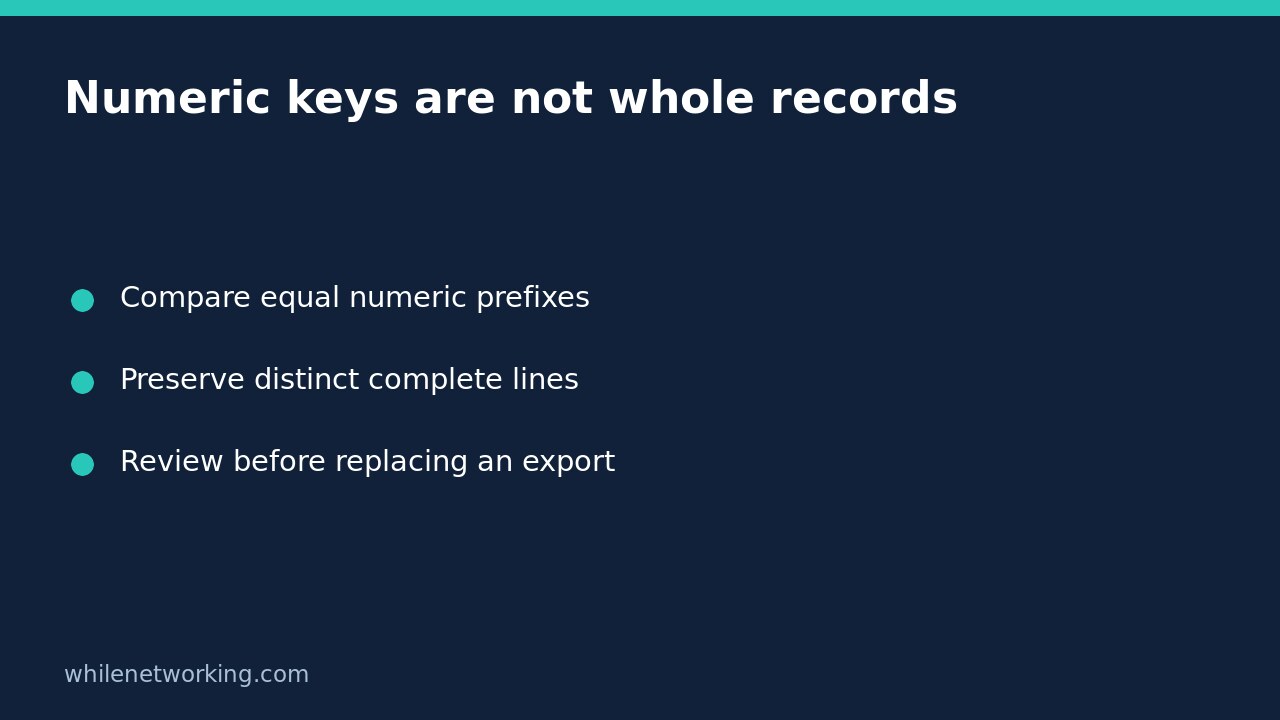

If sort -n -u removes rows whose descriptions differ, it may be doing exactly what was requested. With GNU sort, numeric ordering combined with uniqueness compares the numeric value at the start of each line. Rows with the same initial numeric value can therefore collapse into one, even when the remaining text identifies different records. Decide whether you want unique numbers or unique complete lines before using the result.
Understand what unique means under numeric comparison
The GNU Coreutils upstream manual source, in its sort section, explicitly distinguishes sort -n -u from sort -n | uniq. The first checks uniqueness using the initial numeric value. The second sorts numerically, then has uniq compare the complete adjacent lines.
Ordinary GNU sort has a last-resort comparison of whole lines when ordering keys tie. The unique option disables that last-resort comparison. That is why adding -u is not merely a harmless instruction to remove exact duplicate text after sorting: it changes which differences count. Numeric equality is not record identity.
Reproduce the difference without touching a file
Run this small example in Bash on a system with GNU sort. It sends invented records through standard input and prints results; it does not alter an export or create files. The C locale keeps this ASCII demonstration predictable.
printf '%s\n' '10 beta' '2 amber' '2 blue' '2 amber' | LC_ALL=C sort -n -uThe expected result is:
2 amber
10 beta
The row 2 blue was not an exact textual duplicate of 2 amber, but its numeric prefix compared equal. In this input, the first row from that equal-number group is retained. Do not turn that incidental input order into a rule for selecting the newest, most authoritative or otherwise preferred record.
Now keep distinct complete lines while still presenting them in numeric order:
printf '%s\n' '10 beta' '2 amber' '2 blue' '2 amber' | LC_ALL=C sort -n | LC_ALL=C uniqThe expected output is:
2 amber
2 blue
10 beta
Here the identical 2 amber rows become adjacent and uniq removes the repetition, but 2 blue survives. Both commands finish successfully on this fixture. Success is not evidence that either transformation matches the business meaning of your records.
Choose the record policy before the command
For a report where the leading number is a count and the remaining text names a separate customer, device or job, losing equal-count rows is usually undesirable. The numeric sort followed by whole-line uniq matches the narrow requirement demonstrated above: retain each distinct complete line and display the lines by their initial numeric values.
If you genuinely need one row per numeric value, numeric uniqueness can be appropriate, but decide which row should survive. If selection depends on a timestamp, priority or source quality, define that rule explicitly instead of trusting whichever input record happens to arrive first. Sorting cannot determine which row is factually correct.
Do not apply this whitespace example blindly to CSV, JSON or data with embedded newlines. Numeric sort is not a structured-record parser. Headers, blank numeric fields, identifiers with leading zeroes and nonnumeric prefixes also require a deliberate handling policy. For identifiers, numeric equality may merge strings that your application treats as distinct IDs.
Review an export before replacing anything
- Keep the original export unchanged and perform the first comparison on a copy or standard input.
- Identify whether equality means the whole line, one field, a numeric value or a structured record.
- Inspect several equal-number groups manually, including different descriptions and exact repeats.
- Use consistent locale settings for every comparison stage.
- Check diagnostics and pipeline failures in automation; a downstream success does not establish that every upstream command succeeded.
- Compare output with the intended record policy before promoting it to a production dataset.
Do not redirect output back onto the input pathname: shell redirection can truncate that file before sort reads it. For this introductory check, the examples intentionally write only to the terminal. Any later file replacement needs its own backup and validation procedure.
FAQ: should I use version sorting instead?
Does version sorting fix the uniqueness problem? No. It answers a different ordering question. For numbered filenames such as release archives, see sorting numbered filenames naturally with GNU sort -V. Choosing a natural filename order does not establish what constitutes a duplicate record.
Can I add stable sorting to preserve every row? Stability controls the relative order of equal keys; it does not mean uniqueness will retain all rows in an equal-key group. Separate ordering, tie handling and duplicate removal in your requirements.
Safety: This tutorial is for educational purposes. Test carefully before production use. The site owner is not responsible for misuse, damage, data loss or production issues. The small fixture illustrates text-processing semantics, not validation of a production dataset.