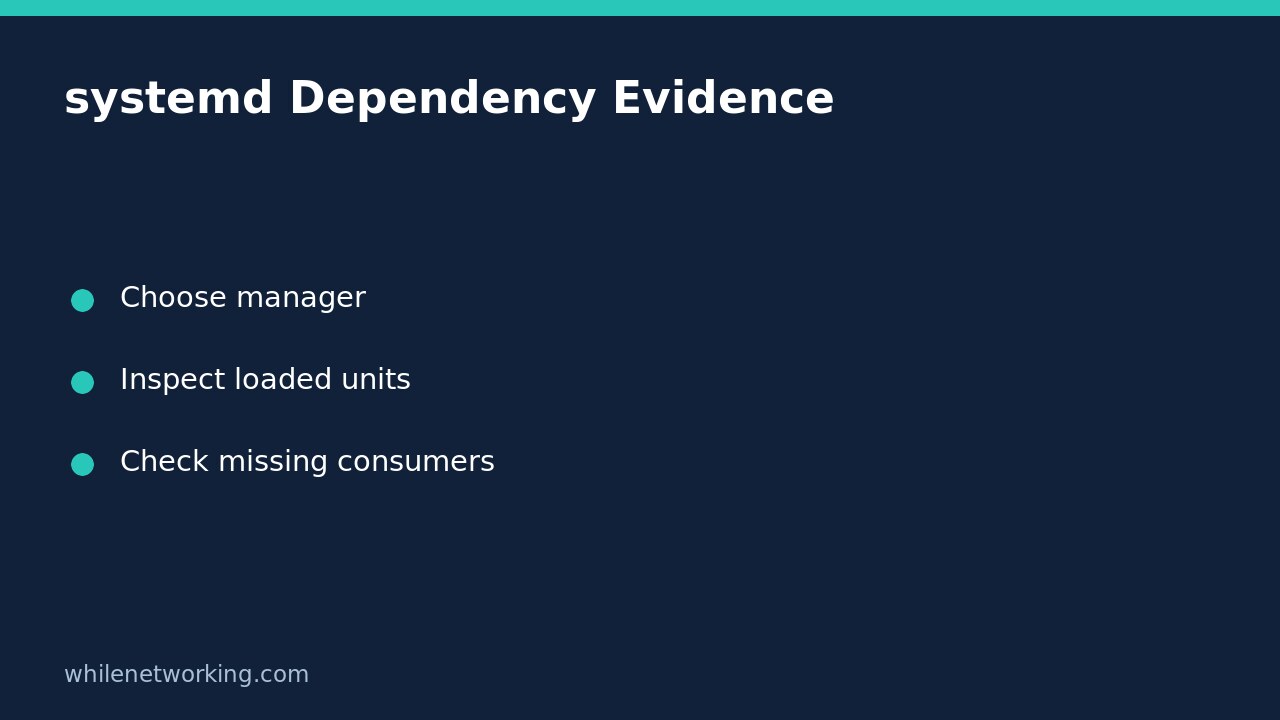

An empty or short systemctl list-dependencies --reverse result does not prove that nobody depends on a Linux service. The command lists relationships among units currently loaded into the service manager. Definitions belonging to units not loaded into memory can be absent. Use the tree as evidence for an investigation, not as permission to stop a production dependency.
This matters when preparing a maintenance impact list for a database, mount or local daemon. There are two separate questions: which relationships does systemd currently expose, and which real applications would be affected? Neither answer automatically supplies the other.
Start with one exact unit and manager
Replace example.service with the actual unit, including its suffix. Run these read-only commands against the system manager:
systemctl show example.service --property=Id --property=LoadState --property=ActiveState
systemctl list-dependencies --reverse --all example.service --no-pager
The first command provides identity and state context. The second expands the reverse dependency tree more deeply. Importantly, --all expands non-target units recursively; it does not turn the result into a complete scan of every installed unit definition. That difference is the central limitation to record in your maintenance notes.
For a user-managed application, use the same commands with systemctl --user from the appropriate user’s session. A system-manager result does not inventory another user’s manager. An unavailable manager or a command error is also not an empty dependency finding.
Separate requirement relationships from ordering
By default, list-dependencies follows requirement-style relationships such as Requires and Wants. Ordering is a different view. To inspect ordering relationships in each direction, use:
systemctl list-dependencies --after --all example.service --no-pager
systemctl list-dependencies --before --all example.service --no-pager
Read these as ordering evidence, not as lists of guaranteed running clients. An After relationship constrains ordering when relevant start jobs are involved; it is not by itself a request to start the other unit. Conversely, a requirement relationship and an ordering relationship are not interchangeable descriptions of the same thing.
For a hypothetical reporting service and database, a requirement may explain why the database is pulled into a transaction. An ordering rule may explain why one starts after the other. Neither proves the reporting application successfully connected, authenticated or completed its work.
Investigate consumers that the tree can miss
Suppose your reverse tree shows two consumers, but the operations inventory names a third batch worker. Do not remove the third worker from the impact list merely because it is absent. Establish its exact unit name, manager scope and definition, then inspect its backing configuration:
systemctl cat consumer.service
systemctl show consumer.service --property=Id --property=LoadState --property=Requires --property=Wants --property=After
Replace the placeholder with the known consumer’s real name. These commands inspect that named unit and may cause its definition to be loaded; they do not start it. Record when you collected each snapshot, because the manager’s loaded-unit inventory can change while you investigate.
Also consult application configuration and service ownership records. A client can connect to a database over the network without declaring any local systemd dependency. Containers, remote hosts, user services and external schedulers may have operational dependencies that no single system-manager tree can represent.
Build a defensible maintenance handover
- Record the exact unit, host, manager scope and collection time.
- Keep default, reverse and ordering findings labelled separately.
- Write down the loaded-unit limitation rather than calling the output exhaustive.
- Check known consumers against configuration and owner records.
- Plan application-specific validation and approved recovery steps before a change.
Keep the distinction between startup policy and runtime state clear too: the related tutorial on a disabled service that is still running explains why enablement alone cannot establish whether an application is active.
Short FAQ and source
Does –all discover every unloaded consumer? No. The upstream manual explicitly limits this command to currently loaded units, even though –all expands the tree more fully.
Does a successful listing authorise a stop? No. It establishes that the query ran, not that the impact assessment is complete or that a maintenance action is approved.
Source: systemd’s systemctl manual, particularly list-dependencies and its reverse, before and after options. Check the installed manual for version-specific behaviour.
This tutorial is for educational purposes. Test carefully before using these steps in production. The site owner is not responsible for misuse, damage, data loss or production issues.